

cases
- Meeting Reservation Tablet
- Advertising Display Tablet
- Restaurant Ordering Tablet
- Stand By Me TV(Big Tablet)
- Smart Home Tablet
- Medical Monitoring Tablet
- Industrial Tablet
- Rugged Tablet
Have any questions?
Please feel free to contactus. We will get back to you as soon as.
+86-13501581295 +86-13501581295 [email protected]
Smart Healthcare Case Study: Deploying Android Terminals in a Hospital Self-Service Registration System
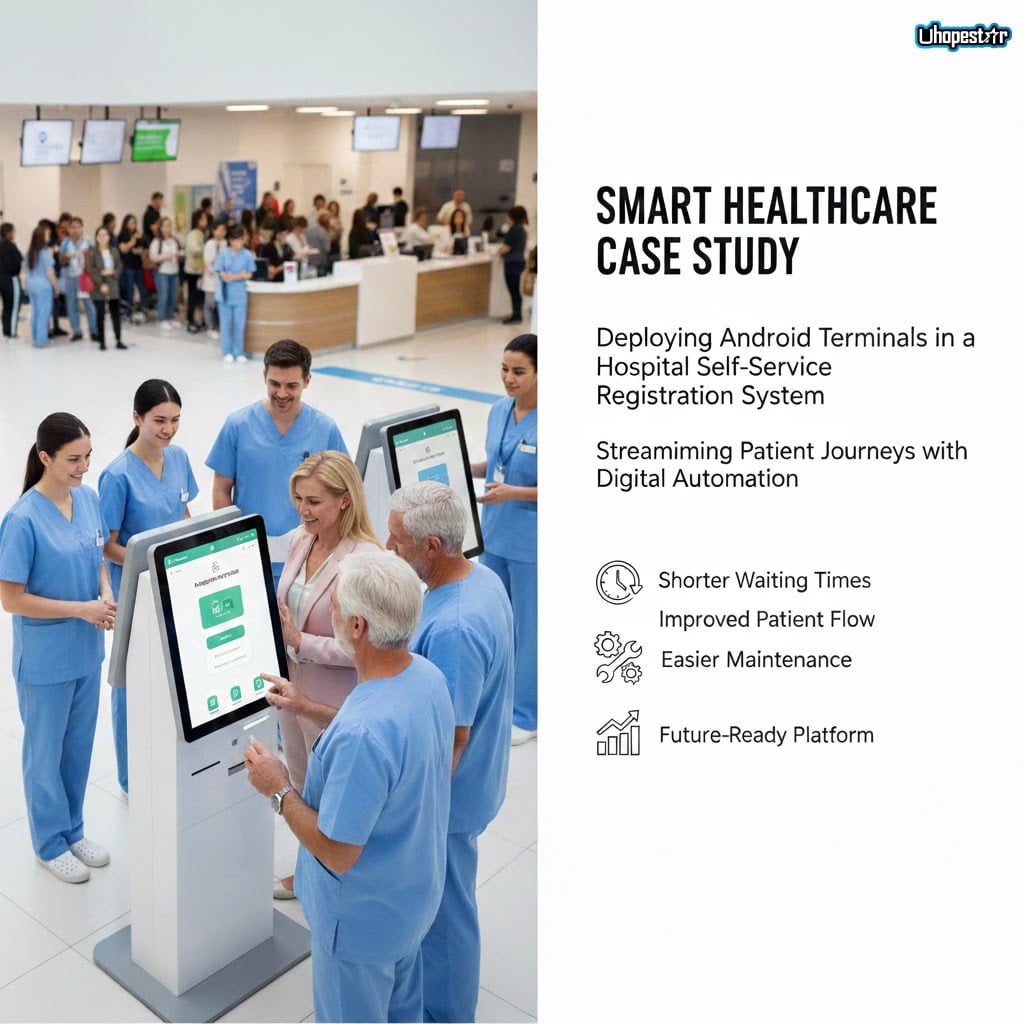
As hospitals accelerate their digital transformation, front-end service terminals have become an essential part of modern medical operations. From outpatient registration and queue management to patient information retrieval, traditional manual windows can no longer support the growing demand for efficiency. Long queues, inconsistent service experience, and high staffing pressure continue to challenge hospital operations. To improve service efficiency and streamline the patient journey, many hospitals are exploring self-service solutions powered by stable, easy-to-maintain digital devices.
1. Background: Growing Need for Hospital Digitalization
With rising outpatient volumes, hospitals face several recurring issues in daily operations. During peak hours, registration windows are often overcrowded, leading to long waiting times and patient frustration. Manual data entry at the counter is slow and prone to errors, affecting information accuracy in systems such as HIS and EMR. Additionally, hospitals must allocate significant manpower to maintain on-site order, explain procedures, and assist patients, which increases operational costs.
At the same time, national healthcare systems are pushing for smarter, more integrated hospital services. After upgrading their HIS, LIS, and EMR platforms, many medical institutions want to further extend digitalization to the patient-facing side. Their goal is to allow patients to complete basic tasks—such as registration, payment, and queue inquiry—quickly and independently, creating a seamless and efficient visit experience from the moment they enter the hospital.
2. Solution: Android Tablets Powering Self-Registration and Queue Management
In this project, the hospital partnered with a system integrator to deploy Android tablets as the primary interaction terminals for its self-service platform. Android’s open architecture, flexible development environment, and strong compatibility made it ideal for integrating with existing hospital systems.
The final solution consisted of several key modules:
Self-Registration Terminal
Patients can select departments, check doctor schedules, and complete registration directly on the tablet. This significantly reduces reliance on manual counters and helps shorten queues during peak periods.
Queue Management and Display
The Android terminal connects to the hospital’s queueing system, displaying real-time waiting numbers, current call status, and estimated progress. Voice announcements help guide patients, improving overall flow and transparency.
Real-Time Integration with HIS
The devices are fully connected to the hospital's HIS backend. Patient data, registration records, and payment information sync automatically, eliminating manual entry errors and ensuring operational accuracy.
Efficient Maintenance and Device Management
The Android-based system supports remote monitoring, centralized updates, and unified application management. IT personnel can diagnose issues or push updates from the backend, reducing on-site maintenance workload and improving service continuity.
Future-Proof Expansion
The tablets also offer a clear upgrade path. Additional features—such as QR-based medical insurance verification, prescription inquiry, indoor navigation, or patient follow-up modules—can be added as needed, allowing the hospital to continue expanding its digital services without changing the hardware infrastructure.
3. Results: Shorter Waiting Times, Improved Patient Flow, and Easier Maintenance
After deployment, the hospital saw significant improvements in daily operations. The self-registration terminals dramatically reduced patient waiting time. Processes that previously required long queues could now be completed in a few minutes directly at the self-service kiosk, smoothing peak-hour congestion and improving overall service capacity.
Queue management also became more predictable and orderly. Patients no longer needed to repeatedly ask staff about their turn. Instead, real-time updates and voice notifications provided a transparent and efficient experience. Doctors reported better appointment flow, as patients arrived in a more organized manner.
For the hospital IT department, system maintenance became substantially easier. Remote device management allows staff to handle updates, troubleshoot issues, and manage configurations from the backend, reducing on-site intervention and lowering operational costs. The stability of the Android platform also decreased downtime, ensuring that the self-service stations remained consistently available.
Patient feedback was positive as well. The intuitive interface helped both younger and older patients complete tasks independently, reducing the workload on registration counters. Staff members were able to shift from repetitive registration tasks to offering more personalized support, enhancing the overall service quality of the outpatient department.
From a management perspective, the hospital now operates with greater efficiency, more predictable patient flow, and reduced dependence on manual labor. The Android terminal-based solution has become a core component of the hospital’s smart service ecosystem and provides a solid foundation for future digital expansion.