

The Hybrid Office: Using Android Tablets as Professional Second Screens
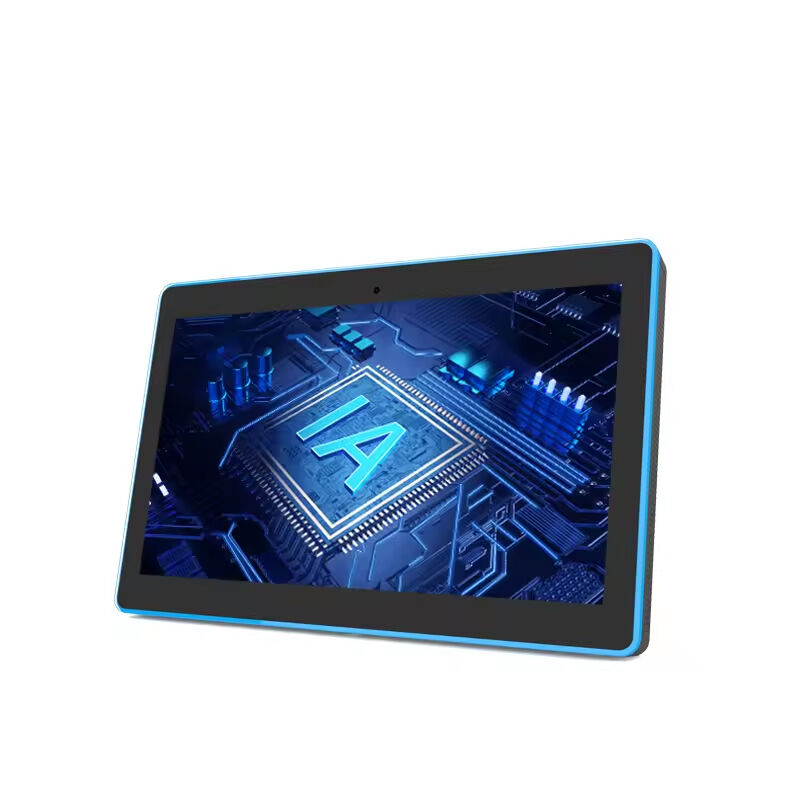
Modern Android tablets are no longer limited to entertainment or casual mobile usage.
With improved processing power, desktop-style interfaces, and docking support, enterprise Android tablets are increasingly functioning as:
- portable workstations
- collaboration displays
- scheduling panels
- second-screen productivity devices
For hybrid office environments, this flexibility is especially valuable.
Employees can quickly transform a shared desk into a temporary workstation using:
- a tablet
- a docking station
- wireless peripherals
- cloud-based productivity platforms
The result is a far more adaptable workspace model.
The Second-Screen Trend in Modern Offices
One of the biggest workplace productivity shifts in recent years is the growing reliance on multiple displays.
Employees frequently use secondary screens for:
- video meetings
- messaging platforms
- dashboards
- email monitoring
- project management tools
- document comparison
- calendar scheduling
However, equipping every workspace with permanent dual monitors significantly increases:
- hardware costs
- desk footprint
- energy consumption
- office infrastructure complexity
Android tablets provide a more flexible alternative.
Instead of fixed secondary displays, tablets can serve as:
- portable second monitors
- touch-enabled collaboration panels
- temporary meeting displays
- mobile presentation terminals
This dramatically improves workspace flexibility while reducing permanent hardware requirements.
How Tablet + Docking Station Setups Improve Office Efficiency
The real transformation happens when Android tablets are paired with enterprise docking ecosystems.
A tablet connected to:
- USB-C hubs
- wireless keyboards
- external displays
- charging docks
- cloud collaboration platforms
can function as a lightweight professional workstation.
This approach creates several operational advantages.
1. Higher Workspace Utilization
Traditional fixed desks often remain unused for large portions of the week in hybrid offices.
Tablet-based workstations allow companies to:
- reduce permanent desk allocation
- support hot-desking models
- increase employee mobility
- maximize office floor efficiency
For office planners, this directly improves:
- space utilization rates
- seating flexibility
- office scalability
2. Lower Hardware Investment Costs
Instead of purchasing:
- full desktop systems
- multiple monitors
- separate meeting room terminals
companies can deploy flexible Android tablet ecosystems across multiple use cases.
One device can support:
- personal productivity
- meeting room scheduling
- presentation sharing
- desk collaboration
- visitor management
This “one-device-multiple-functions” model reduces redundant hardware spending.
3. Easier Office Reconfiguration
Modern offices increasingly require dynamic layouts.
Departments expand.
Teams reorganize.
Collaboration zones change frequently.
Fixed desktop infrastructure slows down workspace adaptation.
Tablet-based office setups make it easier to:
- redesign work areas
- deploy temporary workstations
- create flexible meeting spaces
- support mobile teams
For growing enterprises, operational flexibility becomes a major long-term advantage.
Why Enterprise Android Tablets Fit Hybrid Work Better
Compared with traditional desktop ecosystems, Android enterprise tablets offer:
- lower deployment complexity
- easier remote management
- simplified device provisioning
- improved mobility
- touch-based collaboration
- faster workspace activation
For enterprise IT teams, Android-based workspace solutions also integrate more easily into:
- cloud-first environments
- SaaS collaboration platforms
- smart office systems
- meeting room scheduling platforms
This makes Android tablets increasingly attractive for modern office infrastructure planning.
Conference Room Tablets Are Expanding Beyond Scheduling
One important trend is that conference room tablets are evolving into multi-purpose workplace terminals.
Originally designed for:
- room booking
- scheduling visibility
- meeting check-ins
they are now increasingly used for:
- workspace management
- collaboration controls
- visitor coordination
- digital signage
- team communication dashboards
In hybrid offices, this convergence helps companies reduce device fragmentation across the workplace.
Smart Office Tablet Solutions for Hybrid Workspaces
At UHopestar, Android tablet solutions for smart office environments are designed to support modern hybrid workspace deployment scenarios, including:
- Conference room scheduling
- Workspace management
- Collaborative office setups
- Smart desk systems
- Commercial display environments
- Enterprise productivity terminals
With commercial-grade Android platforms, flexible installation options, and enterprise deployment compatibility, office tablet ecosystems can help businesses build more adaptive and space-efficient workplaces.
Final Thoughts
The hybrid office is changing the relationship between employees, desks, and workplace technology.
Instead of fixed infrastructure tied to permanent seating, companies are moving toward flexible workspace ecosystems built around mobility and adaptability.
Android tablets — especially when paired with docking systems and smart office platforms — are becoming a practical alternative to traditional second-screen office setups.
Because in the future workplace, productivity will depend less on where employees sit…
…and more on how efficiently workspace technology adapts around them