

How to Choose the Right Android POS Terminal for Your Business in 2026
Why Android POS Selection Matters More Than Ever in 2026
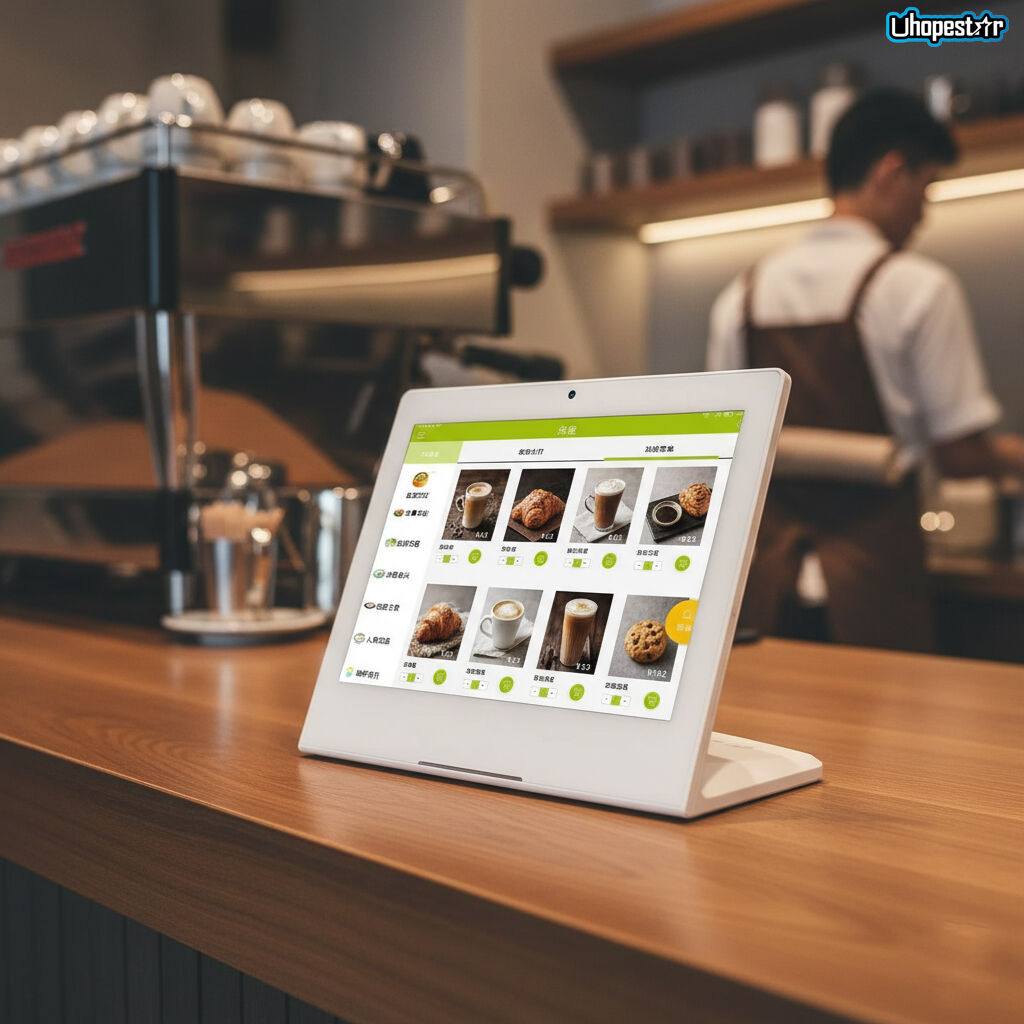
As digital transformation accelerates across retail, hospitality, healthcare, and industrial environments, Android POS terminals are no longer simple payment devices. In 2026, they function as business operation hubs, integrating ordering, payment, content display, remote management, and system control into a single platform.
For procurement managers, system integrators, and brand owners, choosing the right commercial Android POS terminal has become a strategic decision—one that impacts scalability, system stability, and long-term operating costs.
This guide explains how to select the right Android POS terminal in 2026, based on real-world deployment needs rather than marketing specifications.
1. Market Demand Shifts: How Android POS Use Cases Are Evolving
The role of Android POS hardware is expanding far beyond traditional checkout counters.
Key market trends shaping POS demand in 2026 include:
-
Retail digitalization: unified POS + digital signage + inventory terminals
-
Restaurant automation: self-ordering tablets, kitchen displays, dual-screen POS machines
-
Enterprise device management: large-scale rollout with MDM remote management POS solutions
-
Industry convergence: POS hardware reused as industrial control touch panels, conference room scheduling displays, and smart home control tablets
As a result, businesses increasingly prefer commercial-grade Android tablets over consumer devices, prioritizing durability, customization, and lifecycle support.
2. Common Types of Android POS Terminals
Before comparing specifications, it’s important to understand the main Android POS form factors used in commercial deployments.
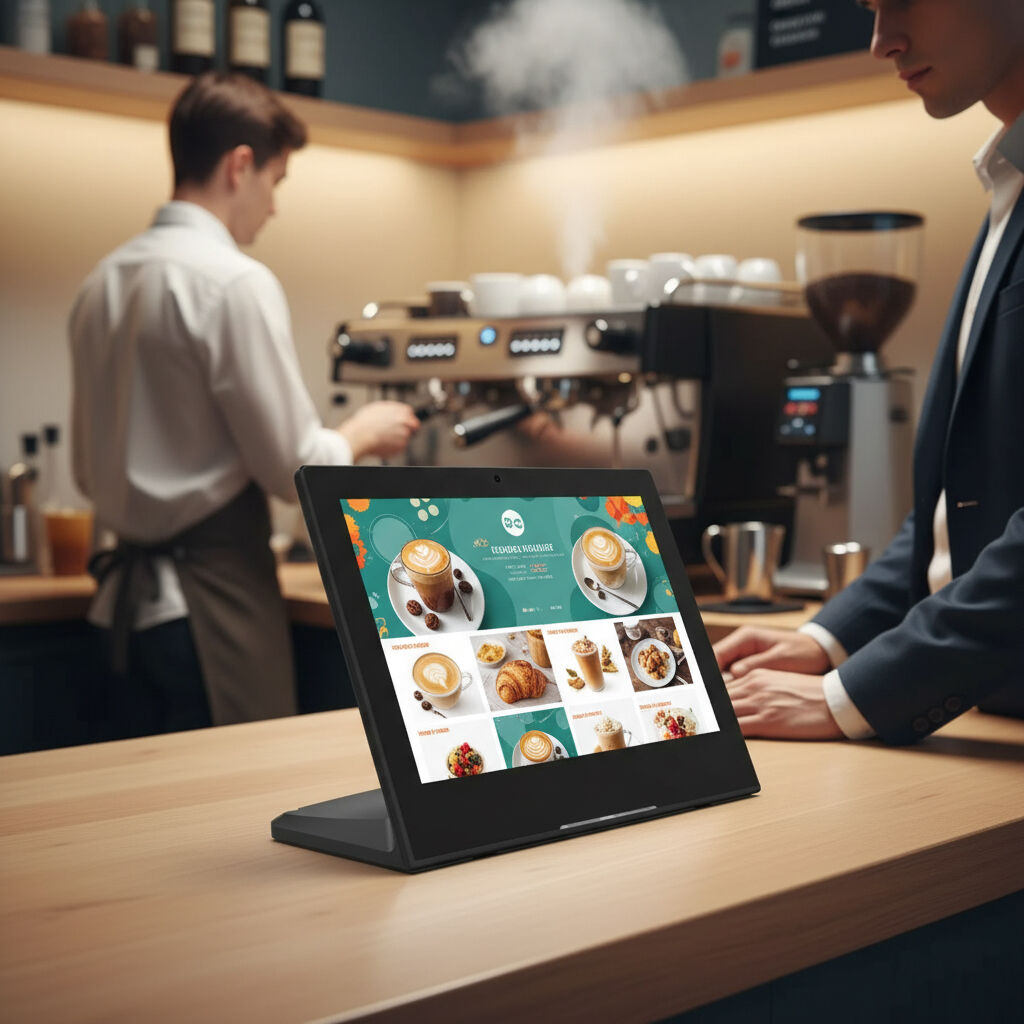
All-in-One Android POS System
Designed for checkout counters, combining display, computing, and I/O in a single enclosure.
Commonly used in retail stores, restaurants, and service desks.
Dual Screen POS Machine
Features a main operator display and a customer-facing screen.
Ideal for restaurants, payment confirmation, and promotional display scenarios.
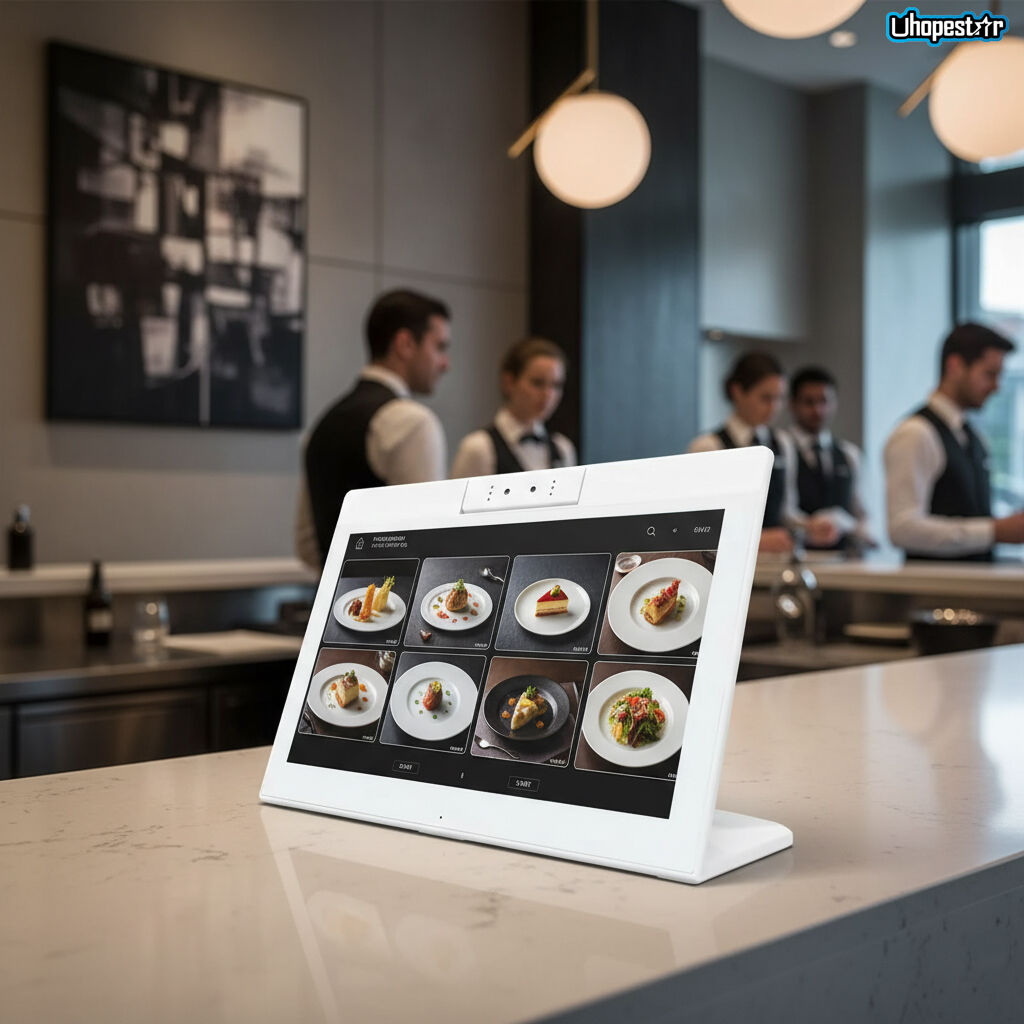
Commercial Android Tablet (POS-Ready)
Flexible touchscreen tablets designed for wall-mount, desktop, or kiosk use.
Often used as restaurant ordering tablets, digital signage Android tablets, or conference room scheduling displays.
Industrial & Rugged Android POS Devices
Built for harsh environments such as factories, outdoor kiosks, or medical facilities.
Includes rugged tablets for business and weatherproof Android tablets.
3. Core Selection Criteria: What Really Matters When Choosing an Android POS
CPU & Performance Stability
Rather than focusing solely on benchmark numbers, buyers should evaluate:
-
ARM-based processors optimized for long-term operation
-
Multi-core stability under continuous usage
-
Compatibility with POS software, kiosk mode, and third-party applications
For OEM and ODM projects, CPU choice directly affects system certification and lifecycle support.
Display Quality & Touch Experience
The display is the primary interaction point for both staff and customers.
Key considerations include:
-
Screen size (7”–32” depending on application)
-
Resolution and brightness for indoor or outdoor use
-
Capacitive multi-touch accuracy
-
Long-term durability under frequent operation
Commercial deployments benefit from custom touchscreen displays designed for continuous use.
Interfaces & Expansion Capability
A commercial Android POS terminal must integrate seamlessly with peripherals.
Commonly required interfaces:
-
USB for scanners, printers, and cameras
-
Ethernet (RJ45) for stable network connections
-
HDMI or Type-C for external displays
-
GPIO / RS232 for industrial or control systems
Sufficient I/O flexibility ensures the POS system remains future-proof.
MDM & Remote Device Management
For multi-location deployments, MDM remote management POS capability is essential.
This enables:
-
Centralized app deployment
-
Remote troubleshooting
-
Device lockdown using kiosk mode
-
Firmware and security updates
Without MDM support, managing hundreds of Android POS devices becomes operationally costly.
4. Procurement Considerations: What B2B Buyers Should Watch Out For
OEM / ODM Customization Capability
Businesses with long-term deployment plans should assess whether the supplier supports:
-
Custom housing and branding
-
Boot logo and UI customization
-
Interface configuration
-
Android system-level optimization
Working with an experienced OEM POS terminal manufacturer or ODM commercial tablet supplier ensures alignment with business workflows.
Supply Chain Stability & Lifecycle Support
Unlike consumer tablets, commercial Android POS terminals require:
-
Stable BOM management
-
Long-term component availability
-
Firmware maintenance over multiple years
This is especially critical for industrial Android tablets and medical monitoring Android tablets.
Compliance & Industry Adaptability
Depending on the application, devices may require certifications or special design considerations for:
-
Retail payment environments
-
Healthcare facilities
-
Industrial automation
-
Outdoor kiosk installations
Selecting the wrong hardware platform can lead to costly redeployment.
5. Why Businesses Choose Uhopestar as Their Android POS Partner
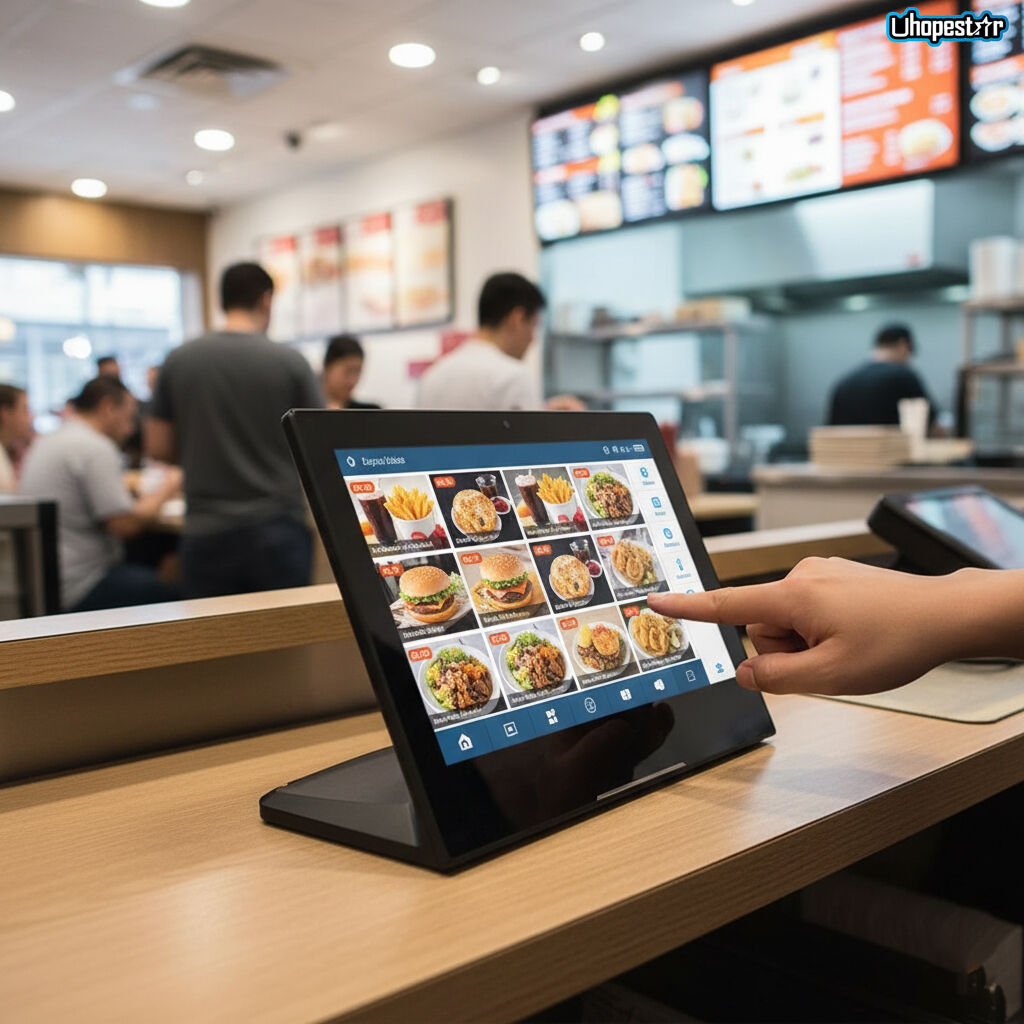
Uhopestar specializes in commercial Android POS terminals and tablets designed for real-world business environments.
Our solutions are widely deployed in:
-
Android POS for retail
-
POS systems for restaurants
-
Digital signage and kiosk mode Android tablets
-
Industrial control touch panels
-
Smart home and enterprise control terminals
As a trusted OEM/ODM Android device manufacturer, we help partners build scalable, reliable, and customizable POS solutions for global markets.
Conclusion: Making the Right Android POS Decision in 2026
Choosing the right Android POS terminal in 2026 is not about chasing specifications—it’s about aligning hardware capabilities with business strategy, deployment scale, and long-term growth.
By understanding market trends, POS form factors, core hardware criteria, and procurement risks, businesses can make informed decisions that reduce costs and increase operational efficiency.
Contact Uhopestar
If you’re planning a new Android POS project or upgrading an existing deployment, Uhopestar’s team is ready to support your OEM/ODM requirements.
Contact us to discuss your application scenario, customization needs, and long-term supply strategy.
Table of Contents
- Why Android POS Selection Matters More Than Ever in 2026
- 1. Market Demand Shifts: How Android POS Use Cases Are Evolving
- 2. Common Types of Android POS Terminals
- 3. Core Selection Criteria: What Really Matters When Choosing an Android POS
- 4. Procurement Considerations: What B2B Buyers Should Watch Out For
- 5. Why Businesses Choose Uhopestar as Their Android POS Partner
- Conclusion: Making the Right Android POS Decision in 2026
- Contact Uhopestar