

7 Key Specifications to Consider Before Bulk Buying Commercial Tablets
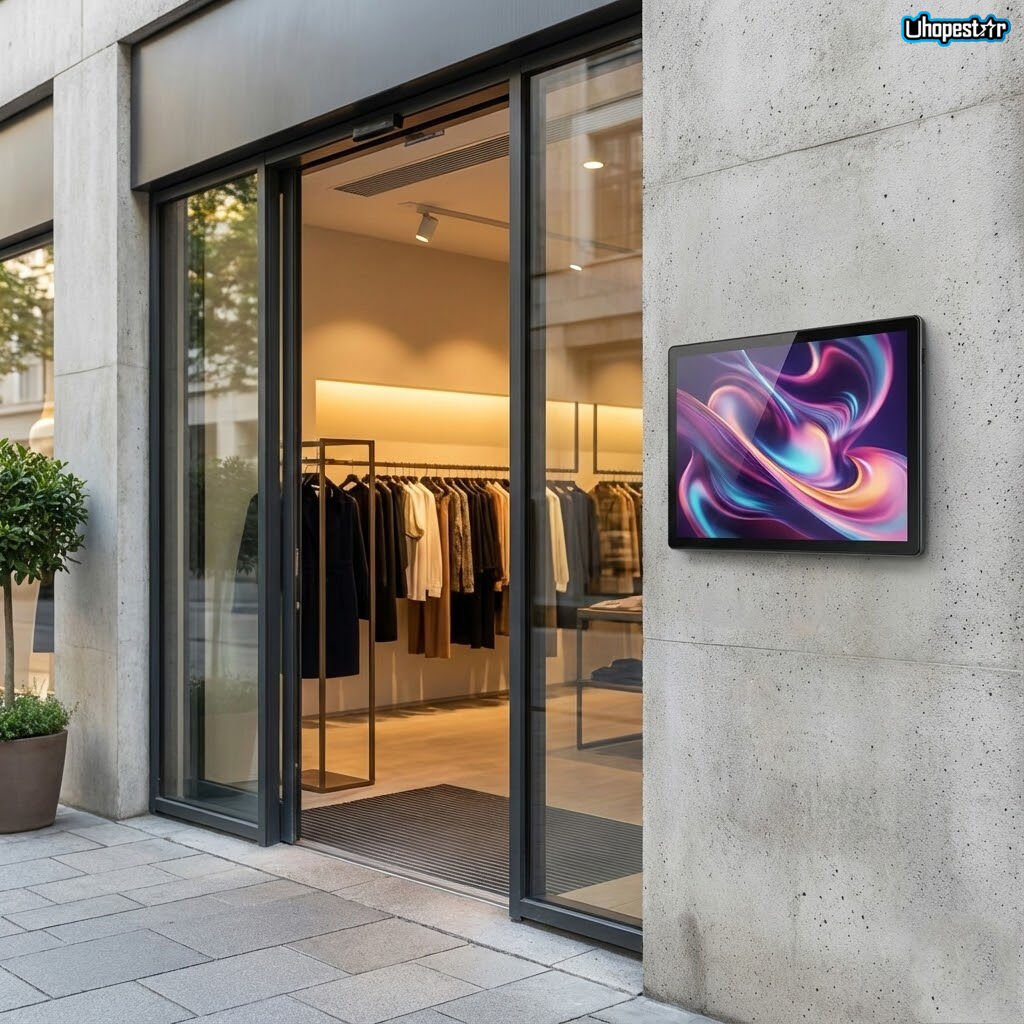
Why Specifications Matter More in Bulk Purchases
Bulk buying commercial Android tablets is very different from purchasing a few consumer-grade devices.
For businesses, system integrators, and distributors, a bulk purchase often means dozens, hundreds, or even thousands of units deployed across multiple locations.
In such scenarios, a wrong specification choice can result in:
-
Performance bottlenecks across all devices
-
Software incompatibility at scale
-
Increased maintenance and replacement costs
-
Shortened product lifecycle
That’s why understanding which specifications truly matter before a bulk purchase is critical—especially for applications such as Android POS terminals, restaurant ordering tablets, and industrial control touch panels.
1. Why Bulk Buyers Must Evaluate Specifications Differently
When buying in volume, procurement decisions should focus on long-term operational stability, not just upfront cost.
Key differences between single-unit and bulk purchasing include:
-
Devices must run continuously for long hours
-
Hardware needs to support unified software systems
-
Maintenance and updates must be manageable remotely
-
Product availability must be stable over time
For this reason, most enterprises choose to work directly with an OEM POS terminal manufacturer or an ODM commercial tablet supplier, rather than sourcing off-the-shelf consumer tablets.
2. Performance: CPU, RAM, and System Stability
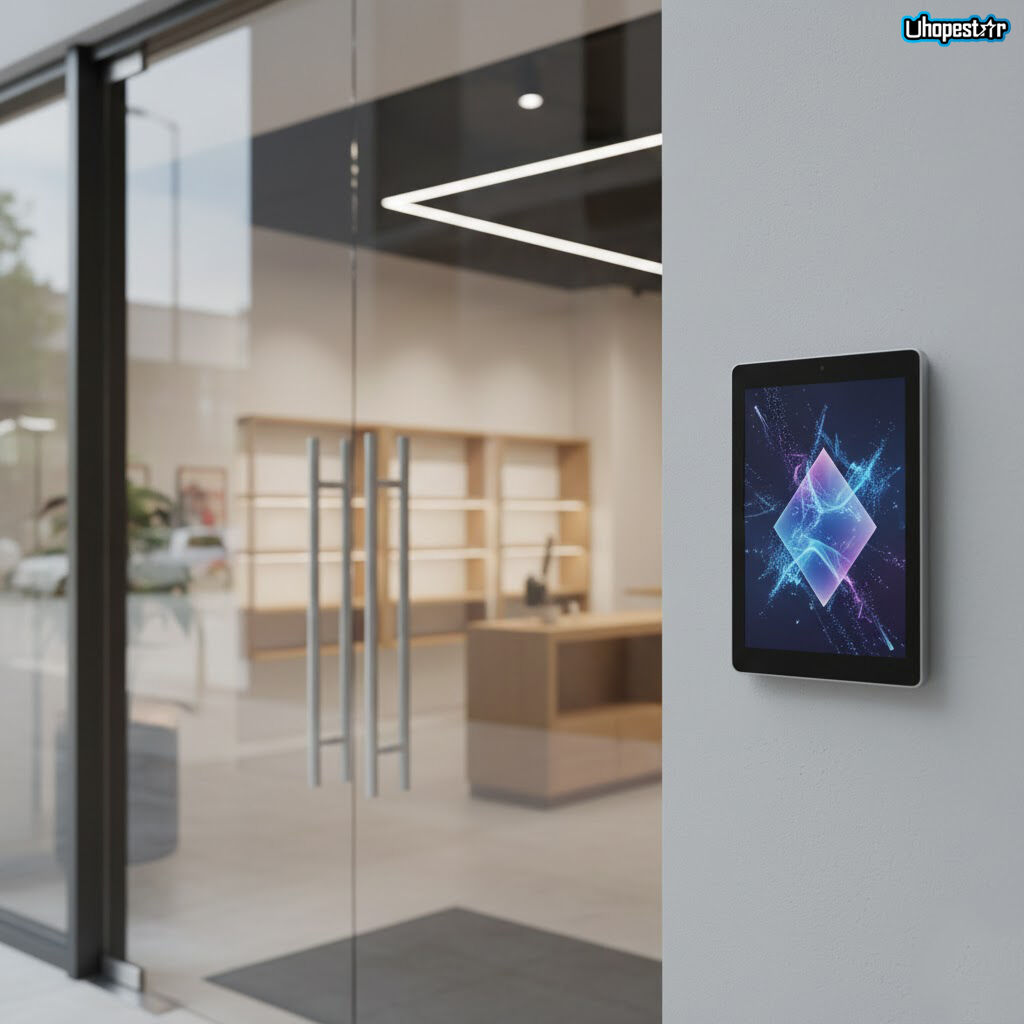
Performance is the foundation of any commercial Android tablet deployment.
Instead of chasing the latest CPU model, bulk buyers should focus on:
-
Proven ARM processors with long-term supply
-
Balanced CPU and RAM configurations for stable multitasking
-
Optimization for POS software, kiosk mode, or digital signage apps
For applications such as dual screen POS machines or all-in-one POS systems, consistent performance across all units is more important than peak benchmark scores.
3. Compatibility: Software, OS, and Peripheral Support
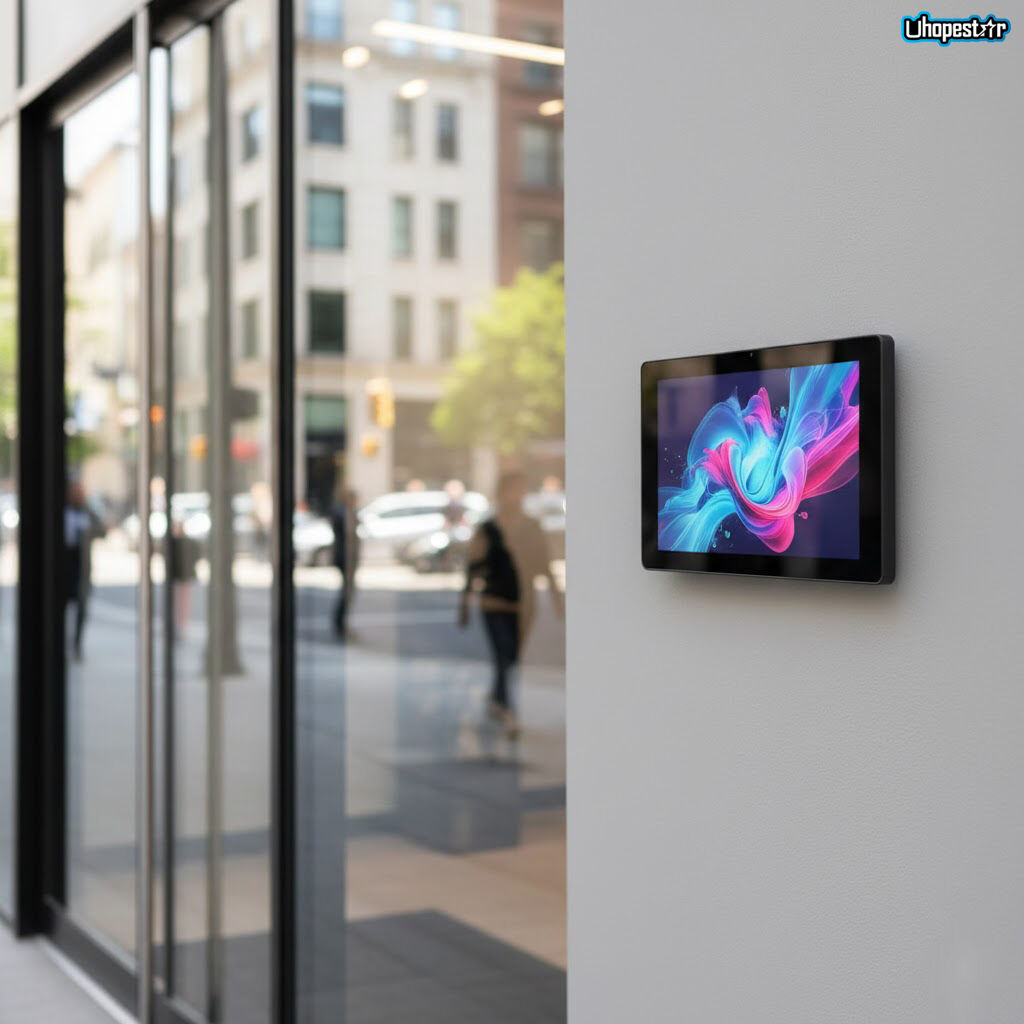
Compatibility issues multiply rapidly in bulk deployments.
A commercial Android tablet should support:
-
Long-term Android OS version stability
-
Compatibility with third-party POS, ERP, or management software
-
Peripheral integration (printers, scanners, payment modules)
This is especially critical for Android POS for retail and POS systems for restaurants, where tablets must work seamlessly with existing infrastructure.
System-level customization, often provided by ODM suppliers, helps avoid compatibility conflicts later.
4. Durability: Designed for Commercial and Industrial Use
Durability is one of the main reasons businesses avoid consumer tablets.
Commercial deployments often require:
-
Reinforced housings for continuous operation
-
Industrial-grade components for temperature tolerance
-
Touchscreens built for frequent use
For harsher environments, industrial Android tablets or rugged tablets for business are commonly selected, especially in logistics, factories, or outdoor kiosk installations.
Choosing durable hardware upfront significantly reduces total cost of ownership.
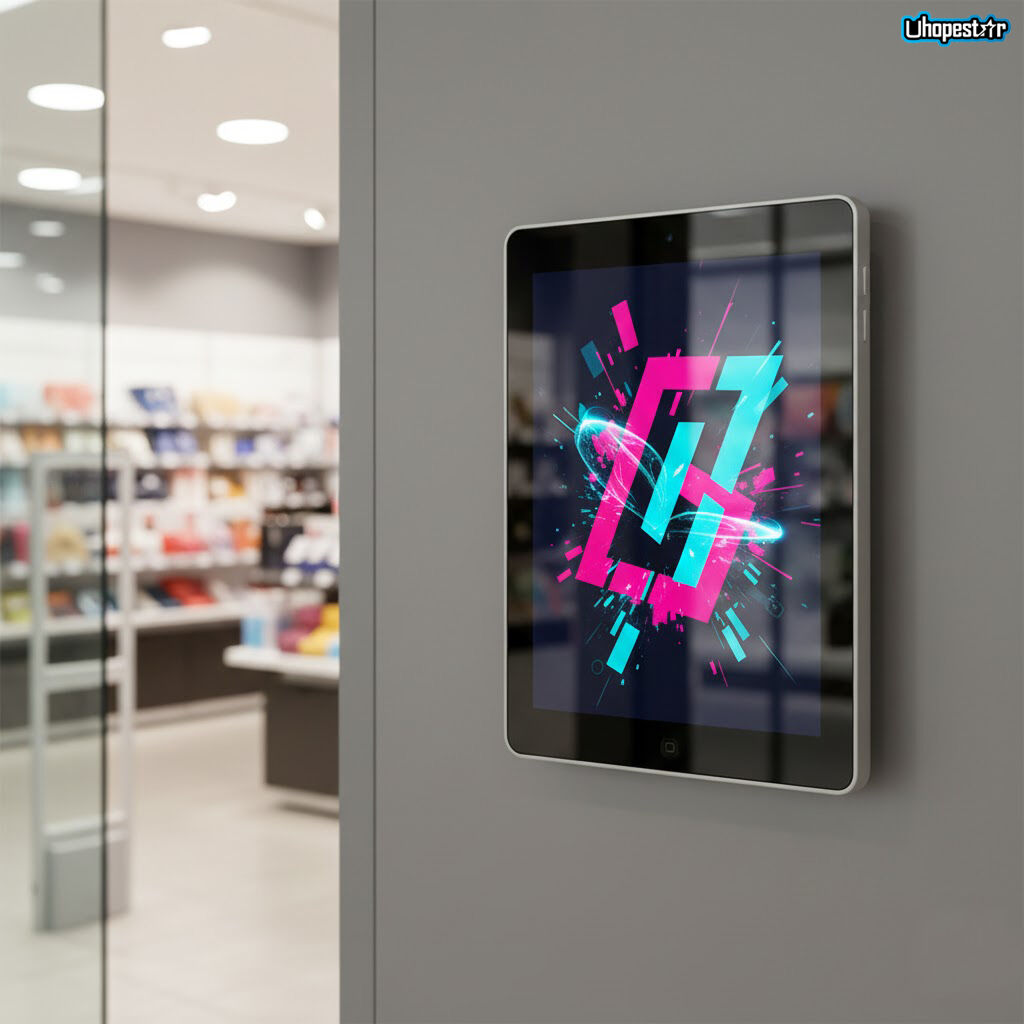
5. Display Quality: Visibility and Interaction Matter
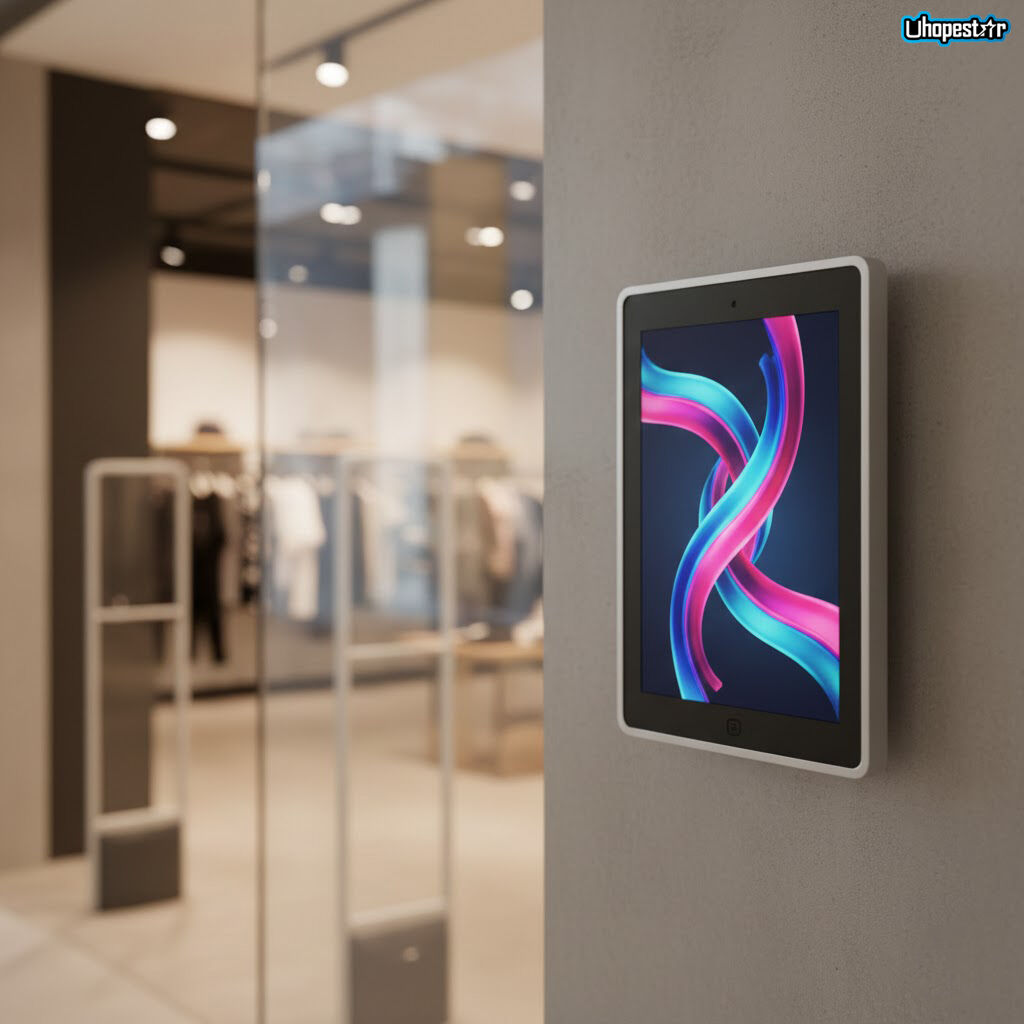
The display is a critical interface between the device and users.
Depending on the application—such as digital signage Android tablets, conference room scheduling displays, or restaurant ordering tablets—buyers should consider:
-
Screen size and resolution appropriate for the use case
-
Brightness levels for indoor or outdoor visibility
-
Touch accuracy and responsiveness
Many bulk buyers opt for custom touchscreen displays to better fit their mounting, branding, or interaction requirements.
6. After-Sales Support: The Hidden Cost Factor
In bulk purchasing, after-sales support is not optional—it’s strategic.
Key after-sales considerations include:
-
Firmware and software update support
-
Spare parts availability
-
Technical documentation and integration assistance
-
Remote management support
For large-scale deployments, features like MDM remote management and kiosk mode Android tablet configurations greatly simplify maintenance and reduce operational costs.
This is one of the main advantages of partnering with a specialized commercial tablet manufacturer.
7. Case Insight: How Specification Choices Impact Real Deployments
In a recent multi-location retail project, a system integrator selected commercial Android tablets optimized for POS and signage use.
By prioritizing:
-
Stable CPU platforms
-
Long-term Android OS support
-
Durable touchscreens
-
Centralized device management
The client achieved smoother rollout, reduced device failure rates, and simplified remote management across all locations.
This case highlights how correct specification planning directly affects deployment success—especially in bulk purchases.
Conclusion: Bulk Buying Is About Strategy, Not Just Price
When bulk buying commercial Android tablets, specifications define more than performance—they define scalability, reliability, and long-term cost efficiency.
By evaluating performance, compatibility, durability, display quality, and after-sales support, businesses can avoid common pitfalls and build a stable foundation for future growth.
Contact Uhopestar
Uhopestar specializes in commercial Android tablets, Android POS terminals, and OEM/ODM solutions for global B2B partners.
If you are planning a bulk purchase or need a customized tablet solution for retail, restaurant, industrial, or enterprise applications, our team is ready to support your project from design to deployment.
Table of Contents
- 1. Why Bulk Buyers Must Evaluate Specifications Differently
- 2. Performance: CPU, RAM, and System Stability
- 3. Compatibility: Software, OS, and Peripheral Support
- 4. Durability: Designed for Commercial and Industrial Use
- 5. Display Quality: Visibility and Interaction Matter
- 6. After-Sales Support: The Hidden Cost Factor
- 7. Case Insight: How Specification Choices Impact Real Deployments
- Conclusion: Bulk Buying Is About Strategy, Not Just Price
- Contact Uhopestar