

Jak zintegrować tablety do rezerwacji spotkań z kalendarzem Google i Outlook
Dlaczego integracja kalendarza ma znaczenie dla nowoczesnych miejsc pracy
W miarę jak organizacje wprowadzają hybrydowe harmonogramy i elastyczne środowiska spotkań, zarządzanie przestrzeniami wspólnymi staje się coraz bardziej skomplikowane. Wiele biur polega na harmonogramach na tablicy suchościeralnej , rezerwacjach w arkuszach kalkulacyjnych , lub przestarzałych narzędziach, które nie odzwierciedlają rzeczywistego czasu dostępnego pomieszczenia. To prowadzi do podwójnych rezerwacji, nieobecności i zakłóceń pracy.
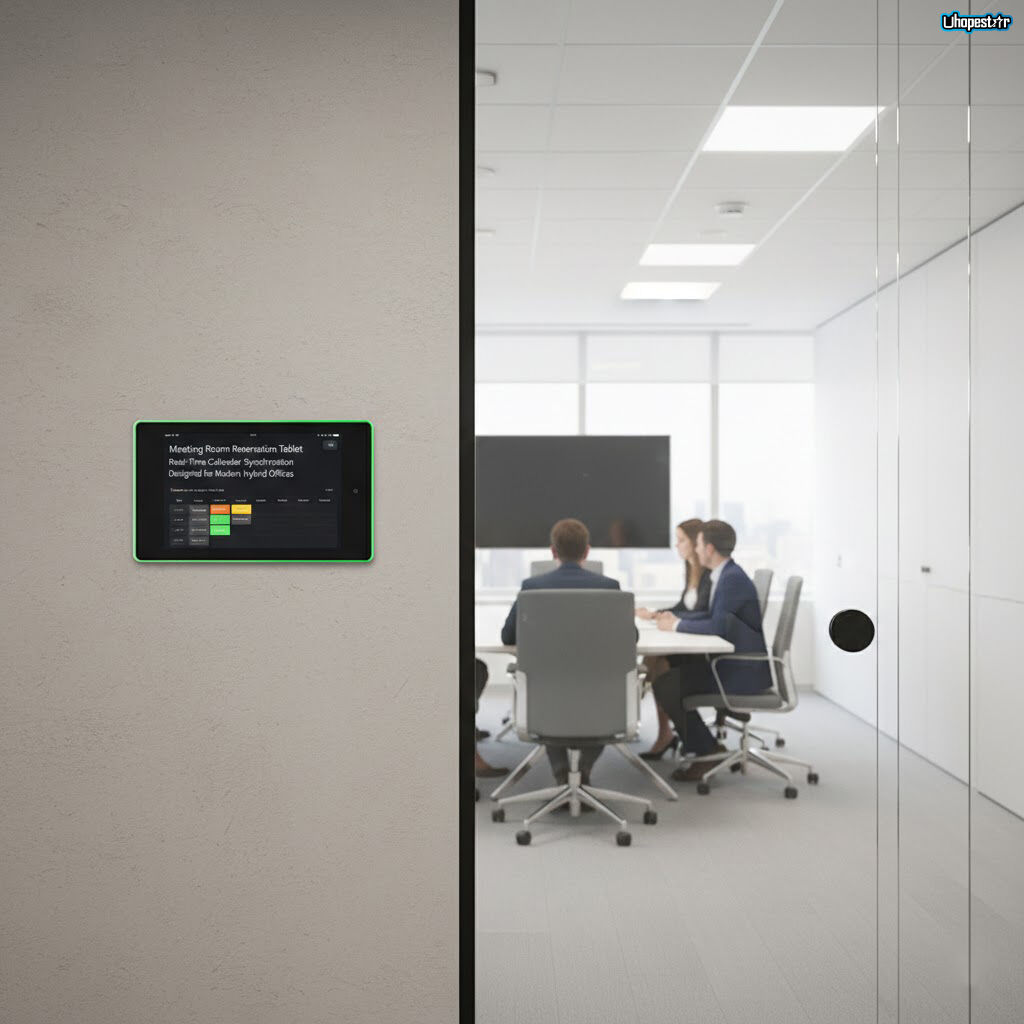
A tablet do rezerwacji spotkań staje się znacznie potężniejsze, gdy jest połączone z narzędziami do planowania w chmurze. Integracja z Google Calendar , Microsoft Outlook , lub innymi systemami kalendarzowymi przedsiębiorstwa, przekształca rezerwację pomieszczeń w zautomatyzowany, zsynchronizowany proces. Dla organizacji działających na wielu piętrach, budynkach lub regionach, połączone z kalendarzem wyświetlacze harmonogramowania biurowego pokazy pomieszczeń oferują dokładność i spójność niezbędną dla płynnego działania
Zrozumienie kluczowej technologii stojącej za wyświetlaczami pokoi połączonymi z kalendarzem
Nowoczesna tablet do rezerwacji sali konferencyjnej zwykle łączy się z platformami planowania korporacyjnego za pomocą bezpiecznych protokołów API. Oznacza to, że każda rezerwacja, anulowanie lub przedłużenie wykonane na stacji roboczej lub urządzeniu mobilnym jest natychmiastowo odzwierciedlane na wyświetlacz rezerwacji w sali konferencyjnej .
Kluczowe technologie umożliwiające integrację to:
-
Google Calendar API i Microsoft Graph API
-
Uwierzytelnianie OAuth 2.0 dla bezpiecznego logowania
-
Usługi synchronizacji w czasie rzeczywistym do przesyłania aktualizacji statusu pomieszczenia
-
Zarządzanie urządzeniami oparte na chmurze dla zespołów IT
-
Zarządzanie inteligentnym biurem oprogramowanie firmowe zoptymalizowane dla środowisk przedsiębiorstw
Gdy te komponenty działają razem, to tablet do rezerwacji spotkań staje się na żywo „oknem” do harmonogramu każdego pomieszczenia, zmniejszając luki w komunikacji i poprawiając przejrzystość między działami.
Jak działa synchronizacja z Google Kalendarz
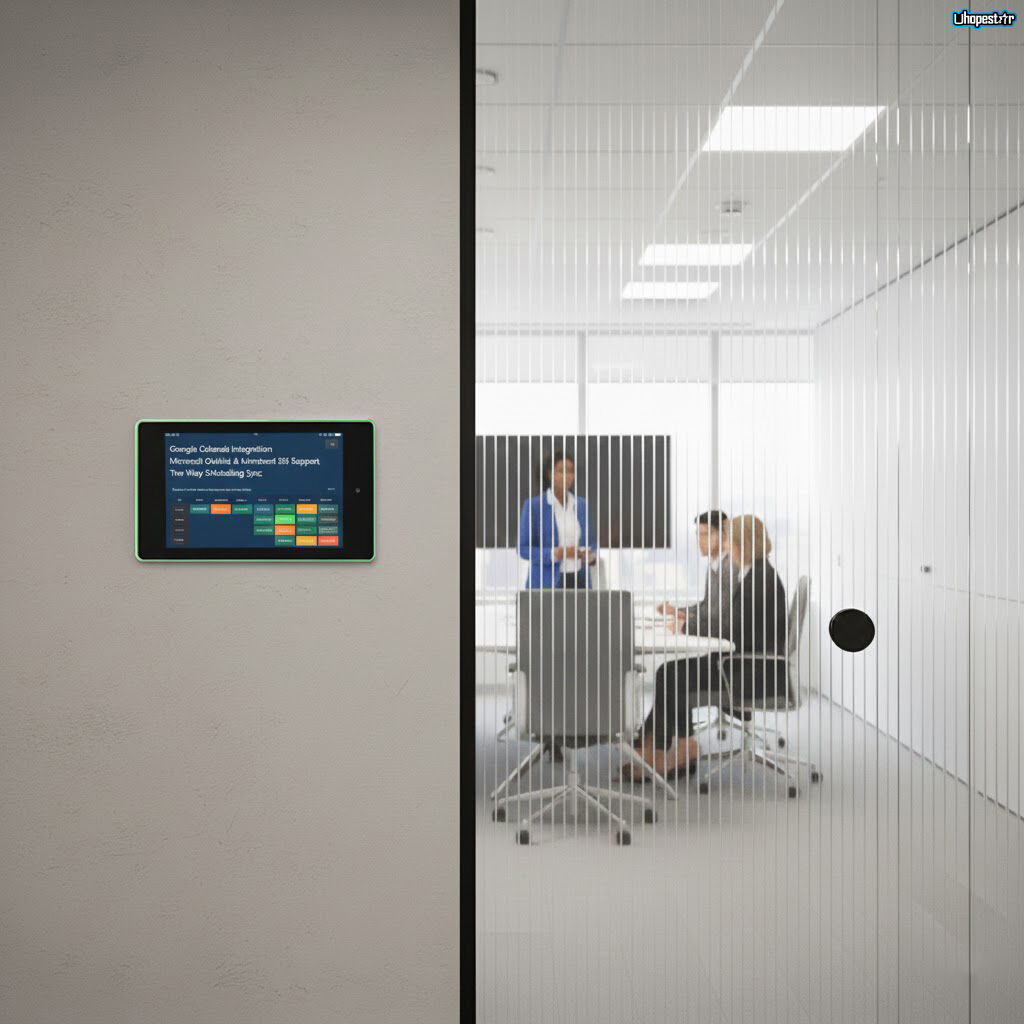
Dla organizacji korzystających z ekosystemu Google Workspace, włączenie Integracji z Google Kalendarz z tabletem spotkania jest proste. Administratorzy IT zazwyczaj tworzą kalendarz zasobu reprezentujący każdą salę konferencyjną. Tablet rezerwacji sali spotkań następnie łączy się bezpośrednio z tym zasobem za pomocą bezpiecznego logowania OAuth.
Dzięki włączonej synchronizacji użytkownicy mogą:
-
Widok dostępność w czasie rzeczywistym
-
Rezerwować salę bezpośrednio na tablecie
-
Modyfikować lub anulować spotkania ze swoich laptopów
-
Wywołuje automatyczne zwalnianie przy braku obecności
-
Wyświetlać zakodowane kolorem wskaźniki statusu sali
Ponieważ Google Workspace aktualizuje się natychmiastowo na wszystkich urządzeniach, wyświetlacz sali połączony z Google Calendar staje się centralnym punktem zarówno planowanej, jak i spontanicznej współpracy.
Integracja Outlooka i Microsoft 365 dla środowisk przedsiębiorstw
Przedsiębiorstwa korzystające z Microsoft 365 czerpią korzyści z głębokiej kompatybilności między Systemami spotkań Outlook a nowoczesnymi tabletami do rezerwacji pomieszczeń poprzez Centrum administracyjne Microsoft można przypisać każdemu sali konferencyjnej Skrzynkę pocztową sali .
Tablet uwierzytelnia się następnie poprzez Microsoft Graph API , umożliwiając:
-
Dwukierunkową synchronizację harmonogramów
-
Funkcje automatycznego rejestrowania się
-
Komunikaty potwierdzające spotkanie
-
Zwolnienie sali, jeśli spotkanie nie zostanie potwierdzone
-
Wyświetlanie Rezerwacja sali w Outlooku szczegółów takich jak organizator, czas trwania i zasady wykorzystania
Dla dużych przedsiębiorstw ta integracja wspiera zgodność z przepisami, śledzenie działań oraz ujednolicony przegląd działalności we wszystkich oddziałach na całym świecie.
Praktyczny przewodnik dla administratorów IT
Wdrażanie wyświetlania rezerwacji spotkań w całym biurze często następuje po przewidywalnym procesie konfiguracji:
-
Utwórz zasób sali (Google Workspace) lub Skrzynkę pocztową sali (Microsoft 365)
-
Przypisz odpowiednie uprawnienia dla tabletu
-
Zaloguj się na tablecie harmonogram spotkań za pomocą danych administracyjnych
-
Wybierz kalendarz sali do połączenia
-
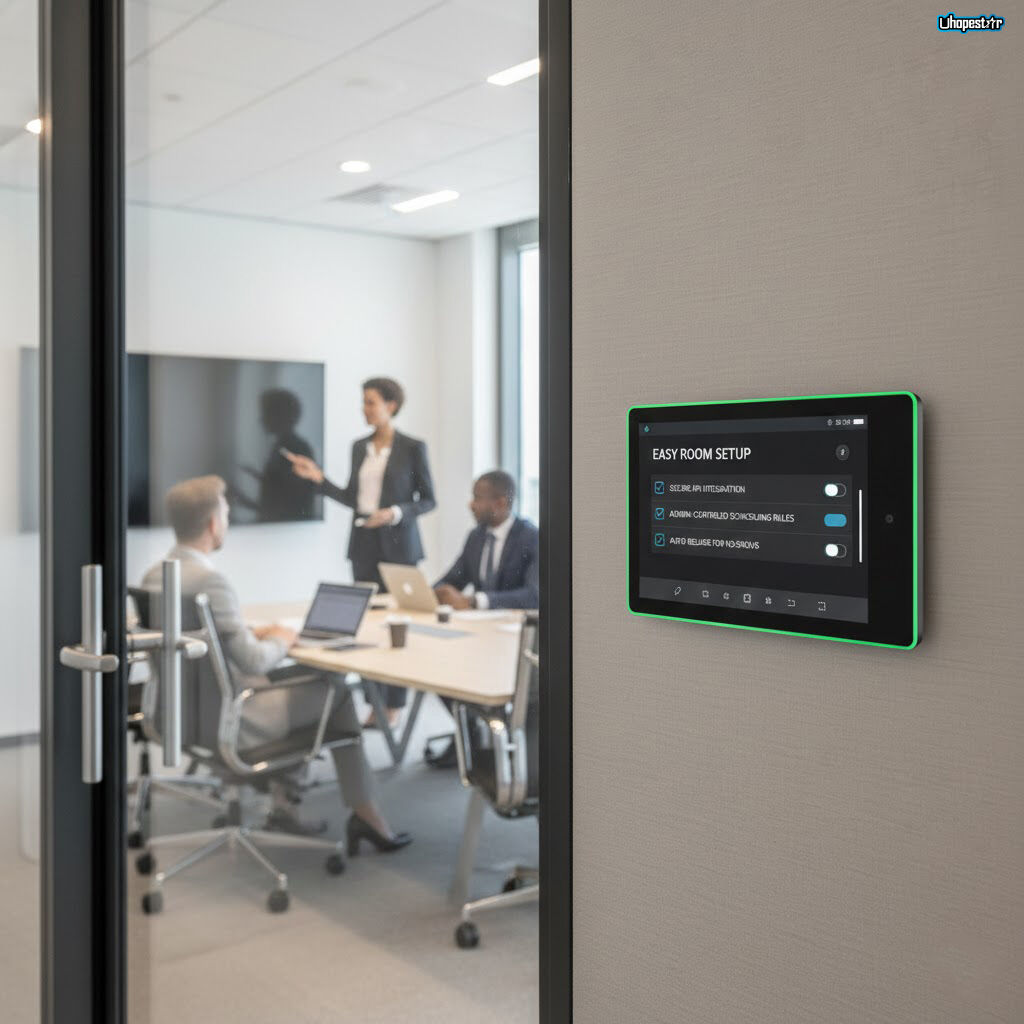
Skonfiguruj zasady rezerwacji (automatyczne zwalnianie, czasy buforowe, widoczność prywatnych spotkań)
-
Dostosuj ekran planowania w biurze układ
-
Testuj synchronizację dwukierunkową z obu aplikacji na komputerach stacjonarnych i tabletu
To zapewnia pracownikom spójne działanie niezależnie od tego, w jaki sposób planują swoje spotkania.
Codzienne scenariusze użycia ilustrujące doświadczenie
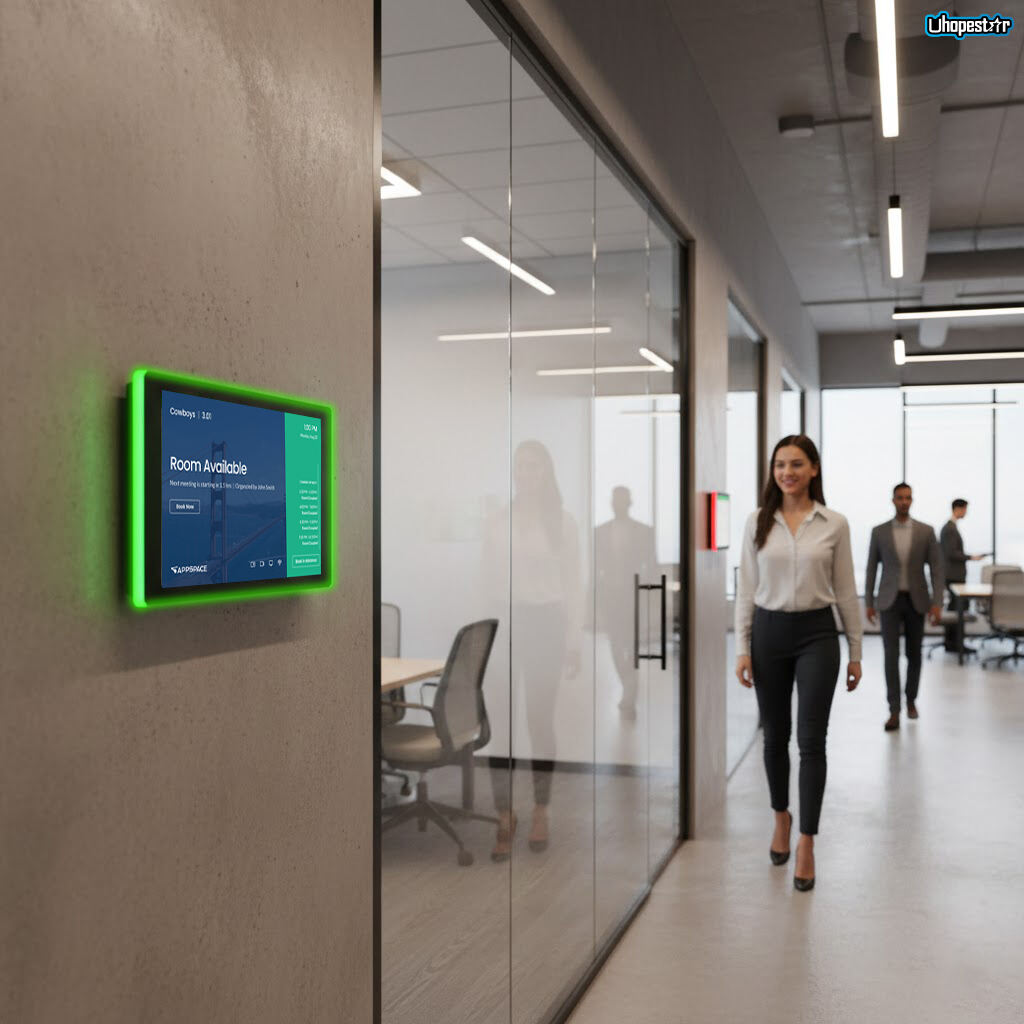
Wyobraź sobie szybko rozwijający się korporacyjny biur. Pracownik idzie do sali konferencyjnej i widzi, że cyfrowy wyświetlacz sali spotkań świeci się na zielono, sygnalizując dostępność. Po dotknięciu rezerwuje salę na natychmiastową rozmowę.
W drugim końcu budynku zespół planuje przyszłe spotkanie przez Outlook. Kilka sekund później rezerwacja pojawia się na tablecie do rezerwacji sali przed drzwiami.
Brak obecności uruchamia automatyczne zwolnienie po 10 minutach, natychmiast zwalniając przestrzeń. Menedżerowie nieruchomości monitorują wskaźniki wykorzystania za pośrednictwem systemu centralnego inteligentny panel biurowy , identyfikowanie nieużywanych pomieszczeń lub godzin szczytu rezerwacji.
Te scenariusze pokazują, w jaki sposób wyświetlacze pokoi zsynchronizowane z kalendarzem zmniejszają tarcie w codziennych operacjach biurowych.
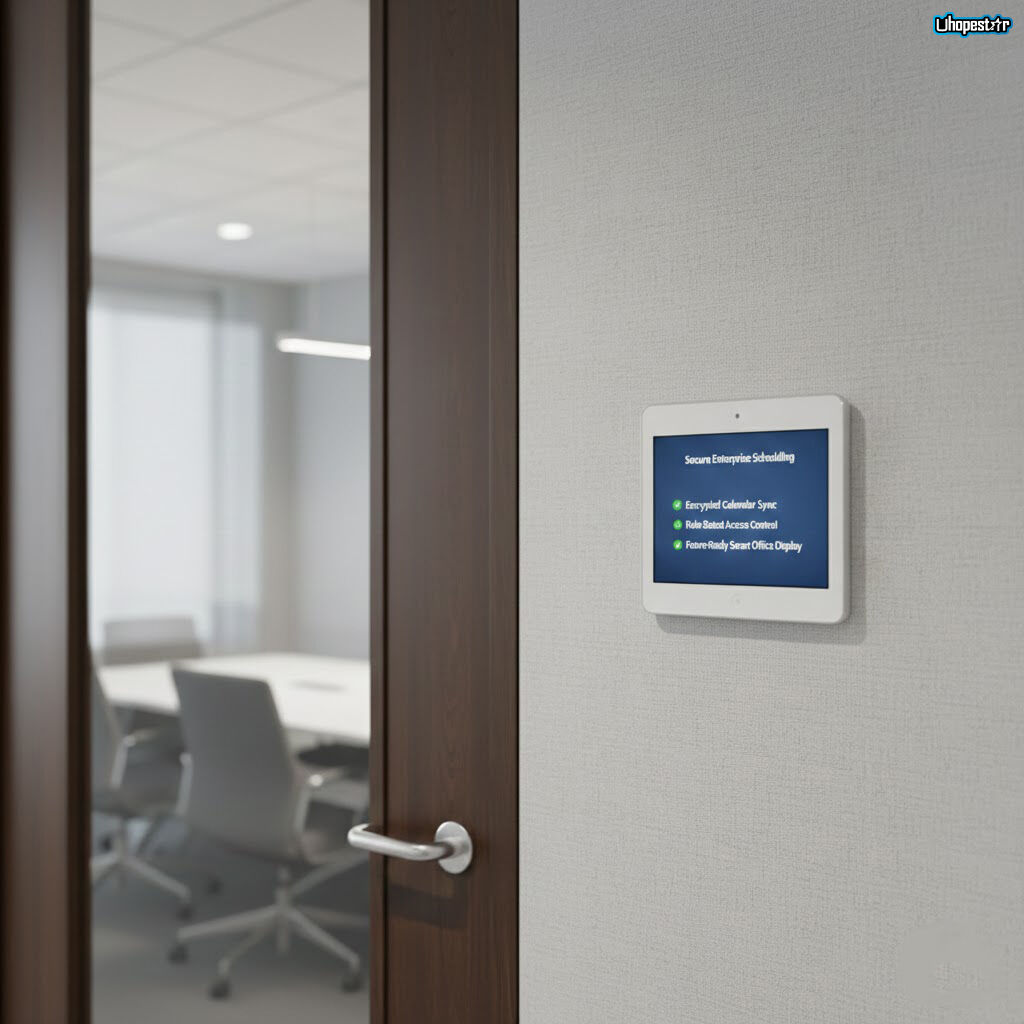
Jak tablety zintegrowane z kalendarzem poprawiają efektywność i zwrot z inwestycji
Organizacje wprowadzające tablety do spotkań zintegrowane z kalendarzem zazwyczaj odnotowują mierzalne korzyści:
-
Mniejsza liczba podwójnych rezerwacji
-
Wyższe wykorzystanie pomieszczeń
-
Zmniejszenie liczby nieobecności dzięki automatycznej weryfikacji
-
Poprawa satysfakcji pracowników dzięki przejrzystości
-
Oszczędność czasu w zarządzaniu obiektem
Dla zespołów rozproszonych lub hybrydowych połączenie meeting reservation tablets i kalendarzy w chmurze staje się niezbędną infrastrukturą, a nie luksusem.
Zagadnienia bezpieczeństwa i zgodności dla wdrożeń korporacyjnych
Ponieważ rezerwacja pomieszczeń wiąże się z danymi współdzielonymi, nowoczesne przedsiębiorstwa rozwiązania do rezerwacji spotkań zawierają kilka mechanizmów bezpieczeństwa:
-
Szyfrowane kanały komunikacyjne
-
Kontrola dostępu oparta na rolach (RBAC)
-
Tryby wyświetlania przyjazne dla ochrony prywatności danych
-
Bezpieczne logowanie oparte na tokenach
-
Uprawnienia do rezerwacji kontrolowane przez administratora
Te zabezpieczenia są szczególnie ważne dla urzędów rządowych, instytucji finansowych oraz korporacji wielonarodowych przestrzegających wysokich standardów zgodności.
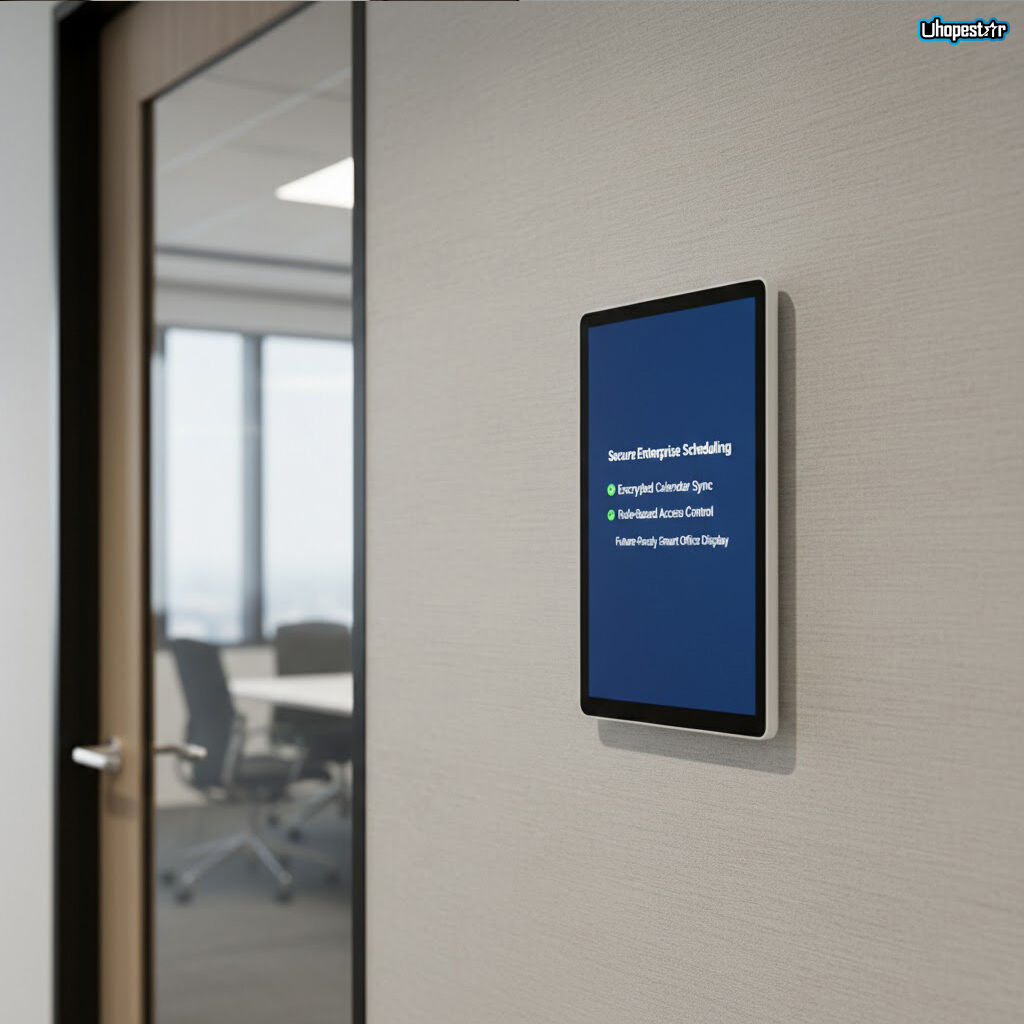
Trendy przyszłości: od planowania z wykorzystaniem sztucznej inteligencji po workspace’y świadome zajętości
Przyszłość inteligentne środowiska biurowe pchną planowanie sal dalej w kierunku automatyzacji. Nadchodzące innowacje obejmują:
-
Sugestie spotkań wspierane przez sztuczną inteligencję
-
Predykcyjne modelowanie dostępności pomieszczeń
-
Czujniki obecności powiązane ze stanem kalendarza
-
Rezerwacja aktywowana głosem za pomocą asystentów inteligentnych
-
Harmonogramowanie międzyplatformowe z systemami budynkowymi IoT
W tym środowisku stół rezerwacji spotkań t pozostanie kluczowym elementem — pełniąc rolę interfejsu fizycznego łączącego cyfrowe przepływy pracy z rzeczywistymi przestrzeniami.
Rola tabletów do rezerwacji spotkań w jutrzeńskim biurze hybrydowym
Integracja z kalendarzem nie jest już funkcją opcjonalną — to podstawowy czynnik skutecznego zarządzania pomieszczeniami. Poprzez synchronizację meeting reservation tablets z Google Calendar , Perspektywy , lub systemów planowania przedsiębiorstwa, organizacje tworzą niezawodne i zoptymalizowane przepływy pracy wspierające współpracę stacjonarną i zdalną.
Gdy biura dalej ewoluują ku elastycznym, opartym na danych i automatyzacji środowiskom, połączone z kalendarzem wyświetlacze rezerwacji pomieszczeń pozostaną kluczowe dla osiągnięcia przejrzystości, jasności i efektywności w działaniu nowoczesnych miejsc pracy
Spis treści
- Dlaczego integracja kalendarza ma znaczenie dla nowoczesnych miejsc pracy
- Zrozumienie kluczowej technologii stojącej za wyświetlaczami pokoi połączonymi z kalendarzem
- Jak działa synchronizacja z Google Kalendarz
- Integracja Outlooka i Microsoft 365 dla środowisk przedsiębiorstw
- Praktyczny przewodnik dla administratorów IT
- Codzienne scenariusze użycia ilustrujące doświadczenie
- Jak tablety zintegrowane z kalendarzem poprawiają efektywność i zwrot z inwestycji
- Zagadnienia bezpieczeństwa i zgodności dla wdrożeń korporacyjnych
- Trendy przyszłości: od planowania z wykorzystaniem sztucznej inteligencji po workspace’y świadome zajętości
- Rola tabletów do rezerwacji spotkań w jutrzeńskim biurze hybrydowym