

Android-Kiosk-Einrichtung: Was tun, wenn der Gerätebesitzer Sie aus den Einstellungen aussperrt
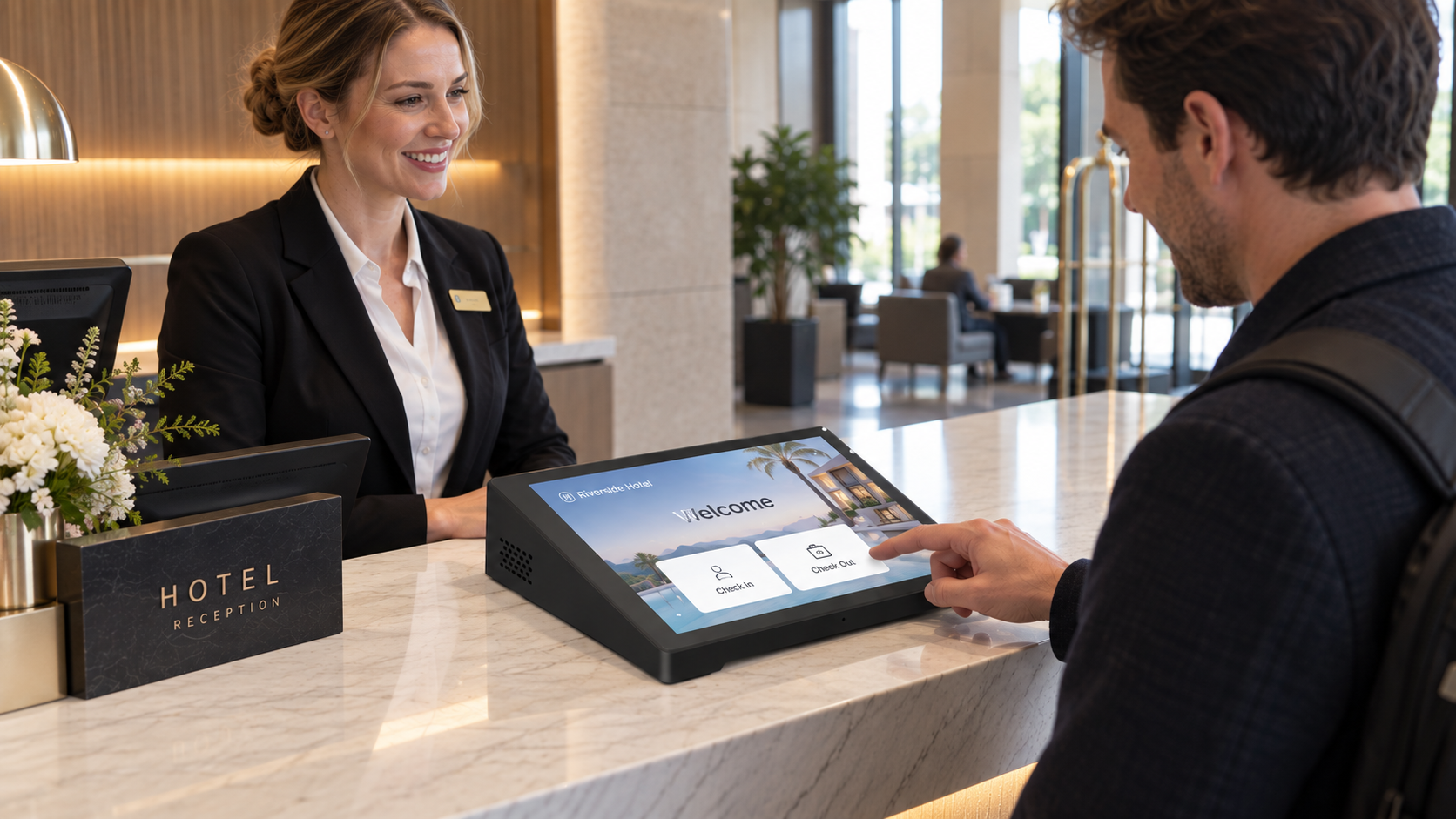
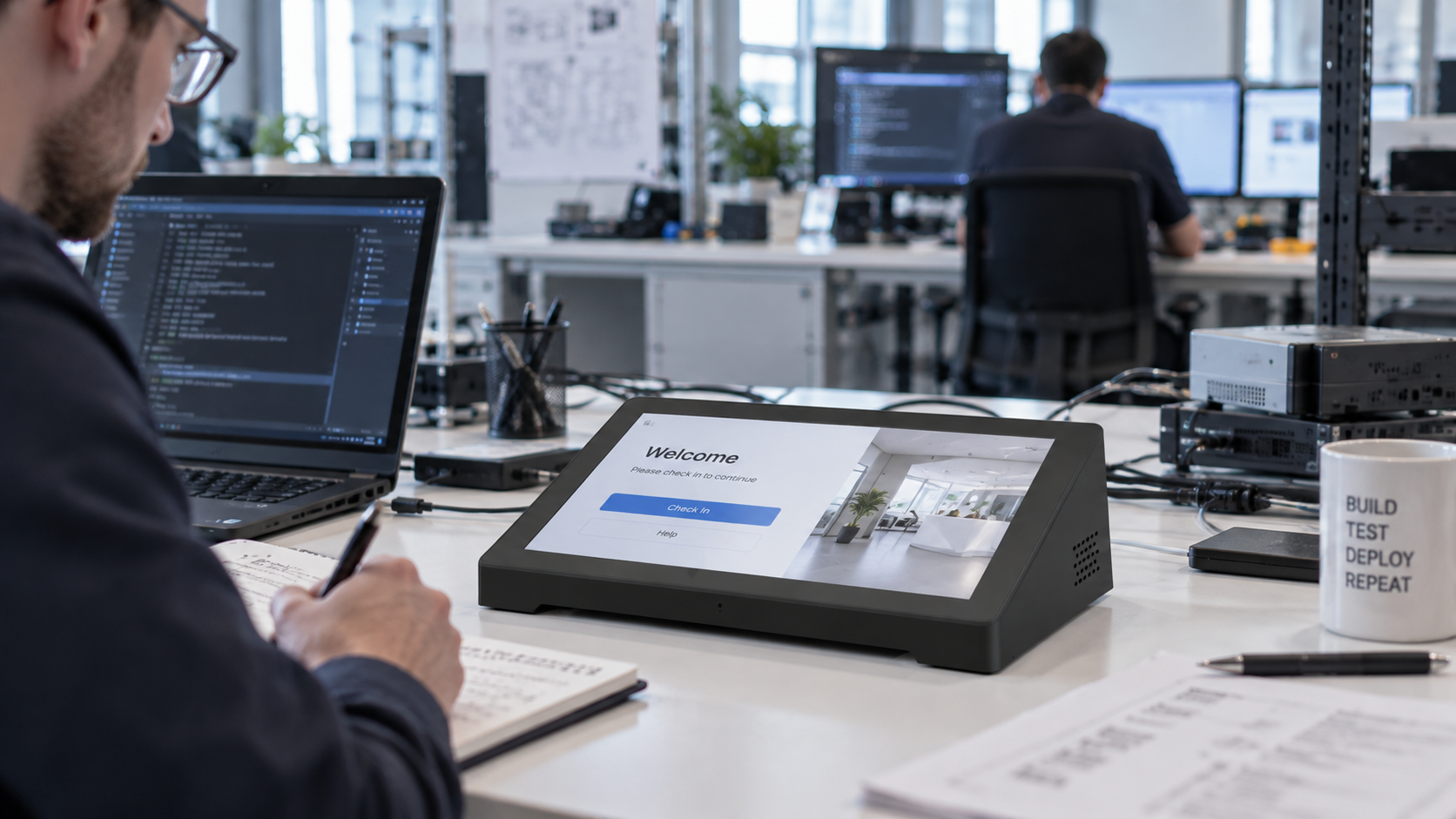
A10,1-Zoll-Android-Tablet wurde für den Kiosk-Betrieb mit ADB, einem benutzerdefinierten Launcher und Device Owner konfiguriert. Nach dem Neustart wurde die Anwendung wie erwartet gestartet, doch das Gerät konnte nicht mehr auf die normale Android-Einstellungs-Oberfläche zugreifen.
Dies führte zu einer häufigen Herausforderung bei Kiosk-Deployments: Sobald die Systemnavigation und Geräteverwaltungssteuerelemente eingeschränkt wurden, wie lässt sich das Tablet für weitere Tests wiederherstellen? Und falls die Anwendung Wi-Fi oder andere Systemfunktionen öffnen muss, welche Android-Intents stehen dann noch zur Verfügung?
Der Kunde verwendete zunächst ADB-Befehle, um das Verhalten der System-Benutzeroberfläche zu ändern:
adb shell settings put system hide_navbar 1
adb shell settings put system statusbar_disp 1
adb shell settings put system swipe_show_nav_bar 0
adb shell settings put system power_button_show 0
Die Anwendung wurde anschließend als Standard-Startbildschirm festgelegt und danach als Device Owner konfiguriert die erforderlichen Geräteverwaltungsfunktionen zu ermöglichen.
Nach dem Neustart trat das Android-Kiosk-Tablet automatisch wie erwartet die Anwendung. Der Kunde konnte jedoch nicht mehr vom Hauptbildschirm der Anwendung wechseln, um auf die Android-Einstellungen oder andere Systemfunktionen zuzugreifen. Auch die in der Anwendung integrierten Schaltflächen für Einstellungen und WLAN öffneten nicht mehr die entsprechenden Systemseiten.
Die unmittelbare Frage war nicht nur, wie man die Anwendung verlassen kann. Der Kunde benötigte eine zuverlässige Methode, um das Android-Tablet zur weiteren Prüfung wiederherzustellen, und wollte zudem verstehen, welche System-Intents von seiner Anwendung genutzt werden können.
Warum das Android-Tablet schwer zugänglich wurde
Das Problem entstand durch mehrere gleichzeitig angewendete Ebenen der Gerätesteuerung.
Der benutzerdefinierte Startbildschirm-Launcher bestimmte, welche Anwendung als Startbildschirm angezeigt wurde, während Device Owner der Anwendung weitaus umfassendere Kontrolle über die Geräte-Richtlinien gewährte. Die offizielle Android-Dokumentation für spezialisierte Geräte unterstützt diese Konfigurationsart für Kiosk- und verwaltete Geräte-Deployments, einschließlich der Steuerung der Standard-Startbildschirm-Anwendung und der Beschränkung des Zugriffs auf Systemfunktionen.
Die ADB-Befehle fügten eine weitere Ebene hinzu, indem sie das Verhalten der System-Benutzeroberfläche veränderten. Diese speziellen Einstellungen hängen vom jeweiligen Gerät oder dessen Firmware ab und sind keine universellen Android-APIs; ihre genaue Wirkung hängt daher davon ab, wie die Tablet-Firmware sie implementiert.
Dies bedeutet, dass ein Android-Tablet, das als Kiosk-Gerät genutzt wird schwierig wiederherzustellen sein kann, wenn Launcher, Device-Owner-Konfiguration, Einschränkungen der System-Benutzeroberfläche und Anwendungs-Navigation gleichzeitig geändert werden.
Die Tatsache, dass die Einstellungen- oder WLAN-Schaltfläche der Anwendung nicht mehr funktioniert, bedeutet nicht zwangsläufig, dass die Intent selbst fehlerhaft ist. Die Ziel-Einstellungen-Aktivität könnte unter der aktuellen Gerätekonfiguration nicht verfügbar, eingeschränkt oder anderweitig unzugänglich sein. Android empfiehlt zudem, vor dem Start einer Intent zu prüfen, ob sie aufgelöst werden kann.
Wiederherstellungswege für ein gesperrtes Android-Kiosk-Tablet
Falls die Anwendung bereits als Device Owner konfiguriert ist, sollte zunächst eine softwarebasierte Wiederherstellung in Betracht gezogen werden.
Androids DevicePolicyManager bietet Geräteverwaltungsfunktionen, die von einem Device Owner genutzt werden können. Je nach Android-Version und Anwendungskonfiguration kann eine Device-Owner-Anwendung den jeweils geeigneten Gerätelöschmechanismus verwenden, um das Tablet in einen sauberen Zustand für Tests zurückzusetzen. wipeData() ist die etablierte API zum Löschen von Benutzerdaten; neuere Android-Versionen bieten zusätzliche Funktionen zum Löschen des Geräts.
Die veraltete clearDeviceOwnerApp() diese Methode sollte nicht als allgemeine Produktionswiederherstellungsmethode betrachtet werden. Android dokumentiert sie als testorientierte API und empfiehlt den Werkseinstellungs-Reset als normale Methode, um eine Device-Owner-Beziehung zu entfernen.
ADB bietet ebenfalls Befehle zur Geräte-Richtlinienverwaltung, diese unterliegen jedoch Einschränkungen. Zum Beispiel adb shell dpm remove-active-admin ist keine universelle Methode zum Entfernen eines Device Owners; die ADB-Dokumentation von Android legt Anforderungen fest, beispielsweise die testOnly -Deklaration der Anwendung.
Falls eine Software-Wiederherstellung nicht verfügbar ist, weil die Anwendung die erforderliche Operation nicht ausführen kann, bleibt als letzter Weg ein hardware-Werkseinstellungs-Reset oder das Android-Recovery-Verfahren .
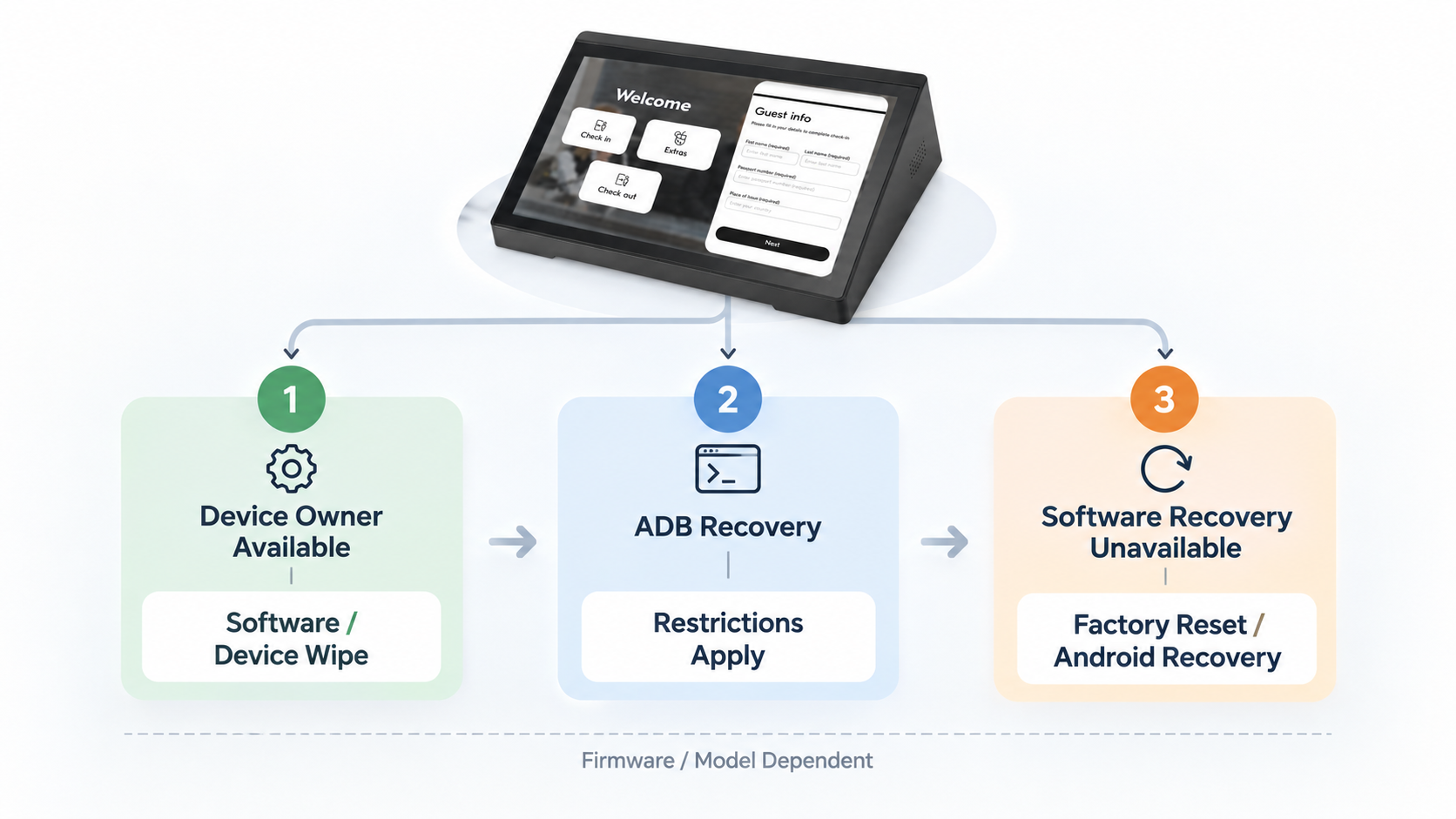
Die genaue Tastenkombination darf nicht von einem anderen Android-Tablet-Modell übernommen werden. Das Recovery-Verhalten wird durch die Firmware und die Hardware-Implementierung des Tablets bestimmt. Bei einem kundenspezifischen Android-Tablet-Projekt sollte daher das geeignete Recovery-Verfahren für das konkrete Modell und die jeweilige Firmware vor der Bereitstellung bestätigt werden.
Für diese Art von Android-Kiosk-Tablet , ist eine definierte Wiederherstellungsmethode besonders nützlich während der Integrationstests, da die Systemkonfiguration absichtlich die normale Benavigation entfernen kann.
Testen von Einstellungs-Intents und Systemfunktionen auf einem Android-Tablet
Die zweite Frage des Kunden lautete, ob die Anwendung Systemfunktionen wie Einstellungen und WLAN direkt starten kann.
Android bietet standardmäßige Einstellungs-Aktionen für diese Funktionen. Zum Beispiel:
|
Funktion |
Standard-Android-Intent |
|
Haupt-Einstellungen |
Settings.ACTION_SETTINGS |
|
WLAN-Einstellungen |
Settings.ACTION_WIFI_SETTINGS |
|
Funklose Einstellungen |
Settings.ACTION_WIRELESS_SETTINGS |
|
Bluetooth-Einstellungen |
Settings.ACTION_BLUETOOTH_SETTINGS |
|
Anzeigeeinstellungen |
Settings.ACTION_DISPLAY_SETTINGS |
|
Standort-Einstellungen |
Settings.ACTION_LOCATION_SOURCE_SETTINGS |
|
Ton-Einstellungen |
Settings.ACTION_SOUND_SETTINGS |
|
Sicherheits-Einstellungen |
Settings.ACTION_SECURITY_SETTINGS |
|
Anwendungs-Einstellungen |
Settings.ACTION_APPLICATION_SETTINGS |
|
Einstellungen für eine bestimmte Anwendung |
Settings.ACTION_APPLICATION_DETAILS_SETTINGS |
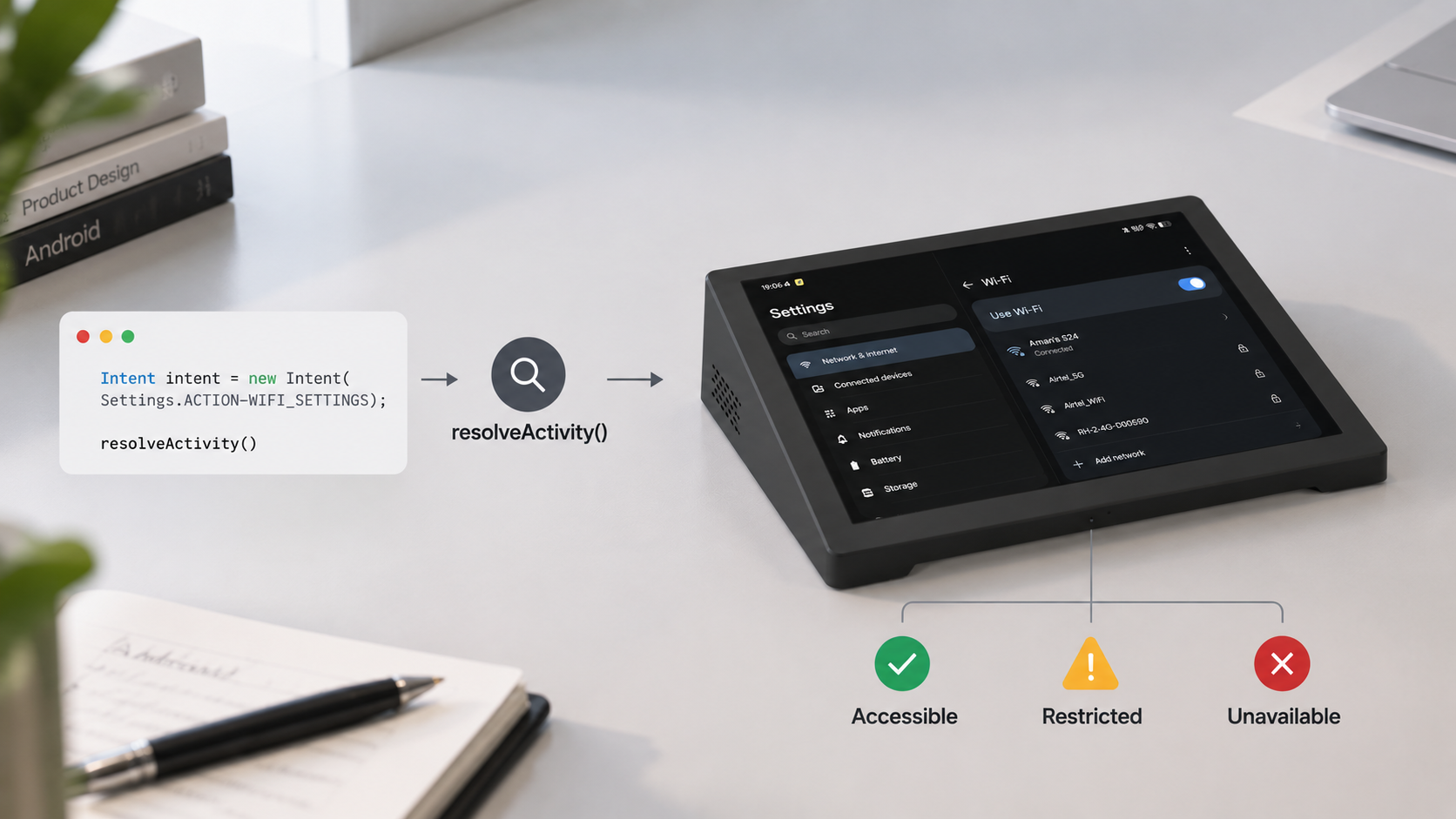
Dies sind standardmäßige Android-Einstellungsaktionen und keine Schnittstellen, die speziell für einen bestimmten Android-Tablet-Hersteller vorgesehen sind. Die Existenz einer Intent garantiert jedoch nicht, dass sie auf jedem Gerät oder unter jeder Kiosk-Konfiguration erfolgreich geöffnet wird. Android empfiehlt, die Intent vor dem Aufruf mit resolveActivity() zu überprüfen.
Bei einem systemintegrierten Android-Tablet sollte daher der Intent-Test auf der tatsächlichen Firmware und der für den Einsatz verwendeten Android-Version durchgeführt werden. Der Test muss nicht nur prüfen, ob die Intent vorhanden ist, sondern auch, ob die zugehörige Activity nach Anwendung der Einschränkungen durch Device Owner, Launcher und System-UI erreichbar ist.
Falls Sie an einem Android-Kiosk-Tablet oder einem Systemintegrationsprojekt arbeiten und Unterstützung bei der Device-Owner-Wiederherstellung, bei Settings-Intents oder verwandten Konfigurationsproblemen benötigen, kontaktieren Sie uns bitte mit Modellbezeichnung Ihres Tablets und der verwendeten Android-Version. Wir besprechen gerne die verfügbaren technischen Unterstützungs- und Individualisierungsmöglichkeiten.
Dieses Prinzip gilt auch für andere Systemfunktionen. Eine Standard-Android-API mag existieren, doch das tatsächliche Verhalten eines angepassten Tablets hängt von seiner Android-Version, der Firmware-Konfiguration und den Geräteverwaltungsrichtlinien ab.
Was ist mit Wake Requests?
Die Kundenfrage zu „Wake Requests“ unterscheidet sich leicht vom Aufruf einer Settings-Seite.
Intent.ACTION_SCREEN_ON stellt eine geschützte System-Broadcast-Nachricht dar, die signalisiert, dass der Bildschirm interaktiv geworden ist. Da es sich um eine geschützte System-Broadcast-Nachricht handelt, darf eine Anwendung sie nicht wie einen gewöhnlichen Intent behandeln, den sie einfach zum Aufwecken des Tablets senden könnte.
Falls die Anforderung darin besteht, den Bildschirm aufzuwecken, den Bildschirm aktiv zu halten oder das Verhalten beim Einschalten des Bildschirms zu steuern , der geeignete Mechanismus hängt von den genauen Anwendungsanforderungen ab. Android bietet Power-Management- und Fenster/Aktivitäts-APIs für diese Szenarien, einschließlich PowerManager und Wake-Lock-Funktionalität, wo dies angebracht ist.
Diese Unterscheidung ist wichtig, wenn Anwendungen für ein Android-Kiosk-Tablet entwickelt werden. „Ein Systemfunktion starten“ und „den Energiezustand des Geräts steuern“ sind unterschiedliche Systemoperationen und sollten über verschiedene APIs behandelt werden.
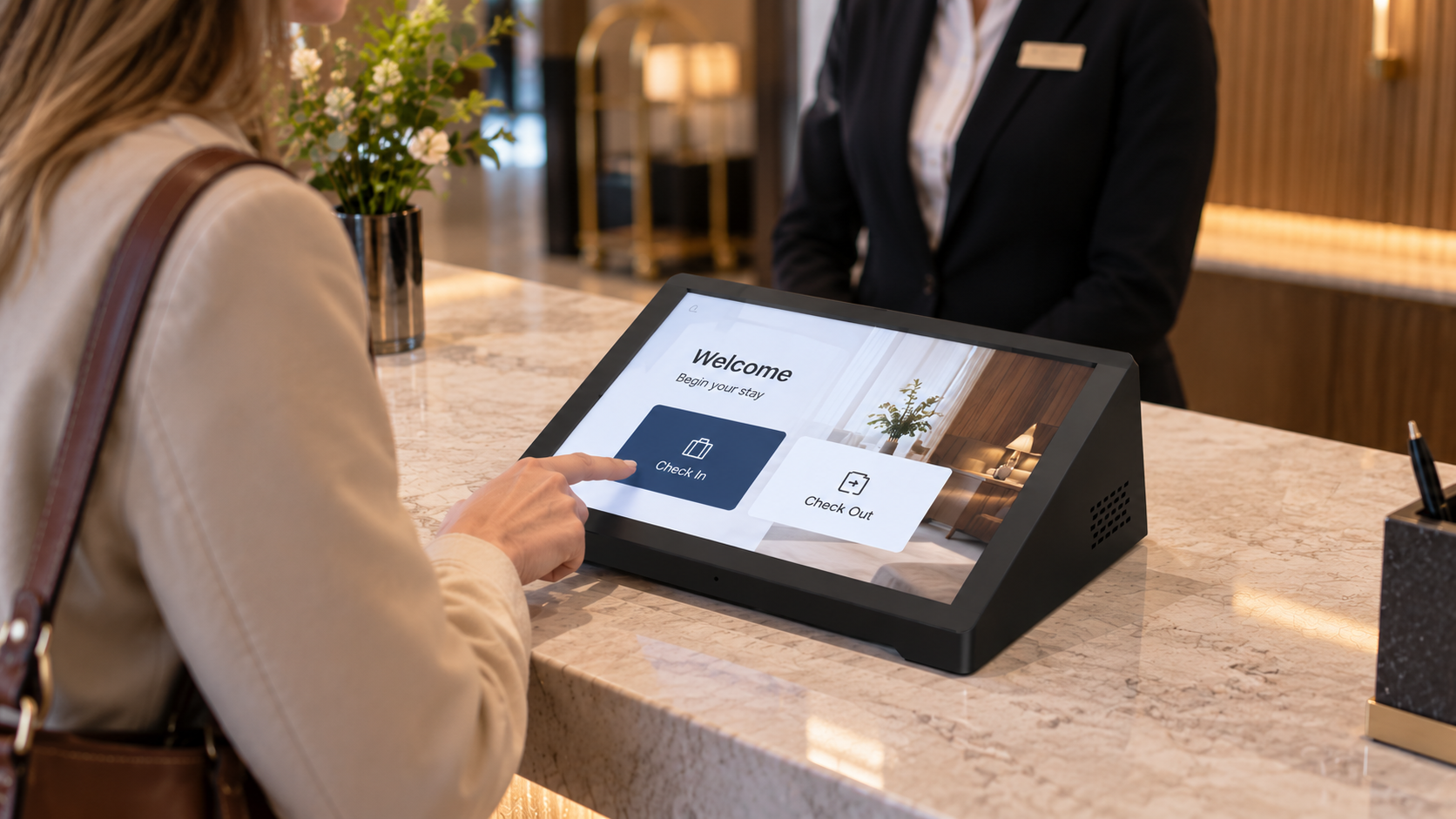
Technischer Support für die Integration von Android-Tablets
Dieser Fall verdeutlicht zudem, warum der Einsatz im Kiosk-Modus mehr als nur die grundlegende Hardware-Konfiguration eines Android-Tablets erfordern kann.
Wenn ein Tablet in eine dedizierte Anwendung, ein POS-System, einen Kiosk, ein industrielles System oder ein anderes verwaltetes Gerät integriert wird, kann die Software-Konfiguration gleichzeitig den Launcher, Device Owner, die System-Benutzeroberfläche, Anwendungsberechtigungen, Settings-Intents und das Wiederherstellungsverhalten umfassen.
Für Projekte mit Anforderungen an maßgeschneidertes Android-Tablet konfigurationen: Diese Anforderungen sollten gemeinsam mit der Hardware- und Android-Systemkonfiguration bewertet werden, anstatt sie während der abschließenden Tests als separate Probleme zu behandeln.
Die geeignete Lösung hängt von der Android-Version, der Tablet-Firmware, der Anwendungskonfiguration und den Funktionen ab, die der Systemintegrator steuern muss. Technische Dokumentation kann zudem auf Basis der verfügbaren System-Schnittstellen, unterstützten Intents, Berechtigungen und gerätespezifischen Einschränkungen erstellt werden.
Wenn Sie ein Android-Tablet für Kiosk-Bereitstellung oder Systemintegration testen und ähnliche Probleme mit Device Owner, benutzerdefinierten Startbildschirmen, Kiosk-Modus, Settings-Intents, Einschränkungen der System-Benutzeroberfläche oder Geräte-Wiederherstellung , Bitte kontaktieren Sie uns für technischen Support .
Sie können Ihr Tablet-Modell, die Android-Version, Ihre Bereitstellungskonfiguration sowie die konkrete Funktion angeben, die Sie implementieren möchten. Anschließend können wir die verfügbaren Android-Tablet-Anpassungsmöglichkeiten und technischen Support-Leistungen besprechen optionen für Ihr Projekt.