

AI + Android Terminal: A New Interface for Enterprise Digital Management
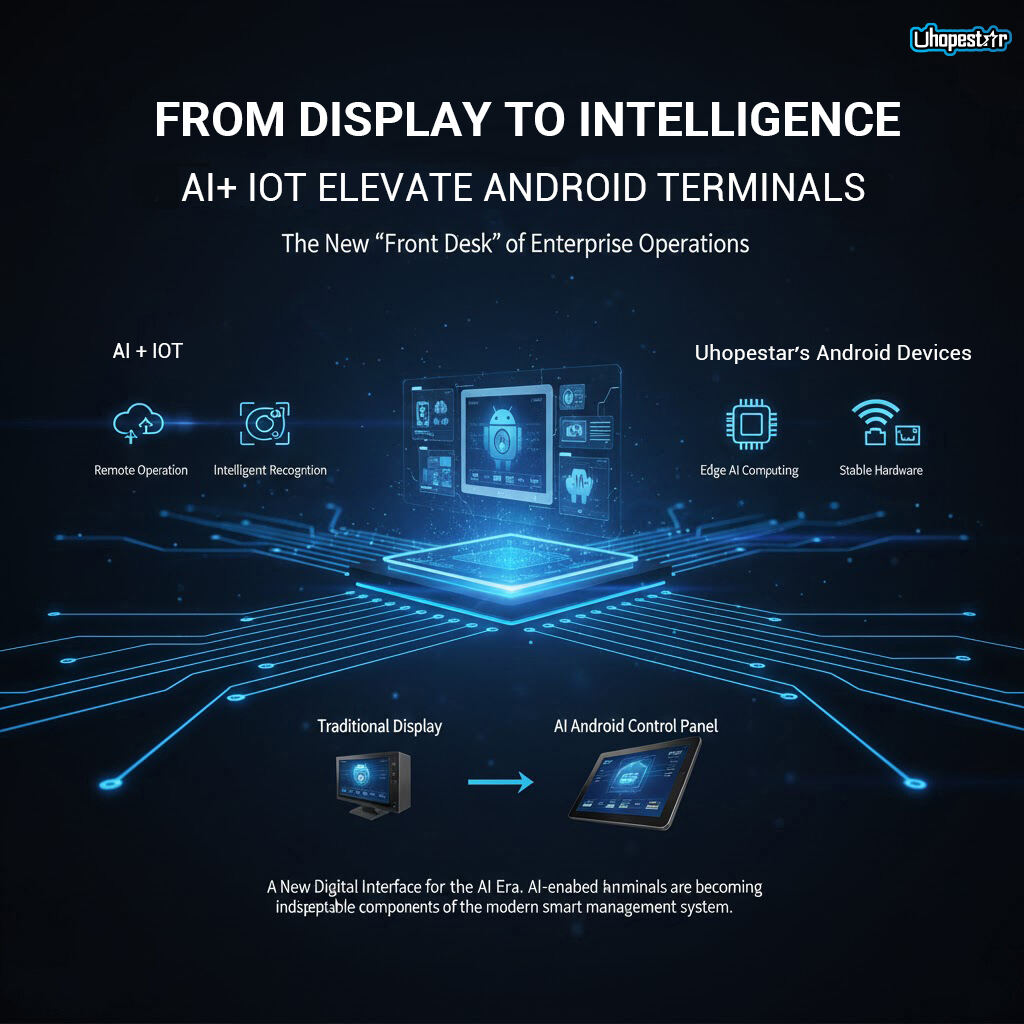
As enterprises accelerate their digitalization journey, the interface connecting people, equipment, and data is rapidly evolving. Traditional display screens or control panels can no longer meet the growing demand for automation, remote management, and real-time decision support. This is where AI-enabled Android terminals—powered by AI + IoT—are emerging as the new “front desk” of enterprise operations.
From Display to Intelligence: How AI + IoT Elevate Android Terminals
Modern Android terminals have evolved far beyond basic human–machine interfaces. By integrating AI capabilities and IoT connectivity, these devices now support a wide range of intelligent features:
1. Remote Operation & Predictive Maintenance
• Through IoT integration, enterprises can monitor device status, track performance data, and push system updates remotely.
• AI models running on the device can analyze usage patterns and alert operators before failures occur, minimizing downtime.
• This reduces on-site labor needs and improves the reliability of distributed equipment such as kiosks, POS systems, industrial dashboards, and smart facilities.
2. Intelligent Recognition for Real-Time Interaction
• With built-in cameras and Edge AI computing, the terminal can perform facial recognition, object detection, and scene understanding without relying heavily on cloud services.
• This improves speed, protects privacy, and supports applications like secure access control, visitor management, smart manufacturing inspections, and automated retail.
3. Voice Interaction and Natural User Interfaces
• Integrated far-field microphones and AI voice engines turn the terminal into a hands-free control panel.
• Operators can trigger actions or retrieve information via voice commands—ideal for retail counters, industrial environments, healthcare stations, and smart buildings where touch is not always convenient.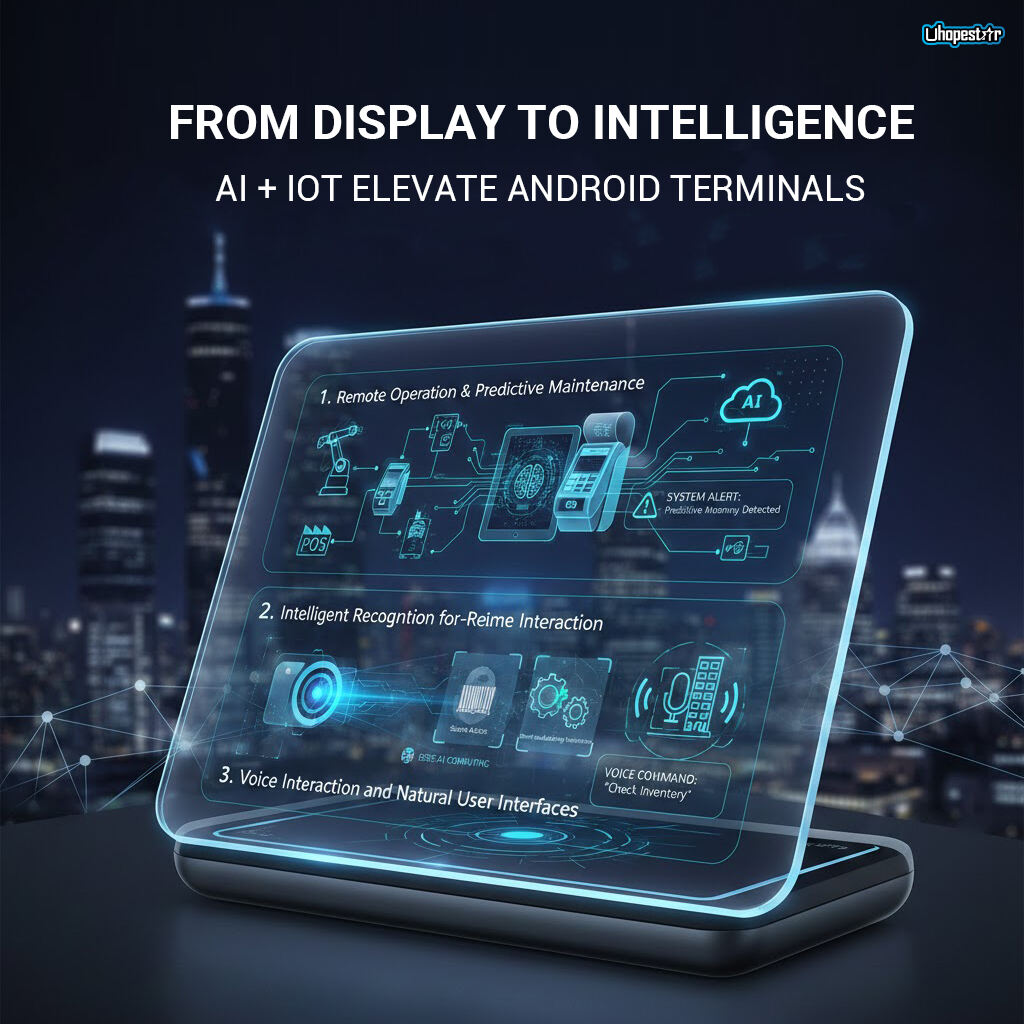
Android Devices: Designed for AI-Driven Enterprise Scenarios
enterprise-grade Android terminals are built to support AI-powered workflows right out of the box:
AI SDK & Flexible Software Integration
• Support for AI SDKs enables developers to integrate facial recognition, OCR, people counting, QR scanning, and other intelligent modules directly into on-device apps.
• Open Android frameworks ensure compatibility with third-party systems and cloud platforms.
Edge AI Computing
• Featuring processors such as RK3588, RK3566, and other high-performance SoCs with NPU acceleration, Hopestar devices can run AI inference locally.
• This improves responsiveness and reduces bandwidth costs—especially important for large-scale deployments.
Stable Hardware for Business Environments
• POE / RJ45 / WiFi 6 connectivity ensures reliable data transmission.
• Industrial-grade components and long lifecycle support help enterprises maintain consistent system performance across multi-year deployments.
• Customizable housings, screen sizes, and I/O ports make the devices easy to integrate into kiosks, control rooms, factories, and smart-building wall mounts.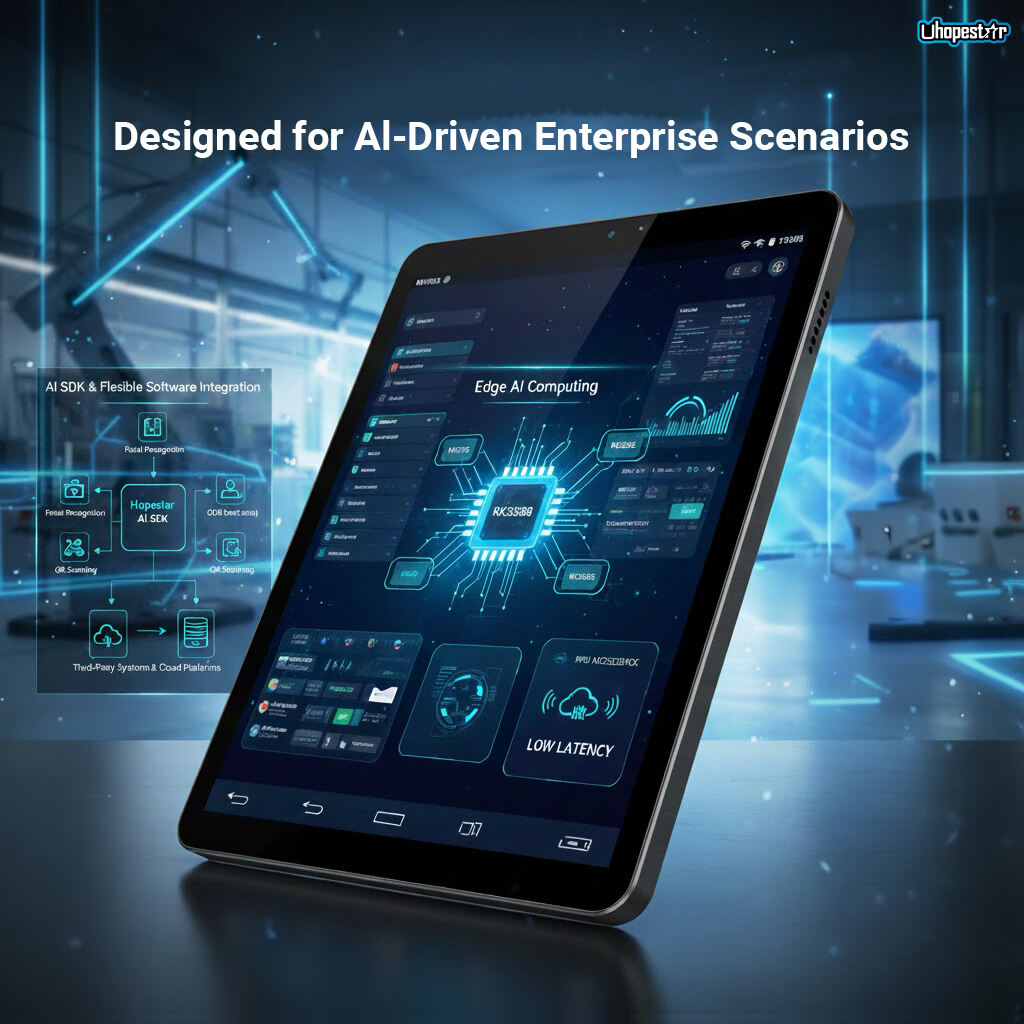
Traditional Display vs. AI-Enabled Android Control Panel: What’s the Difference?
| Feature | Traditional Display | AI Android Control Panel |
|---|---|---|
| Interaction | Basic display only | Touch, voice, intelligent recognition |
| Connectivity | Limited | Cloud + IoT + local network |
| Automation | Manual operation | Remote management, OTA, auto-alerts |
| Performance | No computing capability | Edge AI + app processing |
| Scalability | Low | Supports custom apps, SDKs, cloud platforms |
The comparison shows a clear shift: enterprises are moving from passive screens to intelligent, dynamic, and connected terminals that play an active role in daily operations.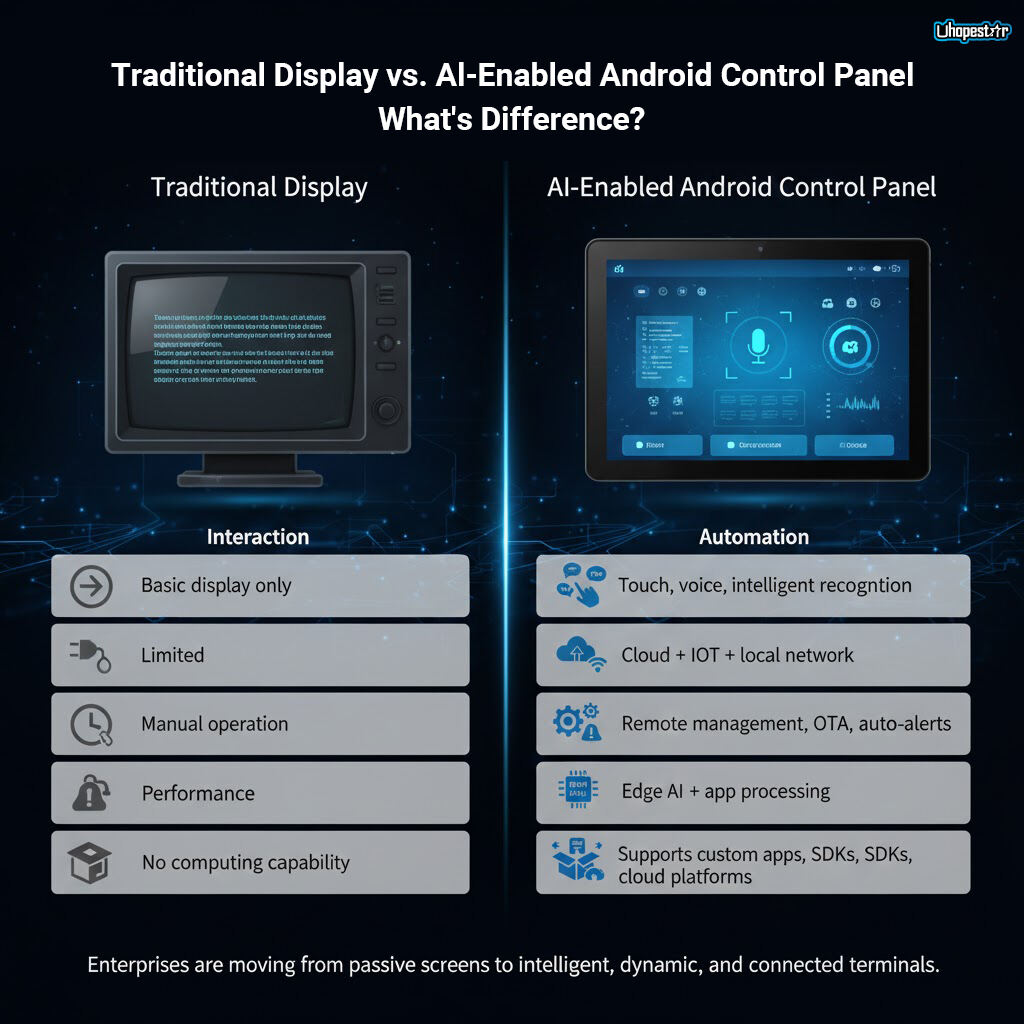
Where Can These AI Android Terminals Be Used?
• Smart factories – equipment dashboards, safety monitoring, automated inspection
• Smart buildings – wall-mounted control panels for HVAC, lighting, access control
• Healthcare – nurse call terminals, patient interaction devices, registration kiosks
• Retail & hospitality – POS panels, self-service terminals, digital signage with analytics
• Energy & utilities – remote status displays, predictive maintenance nodes
In each scenario, the terminal becomes the “edge interface” for real-time interaction between users, devices, and data cloud systems.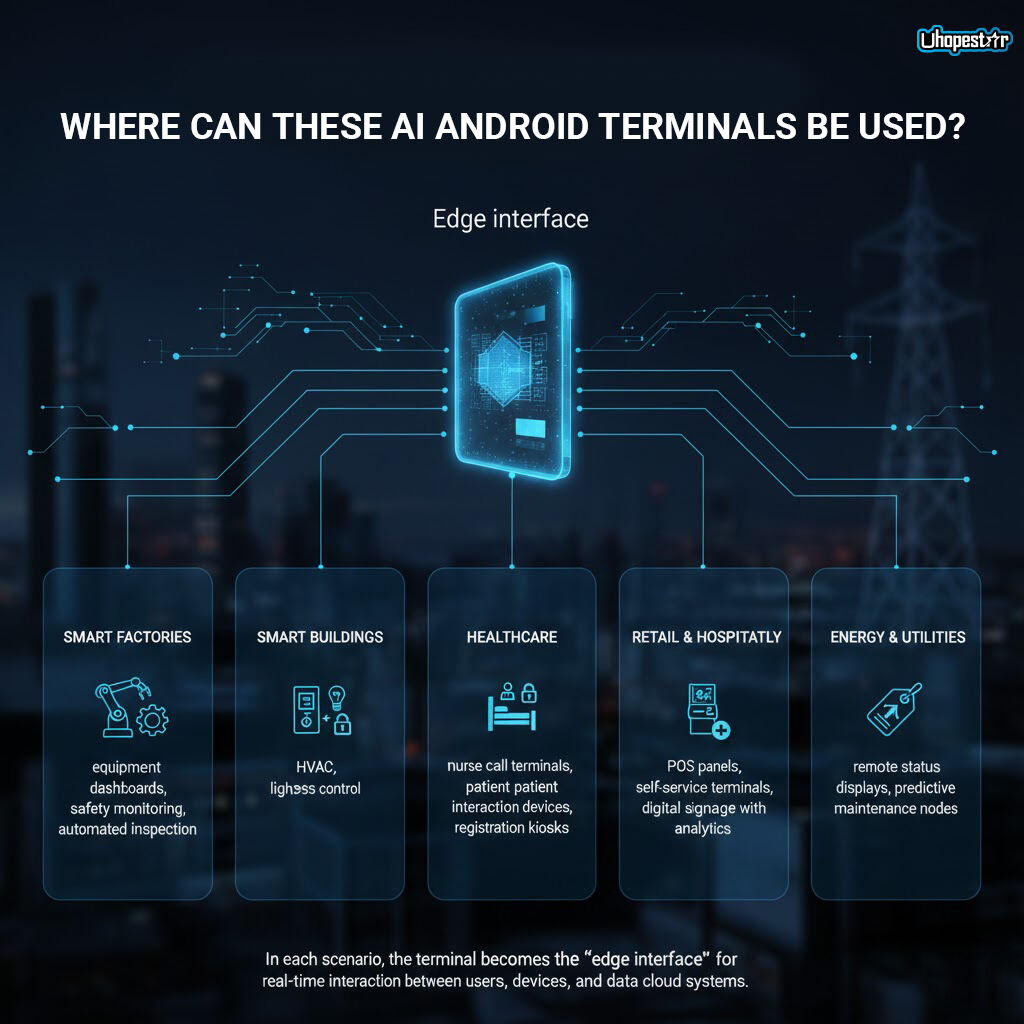
Conclusion: A New Digital Interface for the AI Era
The combination of AI + Android + IoT is redefining how enterprises manage equipment, interact with users, and streamline operations. Compared to traditional displays, AI-enabled Android terminals offer higher intelligence, better connectivity, and more scalable automation capabilities.
As more industries adopt edge computing and AI-driven workflows, devices like Hopestar’s Android terminals are becoming indispensable components of the modern smart management system—helping enterprises build faster, safer, and smarter operations.
If you need content tailored for product pages, brochures, or channel marketing, I can help refine this further.
Table of Contents
- From Display to Intelligence: How AI + IoT Elevate Android Terminals
- Android Devices: Designed for AI-Driven Enterprise Scenarios
- Traditional Display vs. AI-Enabled Android Control Panel: What’s the Difference?
- Where Can These AI Android Terminals Be Used?
- Conclusion: A New Digital Interface for the AI Era