
Products
-
Meeting Reservation Tablet
-
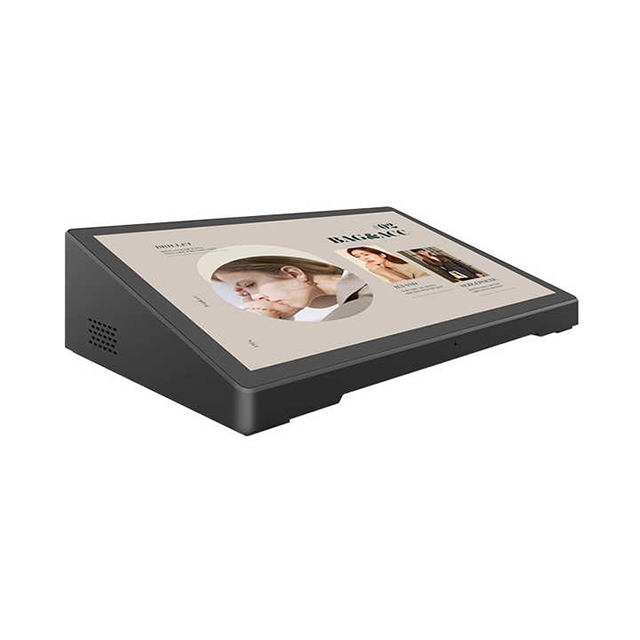
Advertising Display Tablet
-
Restaurant Ordering Tablet
-
Smart TV (Big Tablet)
-
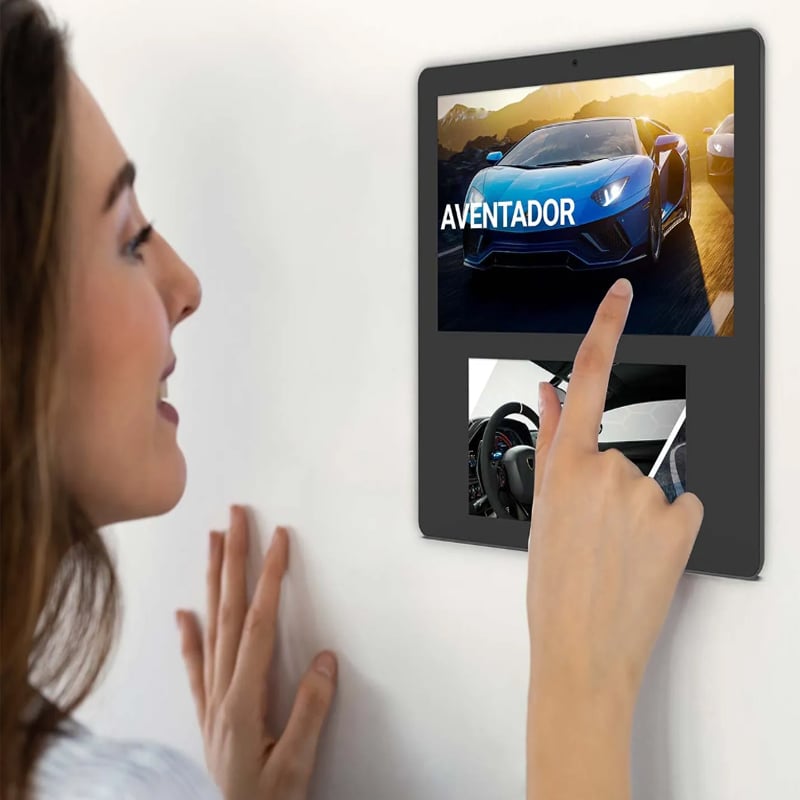
Smart Home Tablet
-
Medical Monitoring Tablet
-
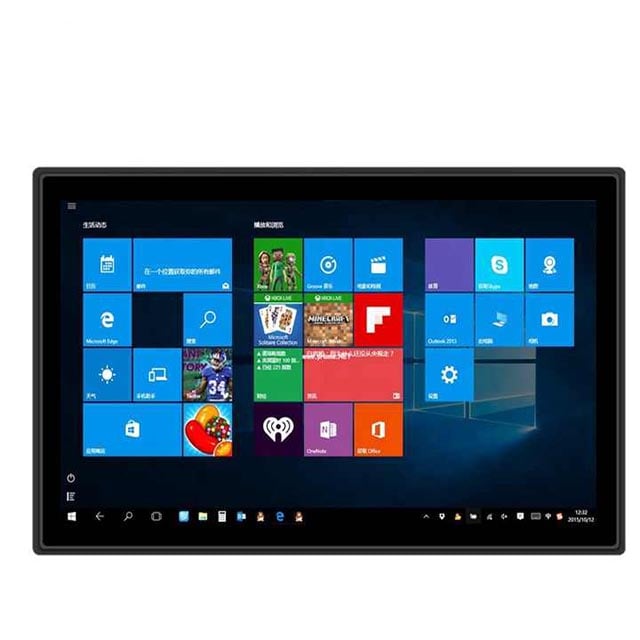
Industrial Tablet
-
Rugged Tablet
Have any questions?
Please feel free to contactus. We will get back to you as soon as.
+86-13501581295 +86-13501581295 [email protected]
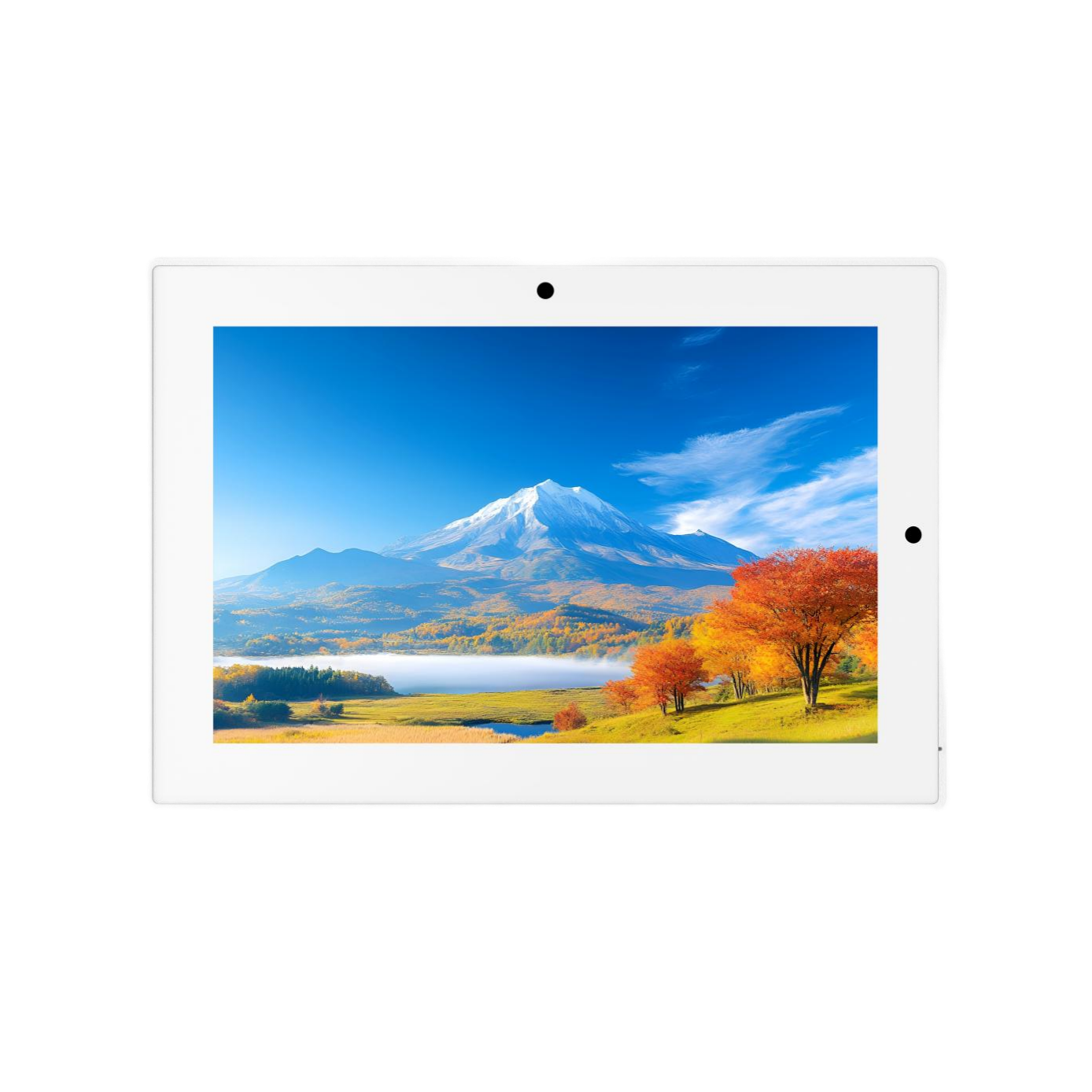
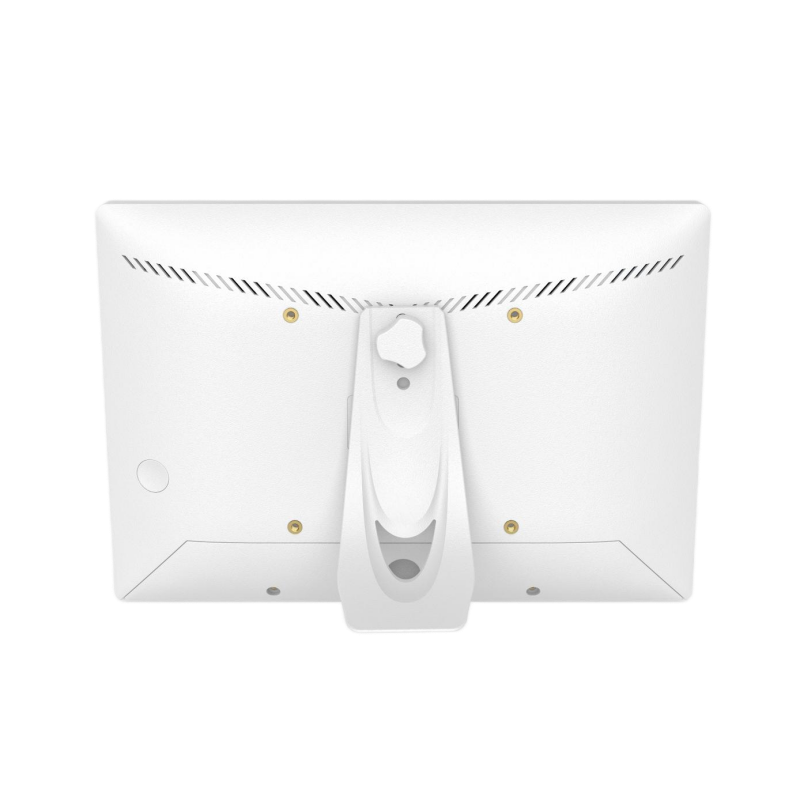
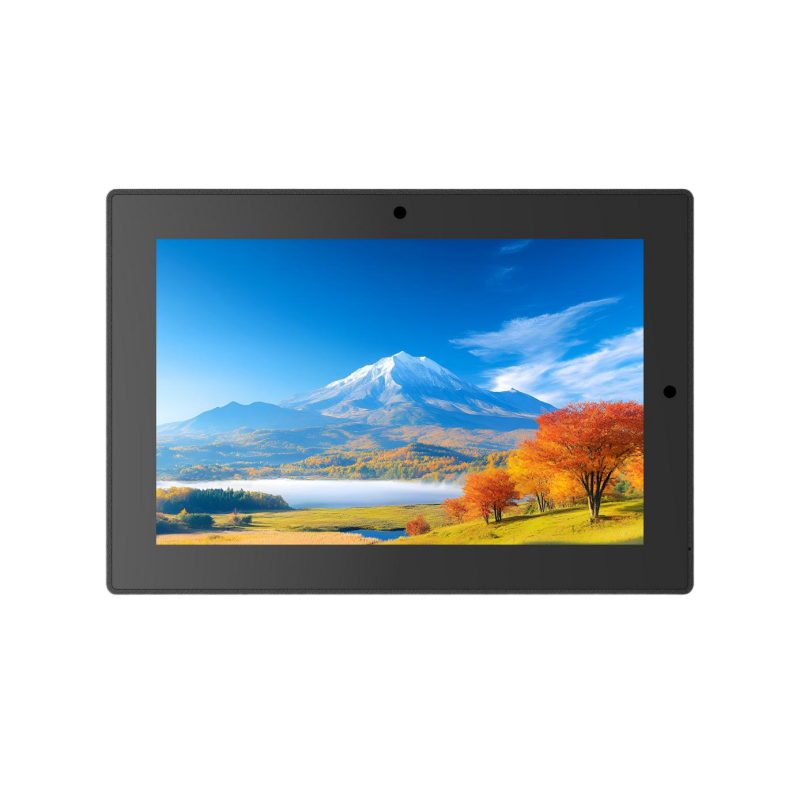
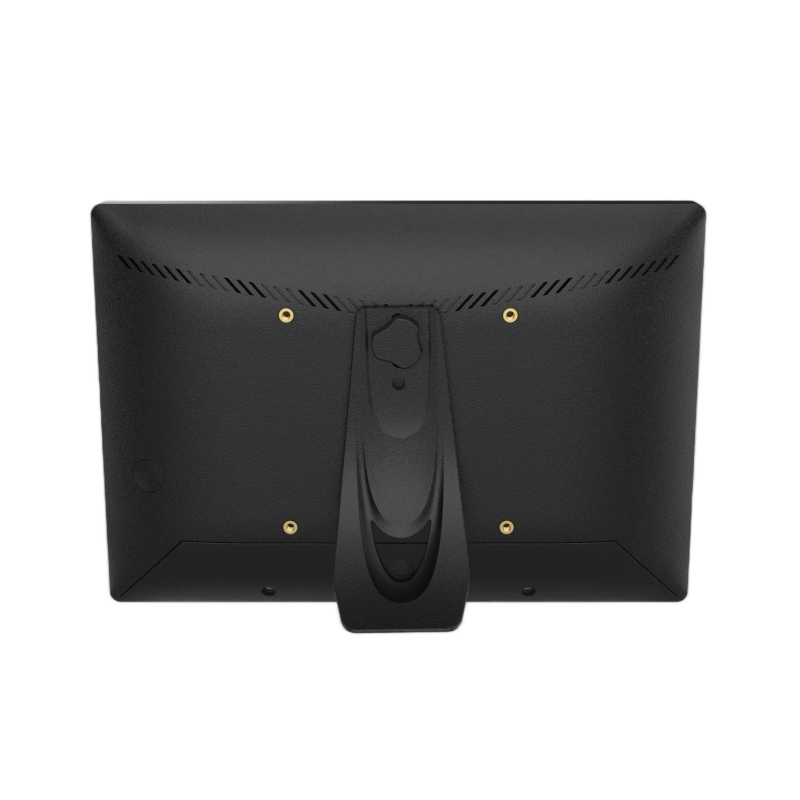
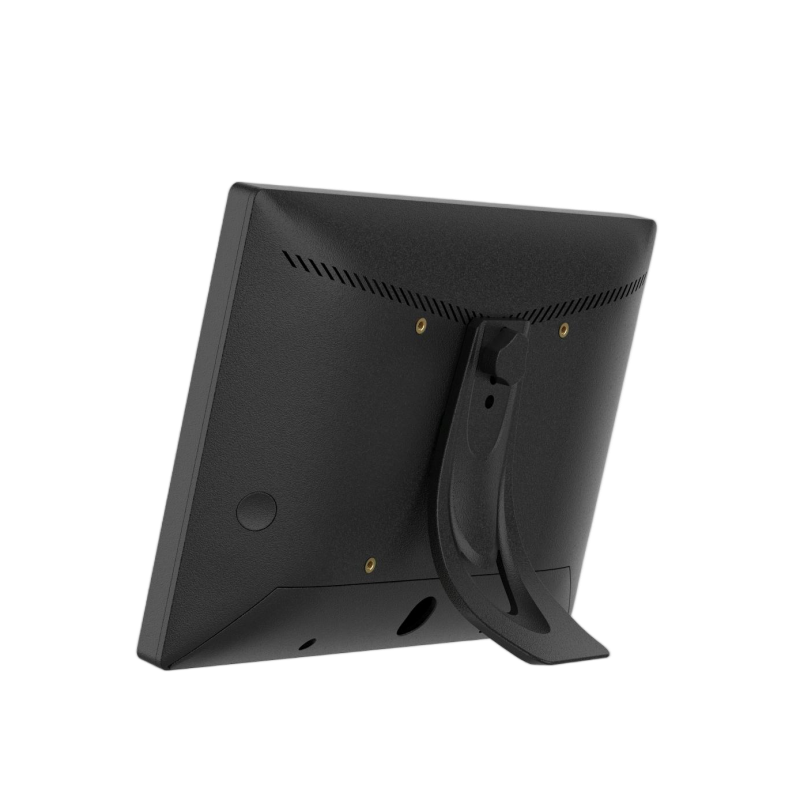
8 Inch Wall Mount Android Conference Room Booking Tablet with PoE and Gigabit Ethernet
8inch Android meeting room tablet with RK3588 processor, 1280×800 touchscreen, Gigabit Ethernet, Wi-Fi, Bluetooth 5.0, and optional PoE and 4G/5G. Designed for wall-mounted conference room booking, scheduling, and workplace management applications.
- Features
- Parameter
- Products Description
- Packaging
- Recommended Products
Features
- 8-inch HD Full-View Touchscreen
- 1280×800 Resolution for Clear Scheduling Interfaces
- Android 13 for Flexible Application Deployment
- RK3588 Octa-Core Processor for Multitasking
- 4GB RAM and 64GB Storage
- 10-Point Capacitive Touchscreen
- Gigabit Ethernet for Stable Wired Connectivity
- Wi-Fi and Bluetooth 5.0 Connectivity
- Optional PoE for Simplified Installation
- Optional 4G/5G for Flexible Network Access
- Wall-Mount Friendly Compact Design
Parameter
| Display | Panel | 8" high-definition full view screen | ||||||||||||
| Resolution | 1280×800 | |||||||||||||
| Viewing angle | 85/85/85/85(L/R/U/D) | |||||||||||||
| Brightness | 300 cd/m2 | |||||||||||||
| Contrast | 1000:1 | |||||||||||||
| Screen scale/Display area | 16:10/ Display area : 173×109mm | |||||||||||||
| System | CPU | Rockchip RK3588, octa-core 64-bit big.LITTLE architecture: 4x Cortex-A76 + 4x Cortex-A55 | ||||||||||||
| RAM | 4GB(8GB optional) | |||||||||||||
| Internal memory | 64GB(128GB optiona) | |||||||||||||
| Operation system | Android 13 OS | |||||||||||||
| Touch screen | 10-Point capacitive touch | |||||||||||||
| Network | WIFI | 802.11b/g/n | ||||||||||||
| Ethernet | 1000M ethernet | |||||||||||||
| Bluetooth | BT 5.0 | |||||||||||||
| 4G/5G Cellular network | Optional | |||||||||||||
| Interface | TF | TF card slots | ||||||||||||
| USB 2.0 | 2×USB USB2.0x1 USB3.0x1 (support U disk, mouse, keyboard, printer etc) | |||||||||||||
| RJ45 | Ethernet interface (POE function Optional) | |||||||||||||
| Earphone | 1×3.5mm headphone Interface | |||||||||||||
| HDMI | 1xHDMI out | |||||||||||||
| Power | DC power input (5.5x2.1) | |||||||||||||
| Multi-Media | Video | Support MPEG-1, MPEG-2, MPEG-4, H.263, H.264, RV, etc. (max support 1080P) | ||||||||||||
| Audio | Support MP3, WMA, AAC and so on | |||||||||||||
| Picture | JPEG、JPG | |||||||||||||
| Other parameters | Microphone | One microphones | ||||||||||||
| Speaker | 2×2W speakers | |||||||||||||
| Camera | Standard 2.0MP pixel camera (5.0MP pixel camera optional) | |||||||||||||
| Working temp | 0-50degree | |||||||||||||
| OSD language | Multi-language | |||||||||||||
| Certificates | 3C,FCC,CE,ROHS etc. | |||||||||||||
| Attachment | Adapter | One, specifications: 12V/2A | ||||||||||||
| User's Manual | yes | |||||||||||||
| Anti-theft Cap | One | |||||||||||||
| Detachable Stand | One | |||||||||||||
| Screws | Three ,1 bracket screw, 2 cover screws | |||||||||||||
Products Description
Managing meeting rooms becomes more complicated as offices grow. Employees need to know whether a room is available, when the next meeting starts, and where to make a reservation without walking back to a desktop. For facility teams, the challenge is different: the room booking system needs a dedicated endpoint that is easy to install, visible at the door, and compatible with the software already used across the organization.
This 8-inch Android conference room booking tablet provides a compact interface for meeting room scheduling, room availability display, and workplace management applications. Its 1280×800 full-view display, 10-point capacitive touch, Android 13 OS, RK3588 octa-core processor, Gigabit Ethernet, Wi-Fi, Bluetooth 5.0, HDMI output, and optional PoE and cellular connectivity give system integrators flexibility when planning both new office installations and retrofit projects. The detachable stand and wall-mount-friendly design also make it practical for different room layouts.
Designed for Wall-Mounted Meeting Room Deployment
Where the panel is installed can be just as important as what it can do. A meeting room booking screen is normally positioned near the entrance, where employees can check room status before entering. Wall mounting keeps the interface visible while avoiding unnecessary use of desk or floor space.
The detachable stand provides an alternative installation arrangement when the project requires a freestanding configuration. An anti-theft cap and mounting-related accessories are also included, supporting installations where the device needs to remain securely positioned in a shared office environment.
The compact 8-inch form factor is particularly suitable for doors, corridors, reception areas, and other locations where a larger display would be unnecessary. For multi-room deployments, using the same hardware configuration across rooms can also simplify installation planning, replacement procedures, and device management.
In practical office environments, cable routing is another consideration. The tablet provides DC power input, Ethernet, USB, HDMI, TF card, and other interfaces, allowing installers to select the connection method appropriate to the project. The final mounting and cable-management approach can then be adapted to the building's existing infrastructure.
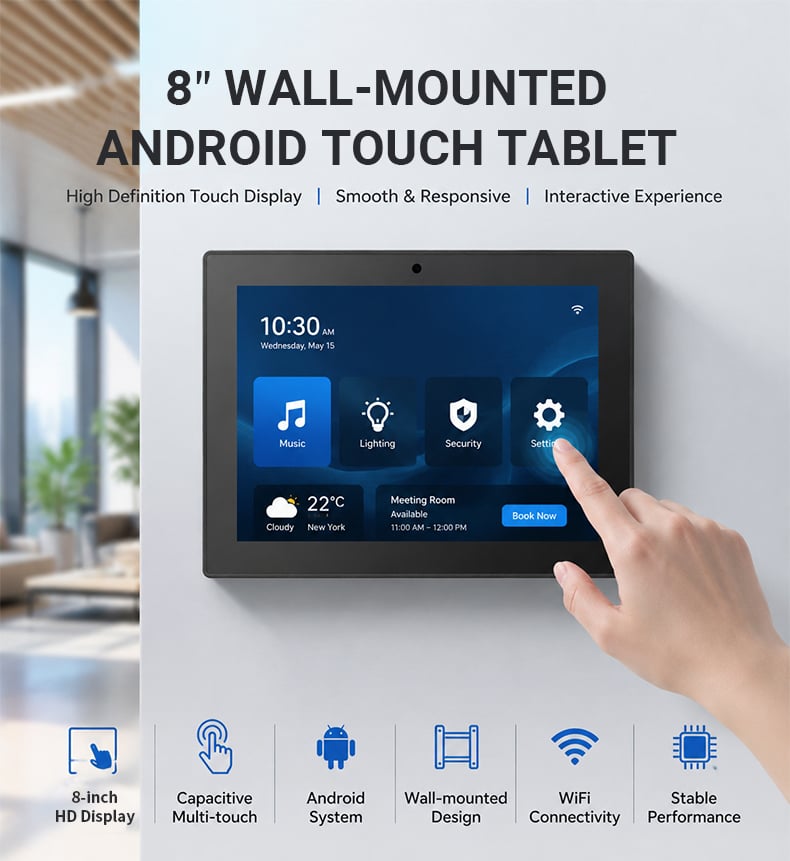
Clear Room Availability on an 8-Inch Touchscreen
The most important job of a meeting room panel is simple: make room status easy to understand at a glance. The 8-inch display provides enough working space for room names, availability indicators, schedules, booking interfaces, and meeting information without requiring a large commercial display.
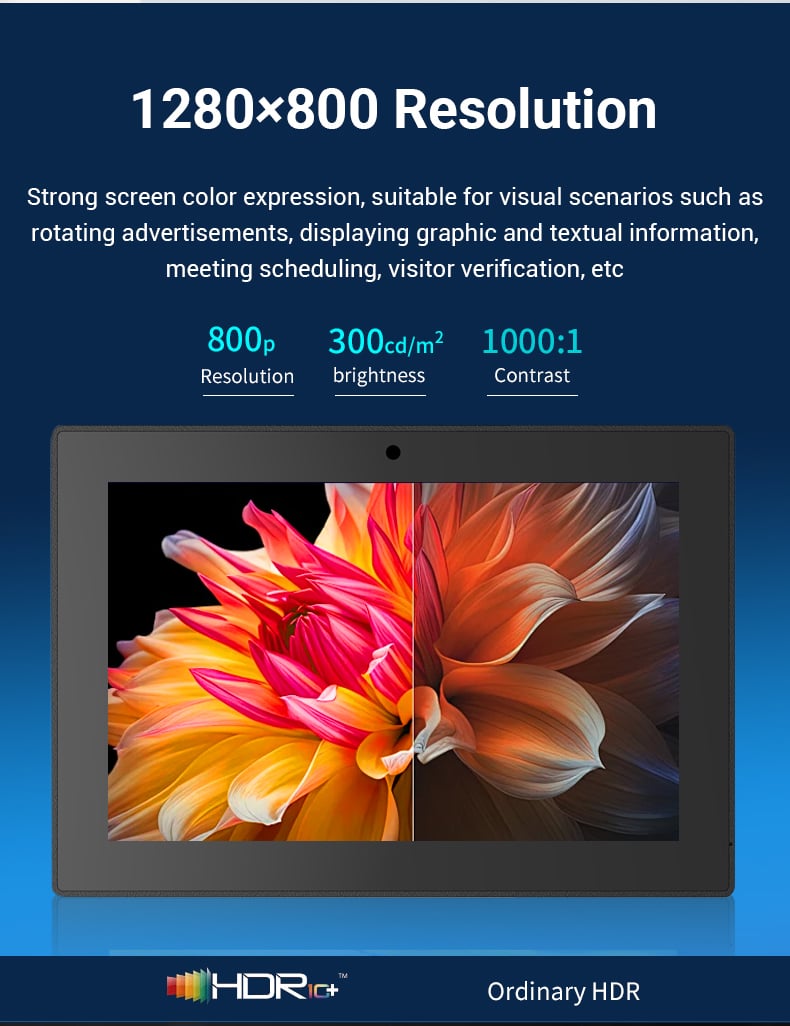
The 1280×800 resolution and 16:10 screen ratio provide a practical interface area for Android-based room booking applications. With a 300 cd/m² brightness level and 1000:1 contrast ratio, the screen is designed for typical indoor office environments where users interact with the panel at close range. The 10-point capacitive touchscreen also allows employees to interact directly with scheduling applications rather than relying on physical buttons.
For offices with multiple meeting rooms, consistent screen size and interface placement can make room finding more predictable. A standardized 8-inch panel can be installed outside individual rooms as part of a broader workplace management system.
Flexible Meeting Room Applications
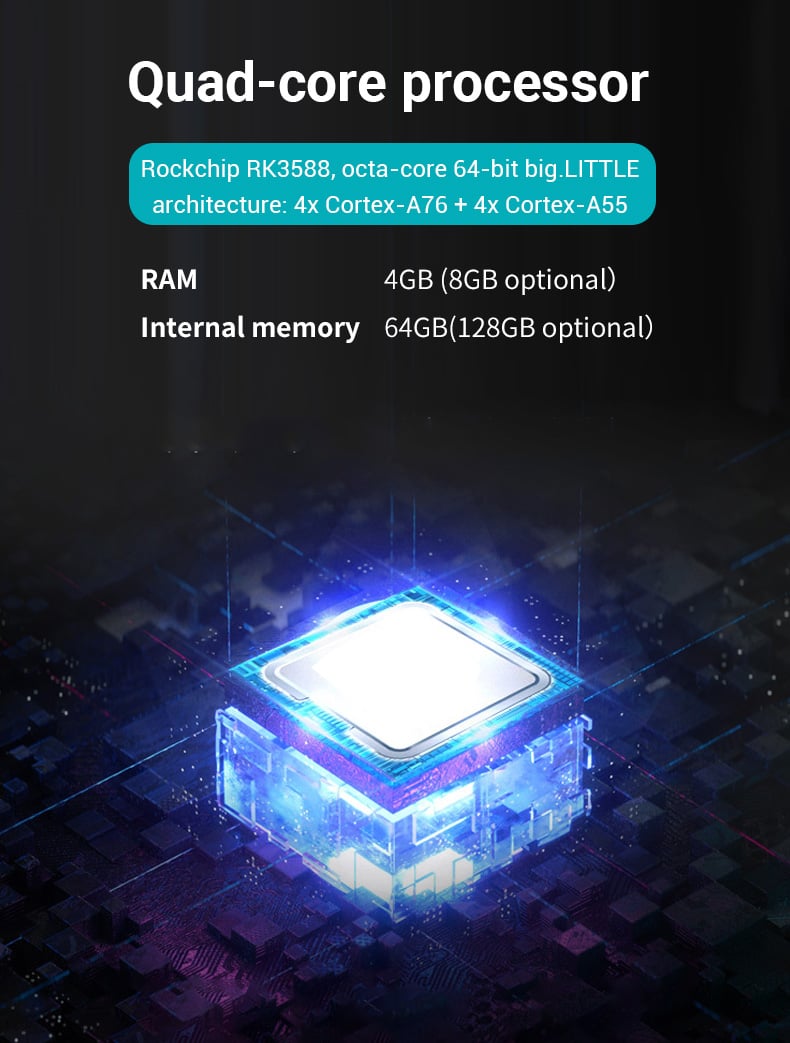
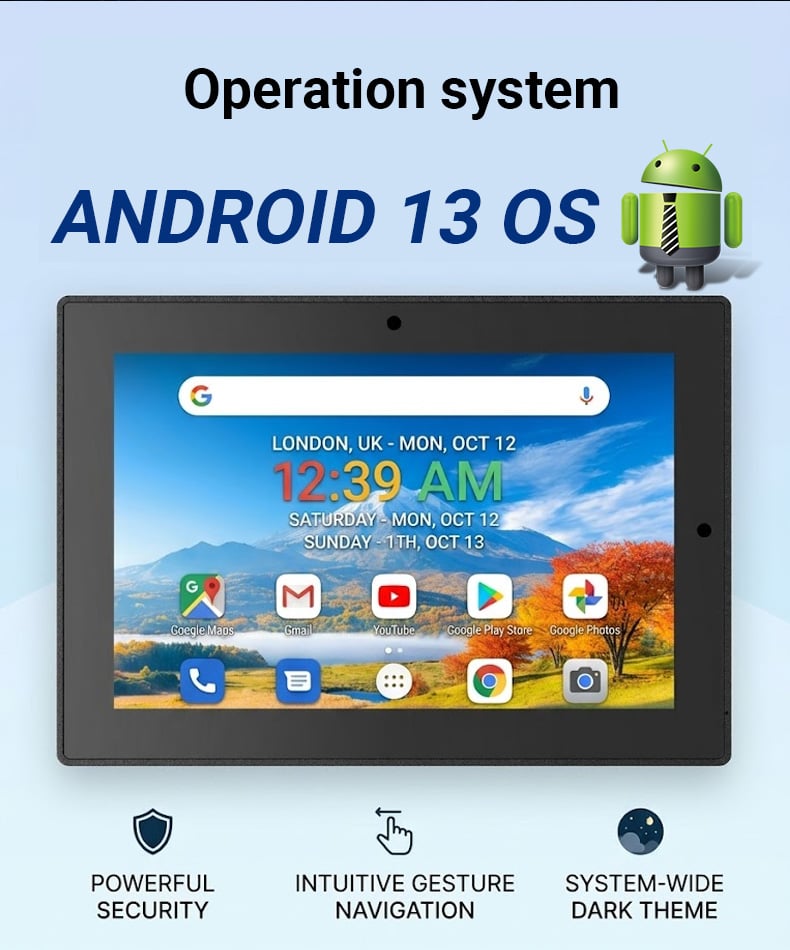
A conference room panel is more useful when it can run the software required by the customer's workplace environment. This tablet uses Android 13 with a Rockchip RK3588 octa-core 64-bit processor based on a 4×Cortex-A76 and 4×Cortex-A55 big.LITTLE architecture. The configuration provides a stronger processing platform than a basic single-purpose scheduling terminal.
The standard 4GB RAM and 64GB internal storage provide room for Android applications, scheduling interfaces, configuration files, and locally required resources, while 8GB RAM and 128GB storage are available as options. This makes the platform easier to adapt when a project requires additional application resources or a more demanding software environment.
For system integrators, Android also provides a familiar software environment for deploying custom interfaces and enterprise applications. The device can therefore be positioned not only as a room booking screen, but also as an endpoint within a wider workplace digitalization system, depending on the customer's software architecture.
Flexible Connectivity for New Offices and Retrofit Projects
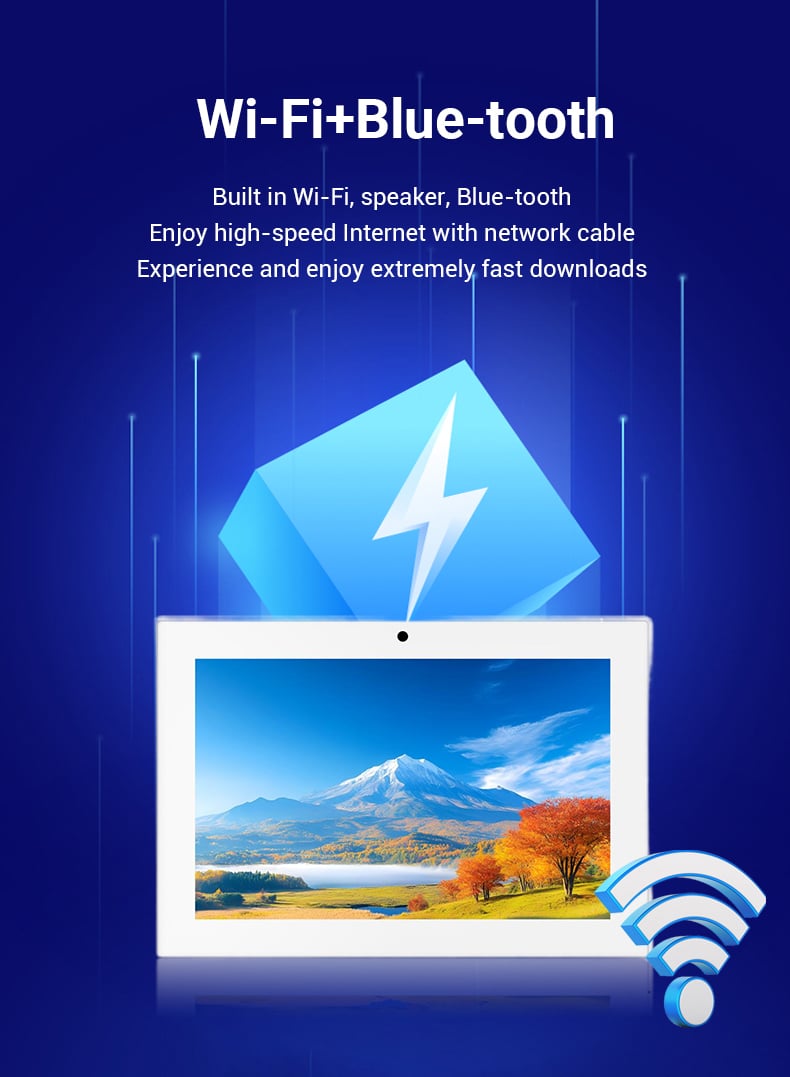
Installation conditions vary considerably between offices. Some meeting rooms already have Ethernet cabling, while others are easier to connect through wireless networks. This tablet supports both approaches, allowing the hardware configuration to follow the actual site rather than forcing every project into the same installation method.
Wi-Fi connectivity supports wireless communication with workplace applications, while the 1000M Ethernet interface provides a wired option where stable network infrastructure is already available. An optional PoE function can further simplify compatible installations by allowing power and network connectivity to be handled through the Ethernet infrastructure, reducing the need to plan a separate power connection at the panel location.
Bluetooth 5.0 provides another local connectivity option for compatible peripherals and project requirements. Optional 4G/5G cellular connectivity can also be considered for deployments where conventional network access is limited or where independent connectivity is part of the project design.
For retrofit projects, these choices can be particularly useful. Existing offices do not always have convenient power outlets next to every meeting room entrance, so having multiple connectivity configurations gives installers more flexibility during deployment.
Built for Everyday Enterprise Use
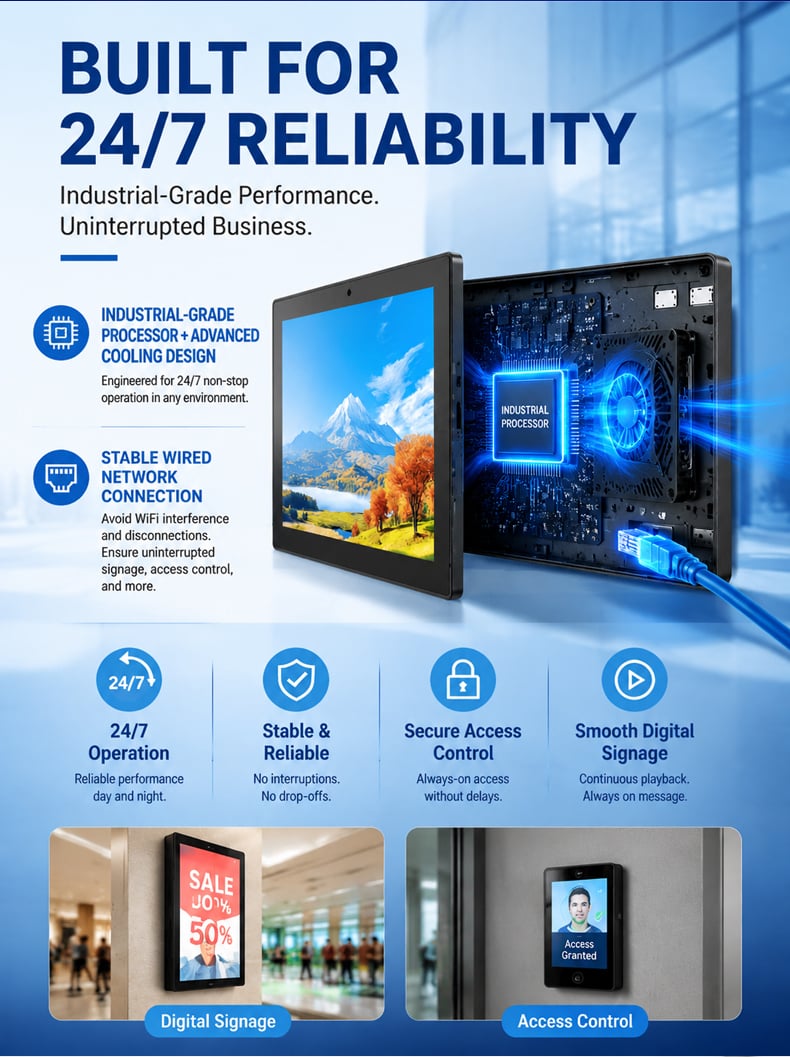
A meeting room panel may be touched hundreds of times during normal office operation, particularly in organizations with frequent internal meetings and shared rooms. The hardware therefore needs to support straightforward daily interaction without adding unnecessary complexity to the workplace.
The full-view display and capacitive touchscreen provide a familiar smartphone-like interaction model, making it easier for employees to check schedules or interact with booking applications. The integrated microphone, dual 2W speakers, and standard 2MP camera also provide additional hardware resources for projects that require audio or visual interaction, with a 5MP camera available as an option.
The operating temperature range of 0–50°C covers typical indoor office conditions. Multi-language OSD support can also be useful for international deployments where the same hardware platform is being rolled out across different regions.
For IT and facility teams, standardized hardware can simplify replacement and maintenance. Instead of designing a different endpoint for every meeting room, organizations can establish a consistent panel configuration and deploy the same platform across multiple locations.
Designed for Wall-Mounted Meeting Room Deployment
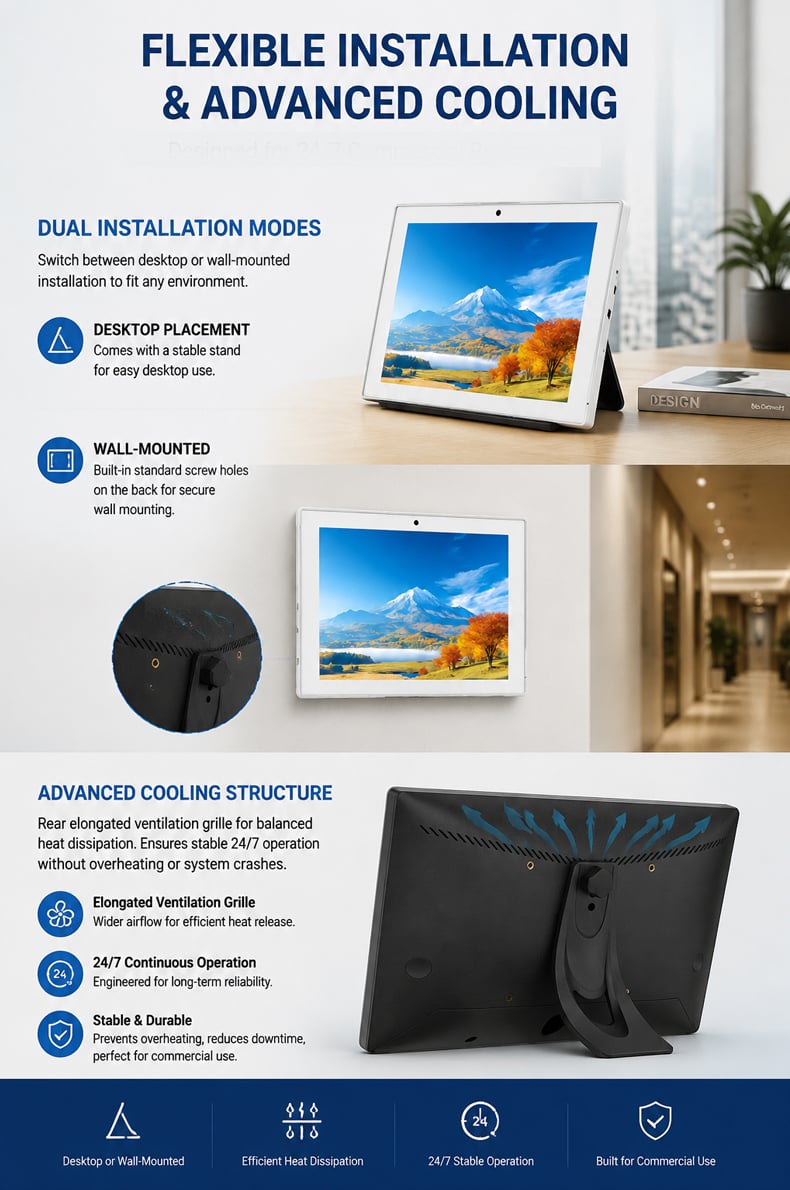
Where the panel is installed can be just as important as what it can do. A meeting room booking screen is normally positioned near the entrance, where employees can check room status before entering. Wall mounting keeps the interface visible while avoiding unnecessary use of desk or floor space.
The detachable stand provides an alternative installation arrangement when the project requires a freestanding configuration. An anti-theft cap and mounting-related accessories are also included, supporting installations where the device needs to remain securely positioned in a shared office environment.
The compact 8-inch form factor is particularly suitable for doors, corridors, reception areas, and other locations where a larger display would be unnecessary. For multi-room deployments, using the same hardware configuration across rooms can also simplify installation planning, replacement procedures, and device management.
In practical office environments, cable routing is another consideration. The tablet provides DC power input, Ethernet, USB, HDMI, TF card, and other interfaces, allowing installers to select the connection method appropriate to the project. The final mounting and cable-management approach can then be adapted to the building's existing infrastructure.
A Practical Platform for Multi-Room and Multi-Location Deployment
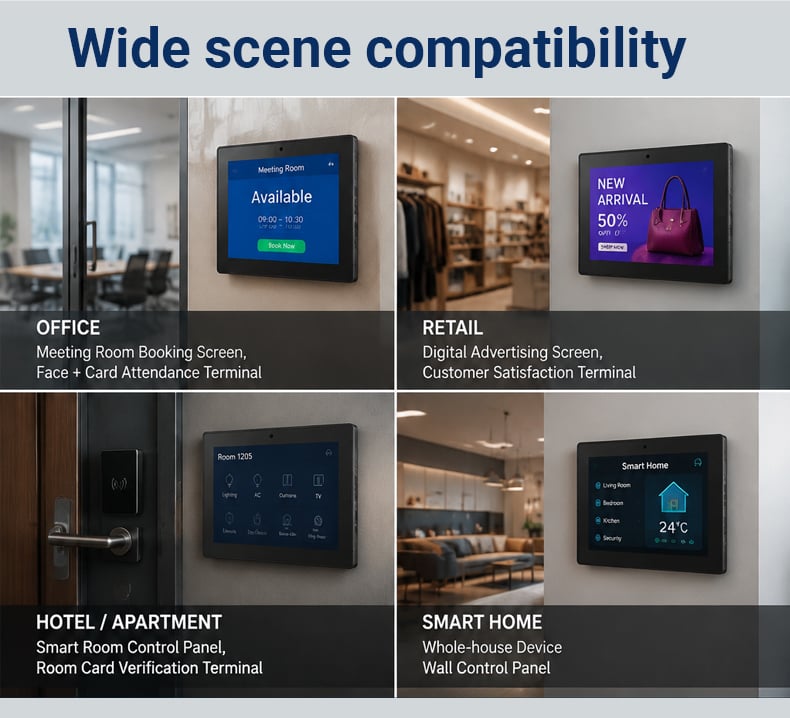
For a single conference room, almost any screen can display a calendar. The value of a dedicated meeting room tablet becomes clearer when the requirement involves multiple rooms, multiple floors, or multiple offices.
A standardized 8-inch Android panel can provide a consistent physical endpoint for room booking software across a workplace. IT teams can work with the same screen size and hardware platform, while facility teams can use a familiar interface at every room entrance. System integrators can also plan network, mounting, power, and software deployment around a repeatable device configuration.
This is especially relevant for office retrofit projects. Existing buildings often have different room layouts, cable routes, and network conditions. Wi-Fi, Gigabit Ethernet, optional PoE, and optional cellular connectivity provide several ways to adapt the panel to the site.
For larger deployments, the hardware can be supplied for OEM or private-label projects where branding, software environment, storage, memory, connectivity, and installation requirements need to be aligned with a specific solution. Project-level customization should be defined around the actual deployment volume, application requirements, and integration architecture.
Interfaces That Support System Integration
Meeting room scheduling rarely operates as a completely isolated function. The panel may need to communicate with a booking platform, network infrastructure, peripherals, or other workplace systems. For this reason, the available interfaces can have a direct impact on deployment flexibility.
The tablet includes two USB interfaces, supporting devices such as U disks, keyboards, mice, and printers. An HDMI output is also available for projects that require external display connectivity. The TF card slot provides another method for local storage or configuration-related tasks.
The Ethernet interface supports wired network deployment, while Wi-Fi provides an alternative where cabling is less convenient. These physical and wireless interfaces give system integrators several options when connecting the panel to the customer's existing infrastructure.
For larger projects, the hardware can be evaluated as part of an integrated room-management solution rather than as a standalone tablet. OEM deployment can include project-specific logo branding, application configuration, firmware requirements, interface adaptation, and integration planning according to the software and deployment environment. SDK or API integration should be defined according to the customer's application architecture and project requirements rather than assumed as a standard feature.
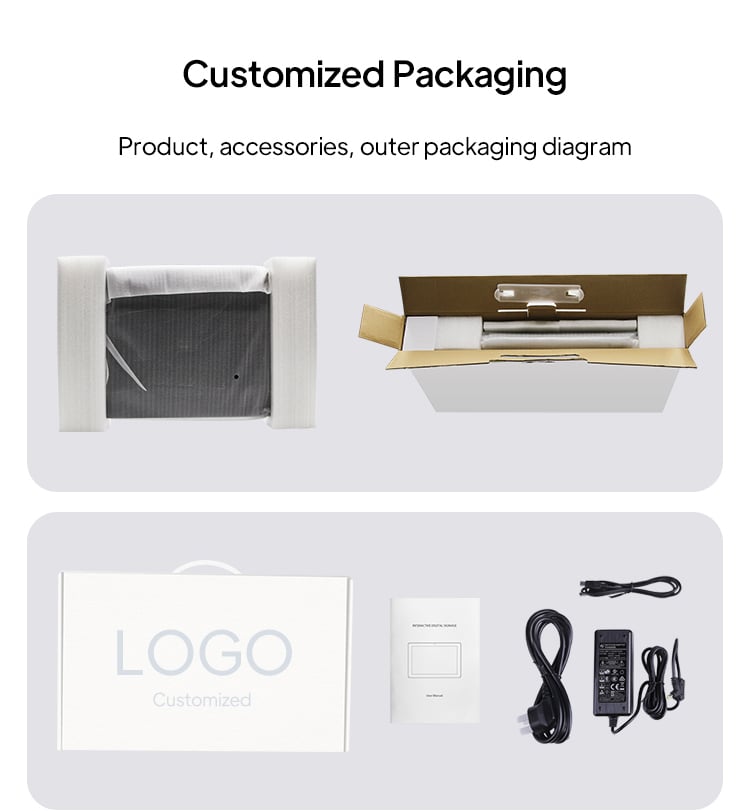
Packaging
Packaging support customization, users can customize logo tags on the box. Customized packaging can be customized according to the different needs of the user.