
Products
-
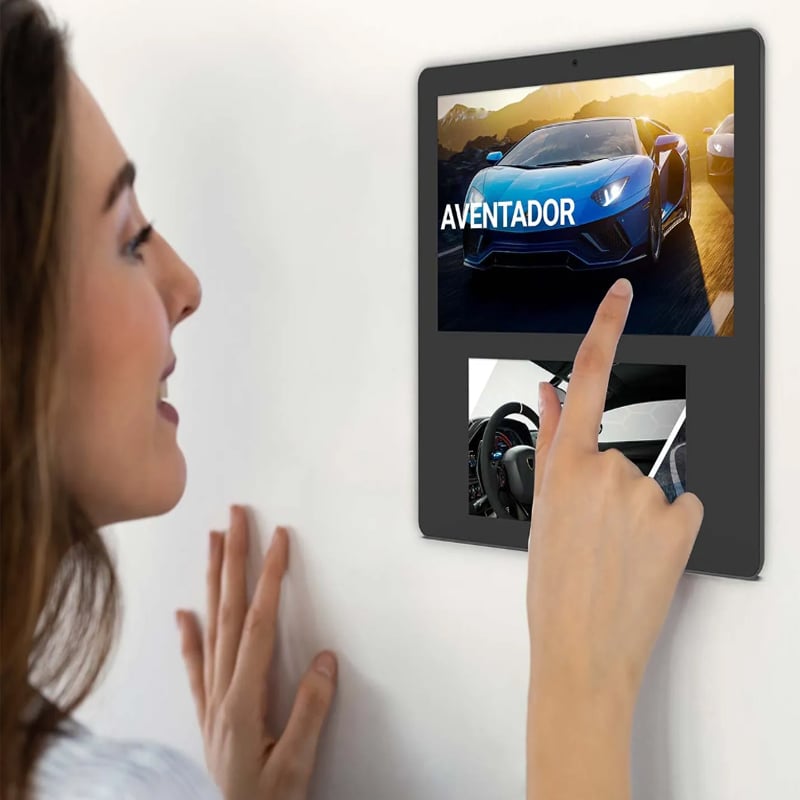
Meeting Reservation Tablet
-
Advertising Display Tablet
-
Restaurant Ordering Tablet
-
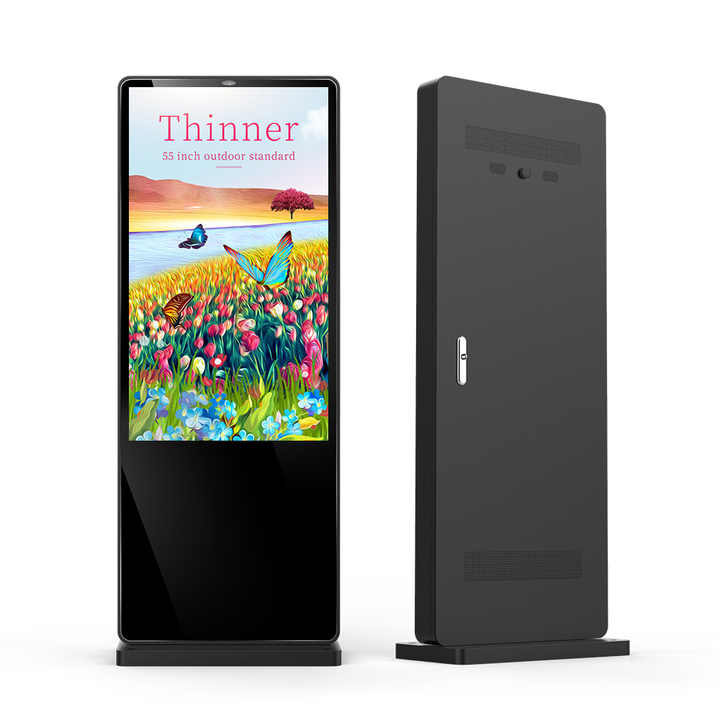
Smart TV (Big Tablet)
-
Smart Home Tablet
-
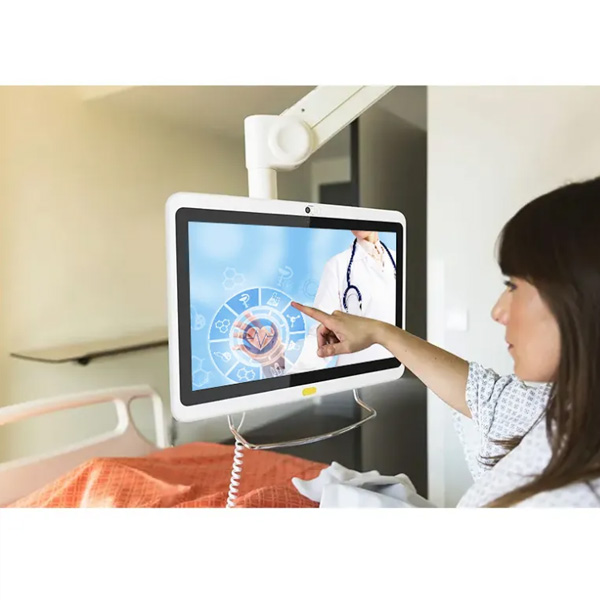
Medical Monitoring Tablet
-
Industrial Tablet
-
Rugged Tablet
Have any questions?
Please feel free to contactus. We will get back to you as soon as.
+86-13501581295 +86-13501581295 [email protected]


21.5 Inch Android Calendar Display Touchscreen KF08 for Commercial Applications
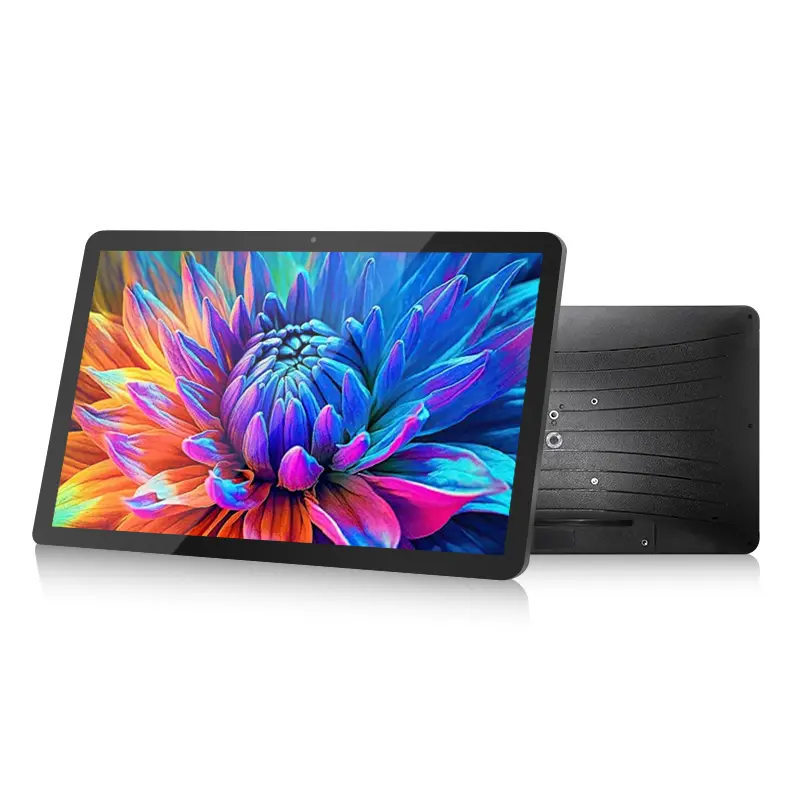
The 21.5-inch Android Calendar Display is a large-format touchscreen platform designed for scheduling, information management and customized interactive applications. With a 21.5-inch IPS Full HD display and G+G capacitive multi-touch technology, it provides a spacious interface for viewing schedules, managing information and operating Android applications.
Powered by Android 15 and MediaTek Helio G85 octa-core processor, the display delivers a flexible hardware platform with 3GB RAM, 32GB storage, dual-band Wi-Fi, Bluetooth 5.0 and USB Type-C connectivity. The customized Calendar application provides a practical scheduling interface, while voice interaction support and Android compatibility allow additional applications to be deployed according to project requirements.
Designed for fixed-location installation with 12V DC power input and no built-in battery, this 21.5-inch Android touchscreen display provides a reliable solution for smart office, commercial information display, hospitality applications, interactive terminals and customized Android projects.
- Features
- Parameter
- Products Description
- Recommended Products
Features
- Large 21.5-inch display improves information visibility in shared spaces
- Responsive touchscreen enables intuitive and efficient user interaction
- Android 15 platform supports customized business applications
- Reliable performance ensures smooth operation for daily workflows
- Flexible connectivity simplifies device integration and deployment
- Expandable interfaces support additional peripherals and applications
- Stable power design enables continuous fixed-location operation
Parameter
| Configuration parameters | ||
| Basic Configuration | LCD Specifications | 21.5" IPS Display, 1920 × 1080 Full HD Resolution |
| TP | G+G Capacitive multi-touch | |
| Camera | No built-in camera | |
| Physical Button | 1 Power On/Off Key | |
| Battery capacity | No Built-in Battery | |
| Hardware Specifications | ||
| Configuration parameters | ||
| CPU architecture | 8 cores, 2 ×[email protected] + 6 ×[email protected] | |
| CPU model | MT6769V/CZ (Mediatek Helio G85) | |
| CPU Manufacturing process | TSMC 12nm | |
| GPU | Mali_G52 MC2 @ 1000MHz | |
| Memory | DDR | 3GB |
| Storage | ROM | 32GB |
| Wi_Fi | Standard | IEEE 802.11 a/b/g/n/ac, 2.4GHz/5GHz Dual Band |
| Frequency bands | 2.4GHz + 5GHz dual band | |
| Bluetooth | Bluetooth 5.0 | |
| Interface | USB port | USB2.0 Type-C |
| Headphone jack | Not supported | |
| Power port | DC 12V/2A | |
| Micro SD Card Slot | Built in, optional | |
| MIC | Supported | |
| Standard features | Voice wake-up | Supported |
| 3D G-Sensor | Supported | |
| Light sense | Supported | |
| OTG | Supported | |
| Speaker | 8R/2W*1 | |
| Pre-installed Software List | ||
| Software platforms | Android 15.0 with exclusive customized Calendar APP | |
| UI Style | Google Style | |
| Languages | Multi-language compatible | |
| Input | Default Android keyboard; supports third-party handwriting & external keyboard | |
| Audio | MP3,MP2, AMR,AWB,APE,M4A, MIDI, OGG,WAV,FLAC,3GP (Need Licence:AAC, WMA) | |
| Video | MPEG4-SP, H.264/AVC,H.263,3GP,3G2,MP4,MKV,AVI,WEBM | |
| Communications | Dial-up, SMS, Contacts | |
| Web Browser | Supported | |
| Entertainment | Video Player, Music Player, Camera | |
| Tools | Calendar, clock, recorder, calculator, Settings, file manager | |
| GMS app (Option) | Google Play Store | |
| Accessories | Charger Specifications | 12V/2A DC |
| OTG wire | USB 2.0, Type-A Male to Type-C Male | |
| Environmental parameters | Operating temperature | 0 ℃ to 50 ℃ |
| Storage temperature | - 20 ℃ to 70 ℃ | |
| Relative humidity | 5% ~95% non-condensing | |
| Certified Qualifications | FCC ID, ROHS, CE | |
| Weight | machine weight 3.2KG (package excluded) | |
| Dimensions | 519 ×321 ×28mm (stand excluded) | |
Products Description
Large Touchscreen Hub for Daily Information Management
The 21.5-inch Android Calendar Display provides a centralized touchscreen interface for managing schedules, reminders and shared information.
Compared with smaller mobile devices, the larger display area allows users to view more content at once, making it suitable for shared environments where information visibility is important.
With touchscreen interaction and Android application support, the display can be integrated into different workflows including office scheduling, smart space management, digital information display and customized interactive solutions.

Smart Planning Interface for Organized Daily Activities
The customized Calendar application provides an intuitive interface for organizing schedules, events and daily planning information.
By displaying planning content on a larger touchscreen, users can review important information more efficiently without switching between multiple devices.
For businesses, system integrators and solution providers, the Android platform allows the calendar interface to be adapted to different application requirements based on the deployed software.

Voice Interaction with Android Application Support
The built-in microphone, speaker and voice wake-up support provide the hardware foundation for voice-enabled applications.
When combined with compatible software solutions, users can interact with the display through voice commands while viewing related information directly on the screen.
This capability provides additional flexibility for applications requiring hands-free interaction, although the final voice functions depend on the selected software and integration solution.

Voice-Based Scheduling for Efficient Information Input
Voice interaction can provide a more convenient method for adding information and managing schedules in interactive applications.
The supplied software concept demonstrates how voice input can be combined with calendar workflows to simplify schedule creation and information management.
For commercial deployments, the actual voice-to-schedule functions depend on the installed application and system configuration.

Multi-Calendar Integration for Connected Applications
With Android operating system support and network connectivity, the display provides a hardware foundation for connected calendar and information management applications.
The large touchscreen interface allows users to view schedules and shared information from different sources through a centralized display.
Integration with third-party calendar services or cloud platforms depends on the selected software package and application compatibility.

Digital Content Display with Flexible Application Deployment
Beyond calendar applications, the 21.5-inch Android display can support various digital content and interactive applications.
The large IPS screen provides an effective platform for displaying images, information dashboards and customized application interfaces.
With Android 15, expandable storage options and multiple connectivity interfaces, the device can be configured for different commercial display requirements.

Task Management Interface for Shared Workflows
The touchscreen platform supports task-oriented applications that require clear information presentation and user interaction.
Through customized software, users can manage task lists, progress information and workflow content on a shared display interface.
For smart office, education, hospitality and other commercial environments, this type of application helps improve information visibility and interaction efficiency.

All-in-One Platform for Scheduling and Interactive Applications
The 21.5-inch Android Calendar Display combines scheduling, information display and interactive application capabilities into one large touchscreen platform.
By integrating calendar functions, reminders, content display and customized Android applications, the device provides a flexible solution for environments requiring centralized information access.
For distributors, wholesalers and system integrators, the product offers a scalable Android hardware platform suitable for different commercial deployment scenarios.

Designed for Fixed Commercial Deployment
The device uses external 12V DC power input instead of a built-in battery, making it suitable for continuous operation in fixed installation environments.
The 21.5-inch form factor provides a larger interaction area for applications requiring enhanced visibility, including wall-mounted displays, office terminals, hospitality interfaces and customized smart hardware projects.
With stable connectivity, Android application support and flexible installation options, the display provides a practical foundation for global commercial deployment.