
Products
-
Meeting Reservation Tablet
-
Advertising Display Tablet
-
Restaurant Ordering Tablet
-
Smart TV (Big Tablet)
-
Smart Home Tablet
-
Medical Monitoring Tablet
-
Industrial Tablet
-
Rugged Tablet
Have any questions?
Please feel free to contactus. We will get back to you as soon as.
+86-13501581295 +86-13501581295 [email protected]
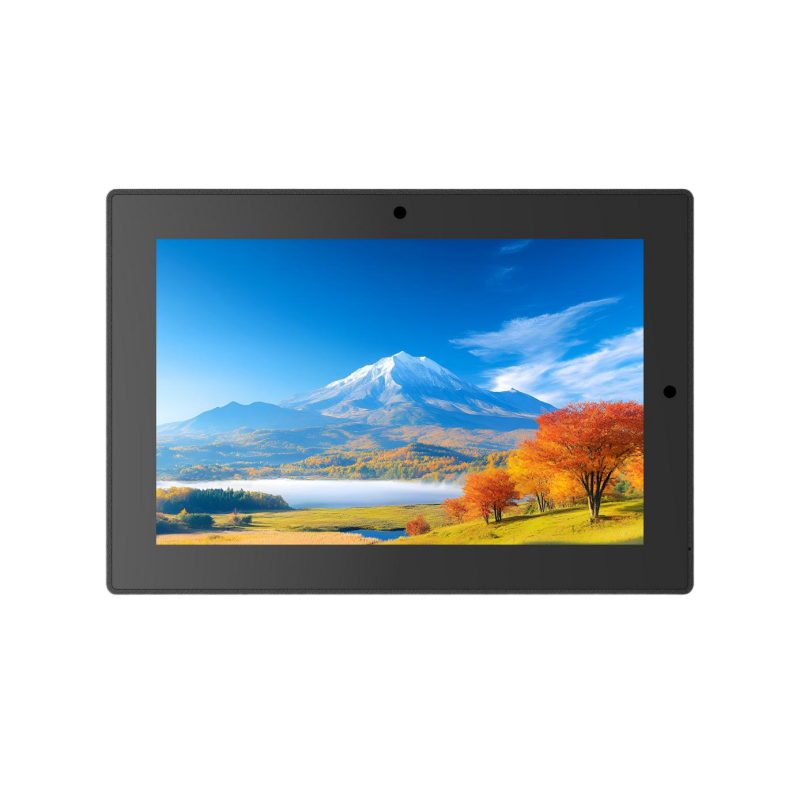
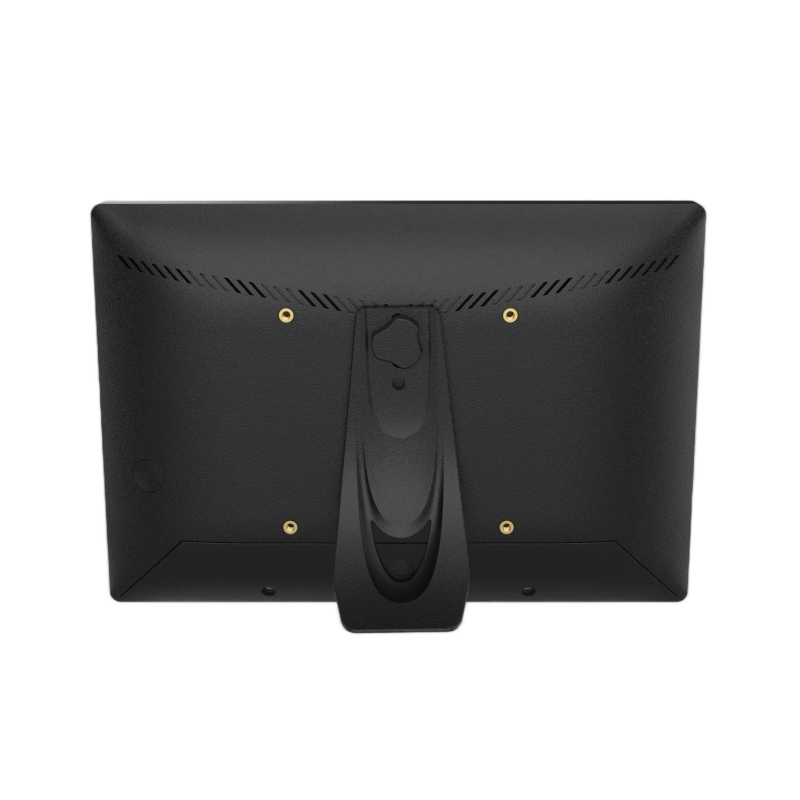
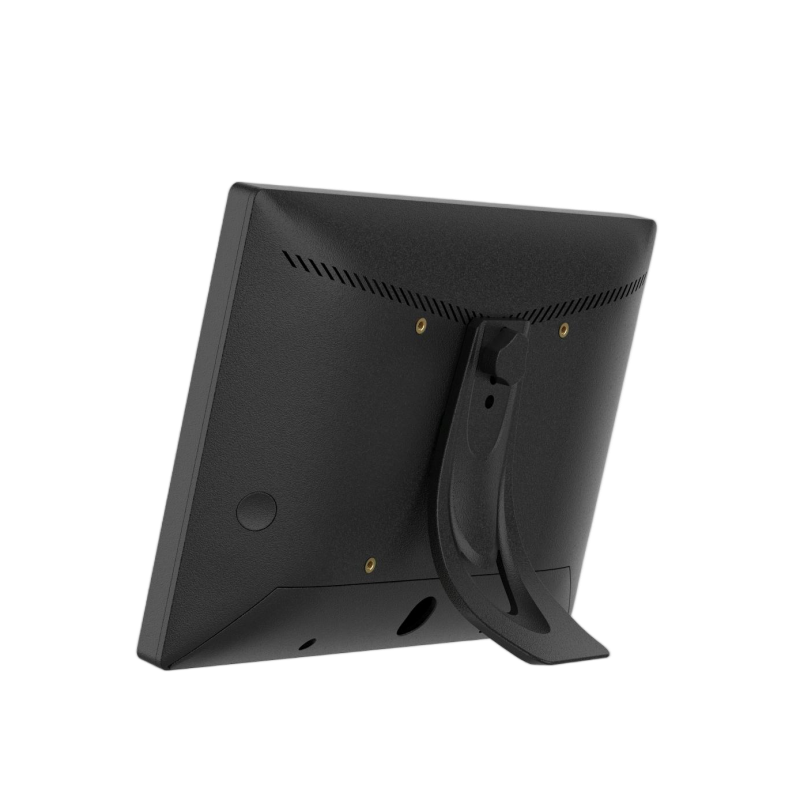
10.1 Inch Android Meeting Room Booking Tablet with PoE and Ethernet
The 10.1-inch Android meeting room booking tablet is a flexible touch terminal for conference room scheduling, room availability management, and workplace digital applications. It combines a 10.1-inch capacitive touchscreen with RK3399 processing, 4GB RAM, 16GB storage, WiFi, Bluetooth 5.2, and Ethernet connectivity, with optional PoE, Gigabit Ethernet, 4G/5G, and upgraded display configurations. Beyond office meeting rooms, the platform can be adapted for retail, hotel, smart home, and other touch-based applications. Its configurable hardware and OEM support make it suitable for system integrators, distributors, and project-based deployments requiring a dedicated Android terminal.
- Features
- Parameter
- Products Description
- Packaging
- Recommended Products
Features
-
10.1-inch HD Full-View Touchscreen
-
Android Platform for Flexible Application Deployment
-
RK3399 Processor with 4GB RAM
-
16GB Storage with 32GB Optional
-
10-Point Capacitive Touch Interface
-
WiFi and Bluetooth 5.2 Connectivity
-
100M Ethernet with Gigabit Optional
-
PoE Support for Simplified Installation
-
Optional 4G/5G Cellular Connectivity
-
HDMI and Dual USB 2.0 Interfaces
-
Built-In Camera, Microphone, and Speakers
-
Suitable for Office, Retail, Hotel, Smart Home
-
OEM and Private Label Customization Support
Parameter
| Display | Panel | 10.1" high-definition full view screen | ||||||||||||
| Resolution | 1280×800(1920*1200 optional) | |||||||||||||
| Viewing angle | 85/85/85/85(L/R/U/D) | |||||||||||||
| Brightness | 300 cd/m2 (500 cd/m2 optional) | |||||||||||||
| Contrast | 1000:1 | |||||||||||||
| Screen scale/Display area | 16:10/ Display area : 218×136mm | |||||||||||||
| System | CPU | Rockchip RK3399 Dual core Cortex-A72 up to 1.8GHz+quad core Cortex-A53 up to 1.4GHz | ||||||||||||
| RAM | 4GB | |||||||||||||
| Internal memory | 16GB (32GB optional) | |||||||||||||
| Operation system | Android 7.1/8.1/9.0/10/11 OS | |||||||||||||
| Touch screen | 10-Point capacitive touch | |||||||||||||
| Network | WIFI | 802.11b/g/n | ||||||||||||
| Ethernet | 100M ethernet (1000M optional) | |||||||||||||
| Bluetooth | BT 5.2 | |||||||||||||
| 4G/5G Cellular network | Optional | |||||||||||||
| Interface | TF | TF card slots | ||||||||||||
| USB 2.0 | 2×USB 2.0 interface (support U disk, mouse, keyboard, printer etc) | |||||||||||||
| RJ45 | Ethernet interface (POE function Optional) | |||||||||||||
| Earphone | 1×3.5mm headphone Interface | |||||||||||||
| HDMI | 1xHDMI out | |||||||||||||
| Power | DC power input (5.5x2.1) | |||||||||||||
| Multi-Media | Video | Support MPEG-1, MPEG-2, MPEG-4, H.263, H.264, RV, etc. (max support 1080P) | ||||||||||||
| Audio | Support MP3, WMA, AAC and so on | |||||||||||||
| Picture | JPEG、JPG | |||||||||||||
| Other parameters | Microphone | One microphones | ||||||||||||
| Speaker | 2×2W speakers | |||||||||||||
| Camera | Standard 2.0MP pixel camera (5.0MP pixel camera optional) | |||||||||||||
| Working temp | 0-50degree | |||||||||||||
| OSD language | Multi-language | |||||||||||||
| Certificates | 3C,FCC,CE,ROHS etc. | |||||||||||||
| Attachment | Adapter | One, specifications: 12V/2A | ||||||||||||
| User's Manual | yes | |||||||||||||
| Anti-theft Cap | One | |||||||||||||
| Detachable Stand | One | |||||||||||||
| Screws | Three ,1 bracket screw, 2 cover screws | |||||||||||||
Products Description
This 10.1-inch Android meeting room booking tablet is designed for businesses, system integrators, and workplace technology providers looking for a dedicated touch terminal for conference room scheduling and room availability management. Its compact 10.1-inch display, Android platform, wired and wireless connectivity, and optional PoE provide a practical hardware base for integrating room booking applications into existing office environments. Rather than positioning it as a general-purpose Android tablet, this model is better suited to fixed meeting room deployments where employees need to check schedules, identify room availability, and interact with a booking system directly at the room entrance.
10.1-Inch Display for Clear Room Status and Scheduling
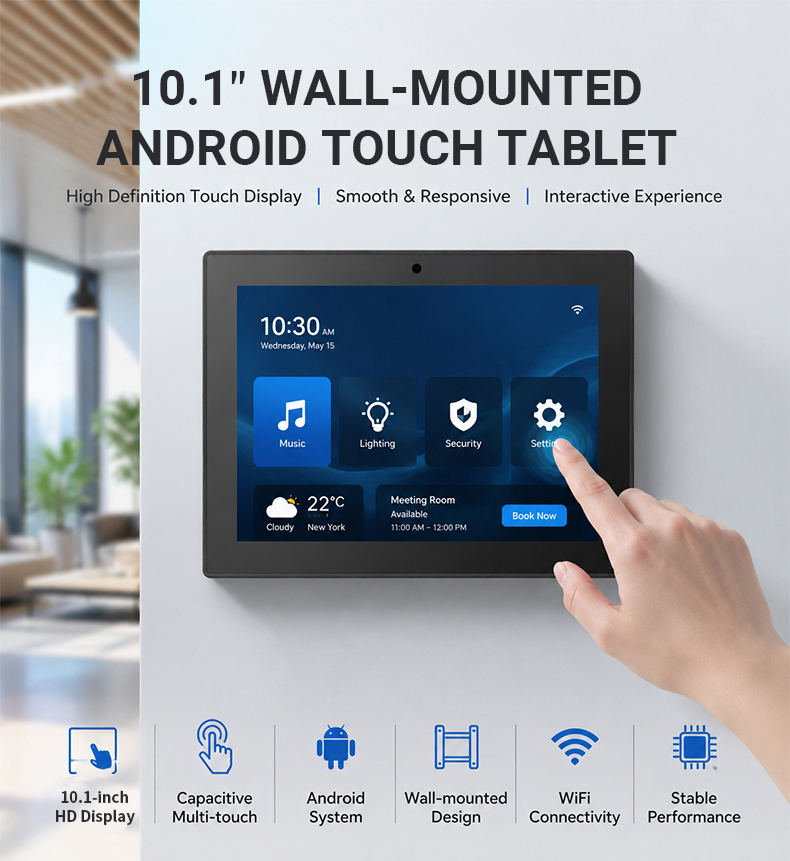
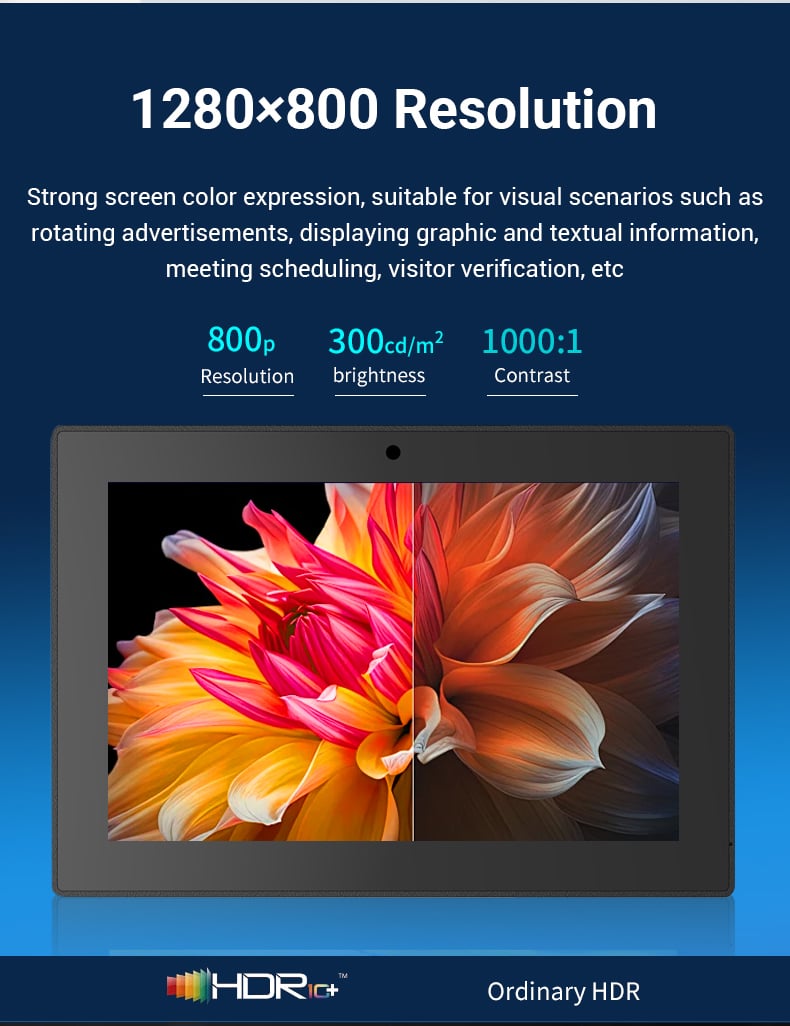
The 10.1-inch full-view display provides enough screen space for common meeting room interfaces without requiring a large commercial panel. With a 16:10 aspect ratio and 1280×800 standard resolution, the screen can present room names, availability status, meeting times, booking controls, and calendar information in a compact interface. A 1920×1200 option is available for projects that require additional display detail. Standard brightness is 300 cd/m², with 500 cd/m² available as an option. The 10-point capacitive touchscreen gives employees a direct way to interact with the scheduling application, making the terminal suitable for touch-based room booking workflows.
Android Platform for Flexible Meeting Room Applications
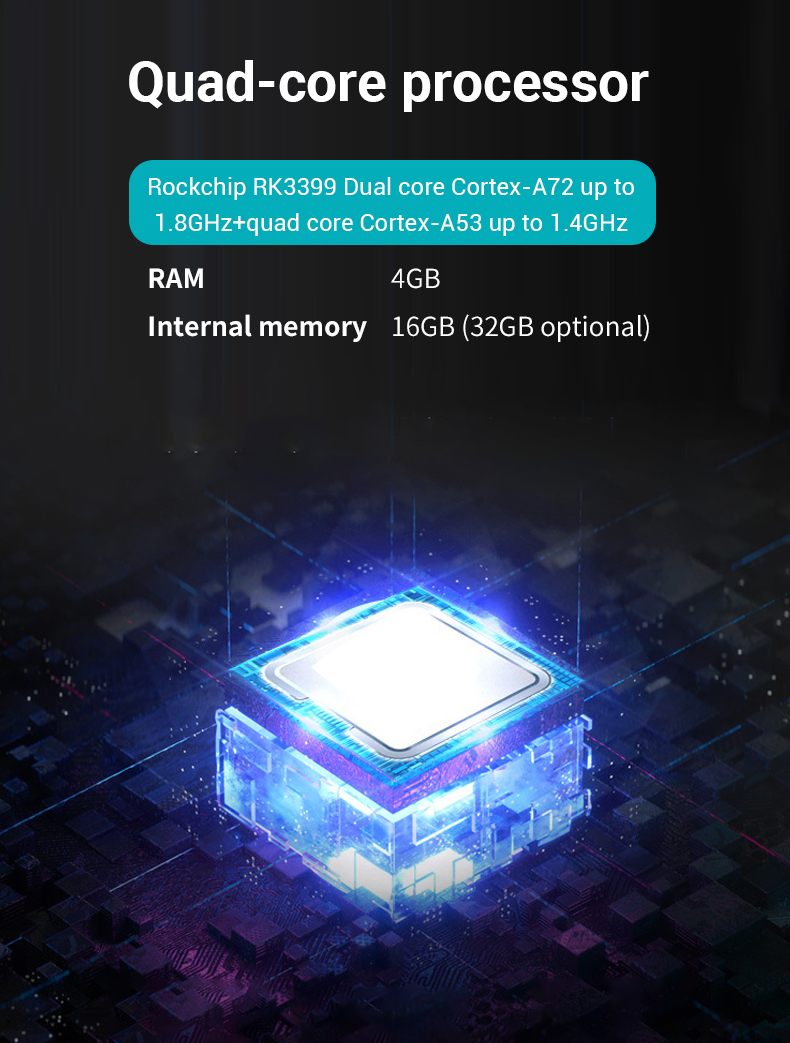
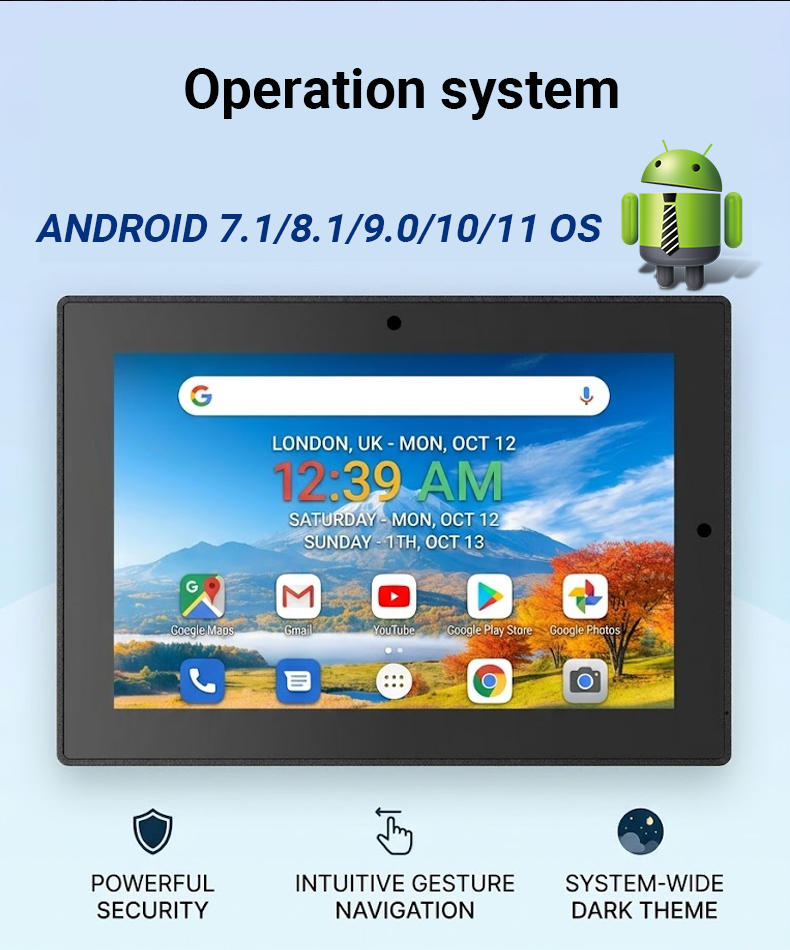
The Android operating system allows the tablet to function as an application terminal rather than a dedicated static display. Meeting room providers can deploy compatible scheduling software for functions such as room availability, calendar viewing, booking confirmation, and workplace space management. The RK3399 platform combines Cortex-A72 and Cortex-A53 processing cores with 4GB RAM and 16GB storage, while 32GB storage is available as an option. Android 7.1, 8.1, 9.0, 10, and 11 configurations can be selected according to application requirements. This flexibility is useful for system integrators that need to match the hardware with an existing software environment rather than replace the customer's current booking platform.
Ethernet and Optional PoE for Fixed Installations
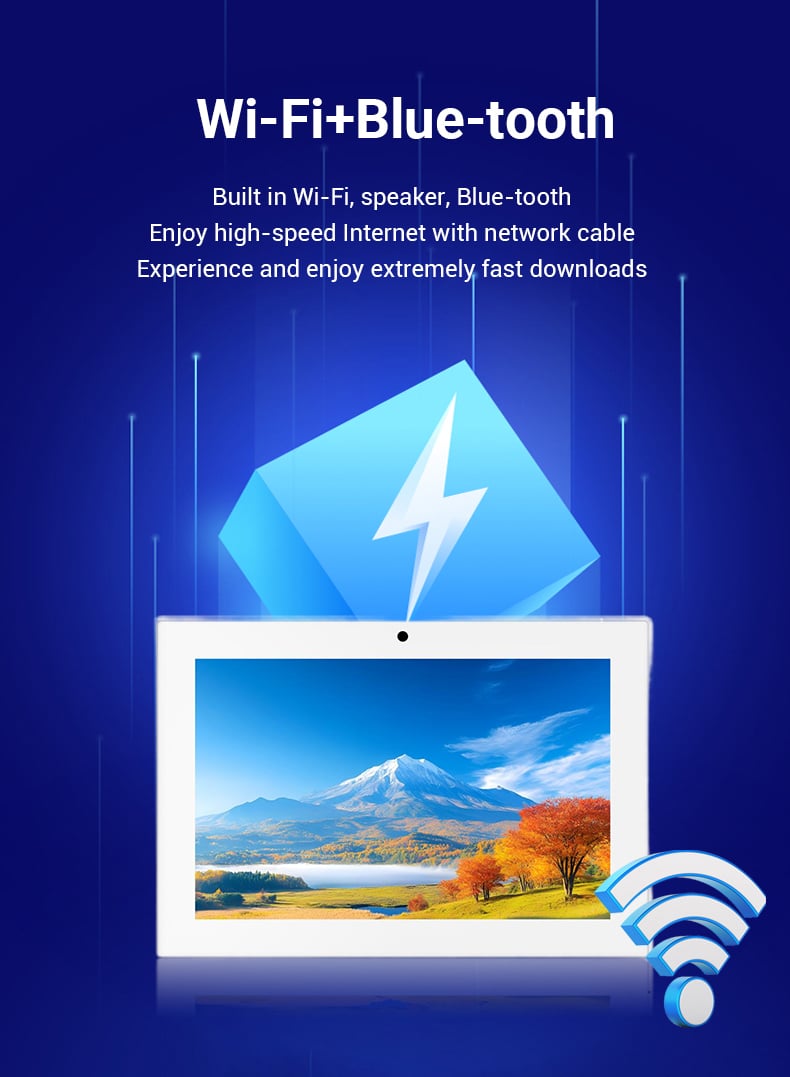
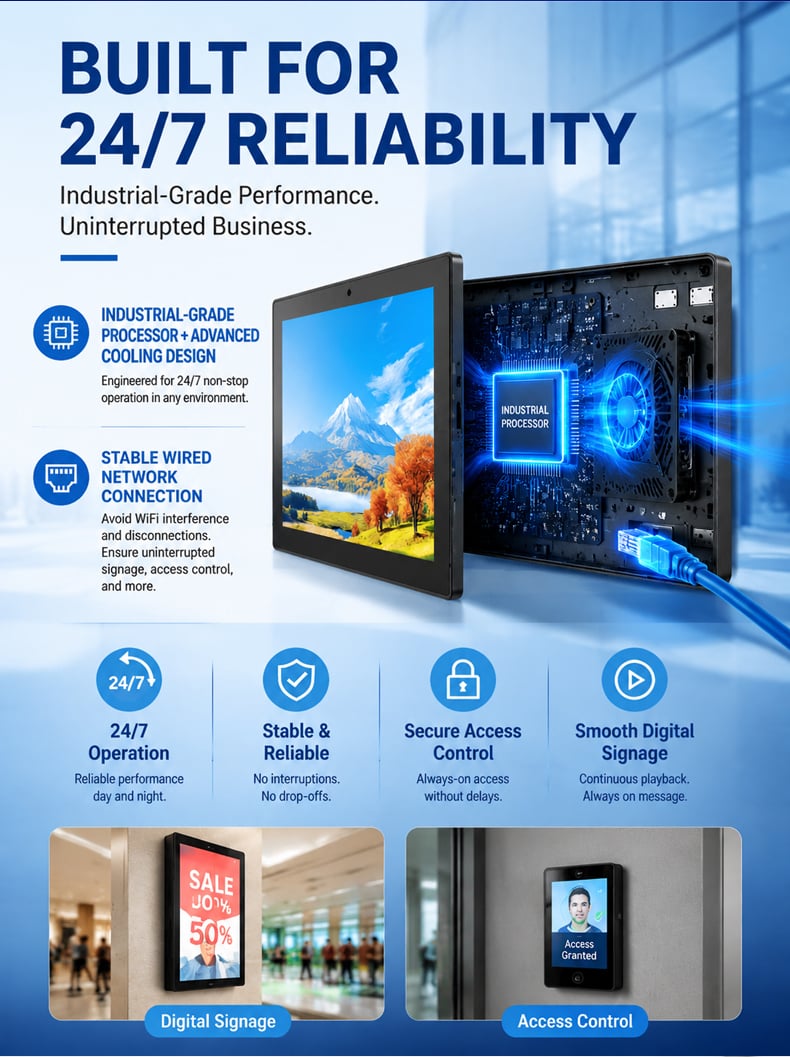
A meeting room panel is normally installed in a fixed location, so network planning becomes an important part of the hardware selection process. This model supports 802.11b/g/n Wi-Fi as well as 100M Ethernet through the RJ45 interface, with Gigabit Ethernet available as an option. PoE is also available as an optional configuration. This gives integrators more flexibility when working with different office infrastructures. Wi-Fi can be considered where wireless deployment is preferred, while Ethernet provides a dedicated wired connection for fixed terminals. For suitable PoE installations, network and power delivery can be combined through the Ethernet infrastructure, potentially simplifying cabling around meeting room entrances.
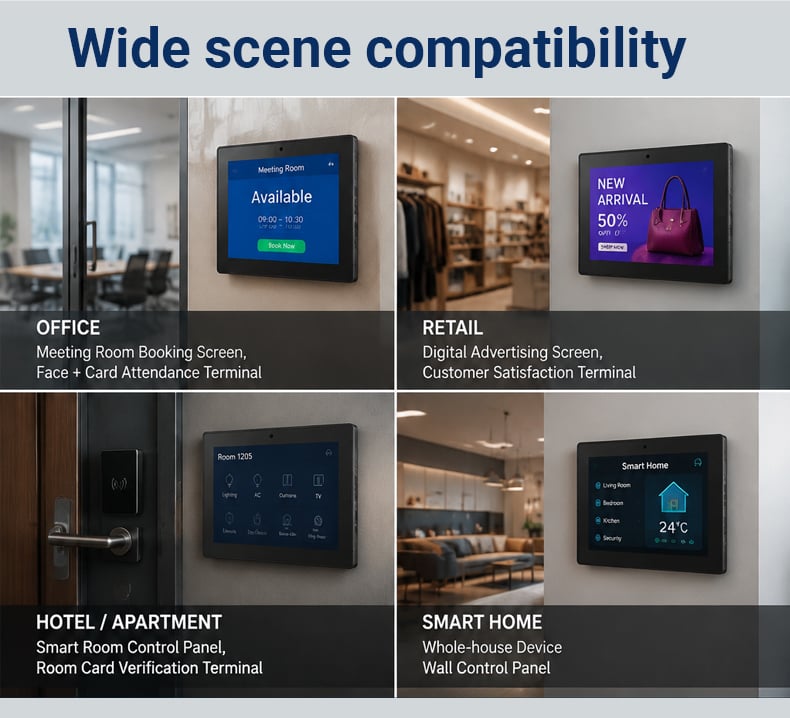
Flexible Deployment Across Office, Retail, Hotel, and Smart Home Environments
Although the tablet is well suited to meeting room scheduling, its Android platform and connectivity options allow it to support other touch-based information and control applications. In office environments, it can serve as a meeting room booking panel, visitor check-in terminal, or shared workspace interface. In retail, the 10.1-inch touchscreen can be configured for product information, staff assistance, customer interaction, or digital service applications. For hotels, it can support room information, guest services, facility booking, or front-desk extensions. In smart home projects, the Android terminal can be integrated into a wall-mounted control interface for home automation, security, lighting, or device management. This flexibility allows integrators to reuse a common hardware platform across different commercial and residential projects.
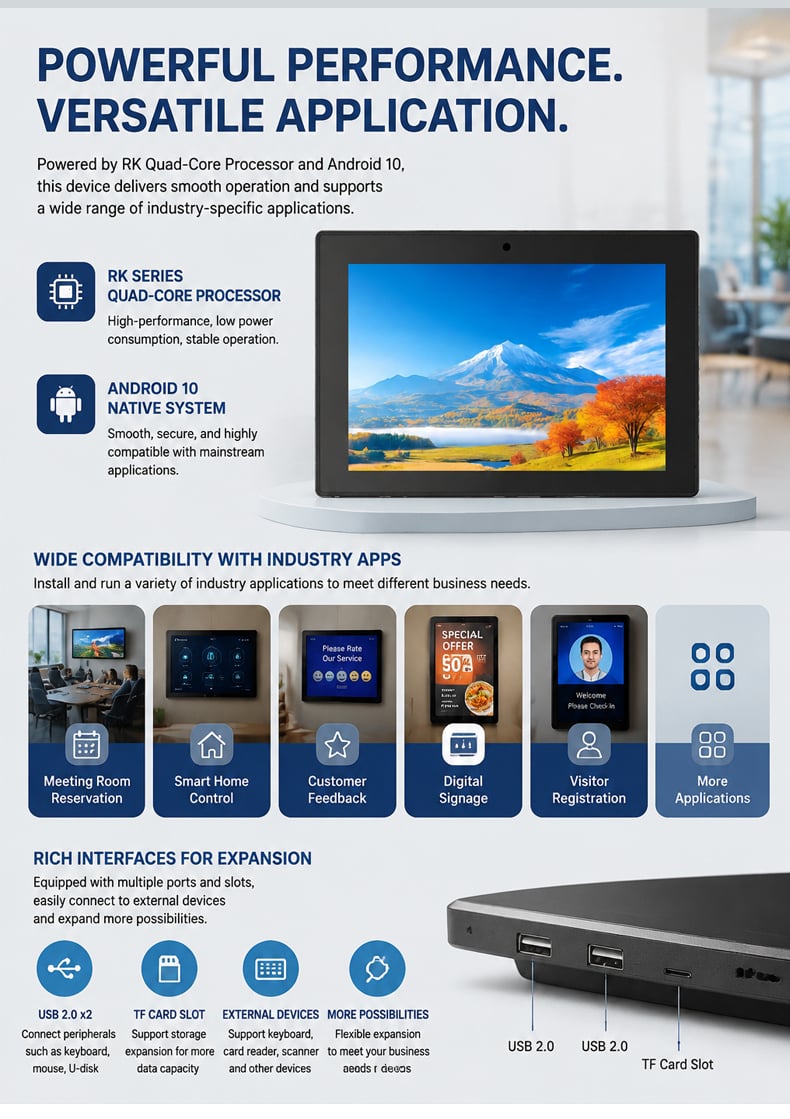
Multiple Interfaces for System Integration
Meeting room scheduling is the primary application, but the hardware can also support projects that require additional peripherals or external equipment. Two USB 2.0 ports support devices such as keyboards, mice, USB drives, and printers, while HDMI output provides a connection option for compatible external displays. Bluetooth 5.2 adds another wireless interface, and the TF card slot provides additional storage flexibility. The terminal also includes a microphone, two 2W speakers, and a standard 2MP camera, with a 5MP camera available as an option. These interfaces allow solution providers to select only the hardware functions required by the intended application instead of relying on a fixed consumer tablet configuration.
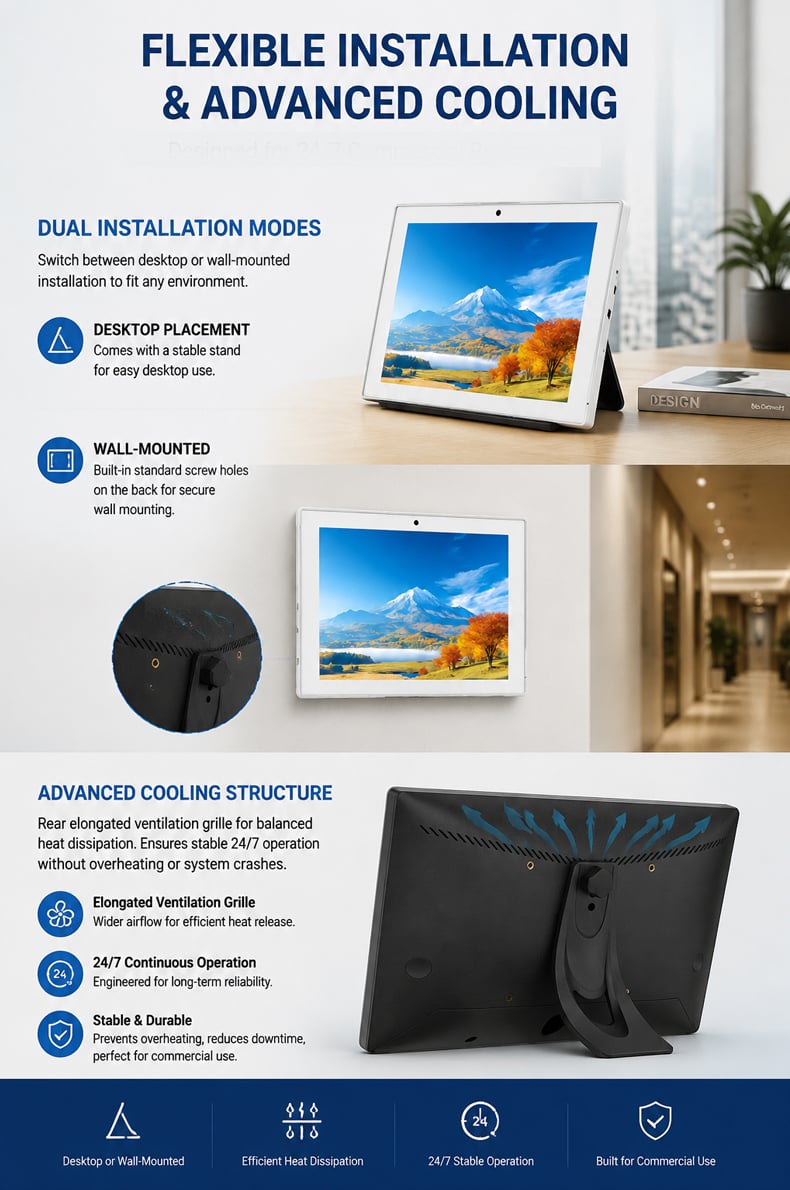
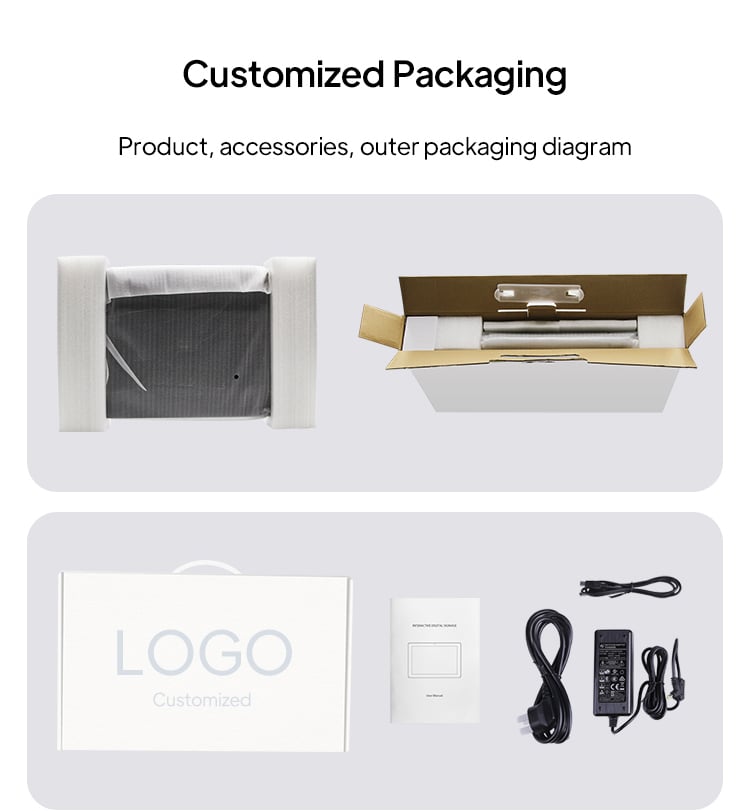
Packaging
Packaging support customization, users can customize logo tags on the box. Customized packaging can be customized according to the different needs of the user.